FEATURE 01
Pipeline button
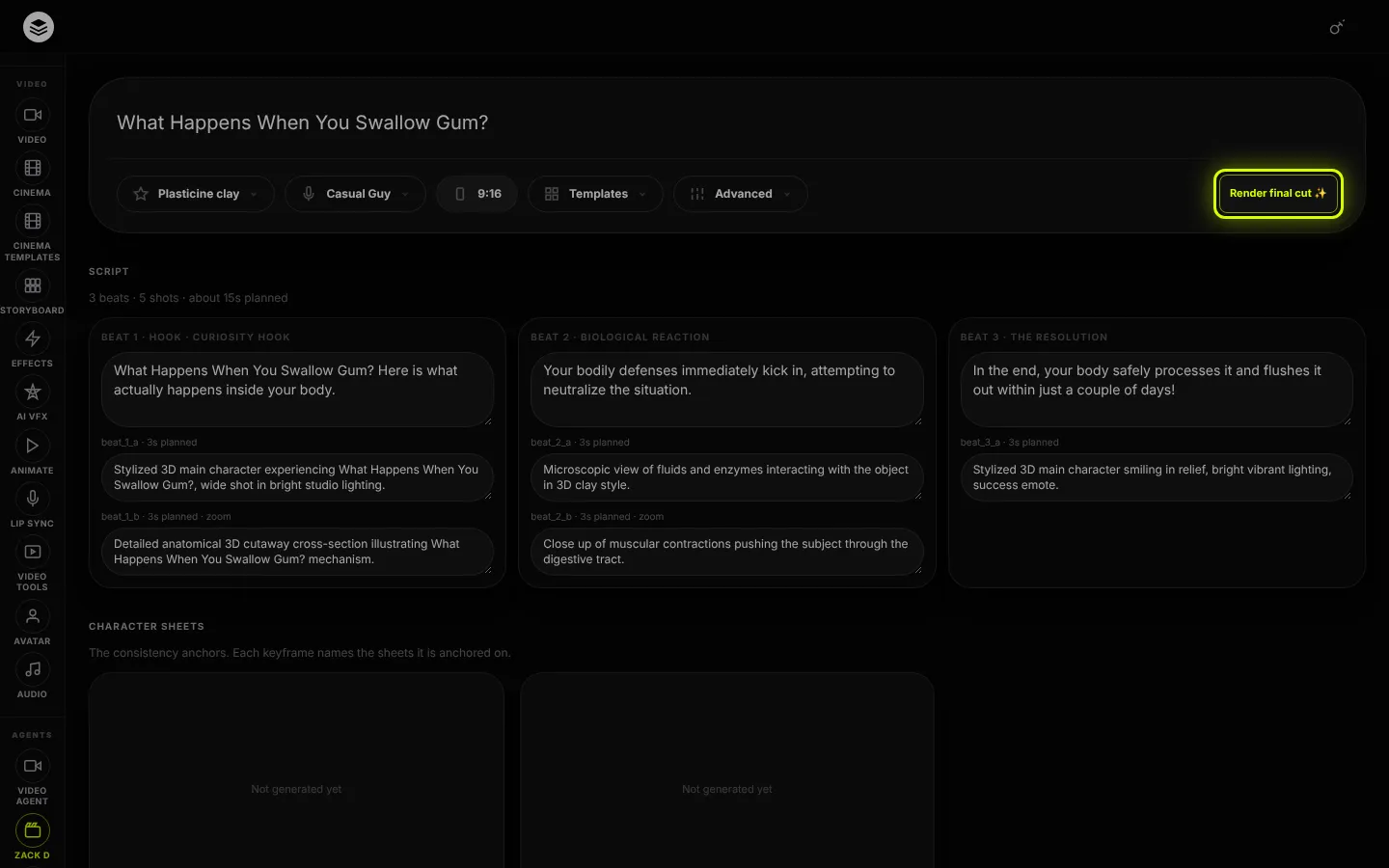
What it is: One button whose label shows the next step. Click it to run that step; it shows Working while a step runs.
- Why use it
- You do not need to find the next step yourself.
- What you need
- A topic before Write script.
One question to a finished short video: script, characters, keyframes, clips and final cut.
Zack D Studio turns one question into a short curiosity-loop video: it writes a script, makes 3D character sheets, keyframe images and Veo video clips, and assembles a final cut with optional voice-over, music and burned-in captions.
Best for: Creators who want a short explainer or story video from a single question without writing a script or storyboard themselves.
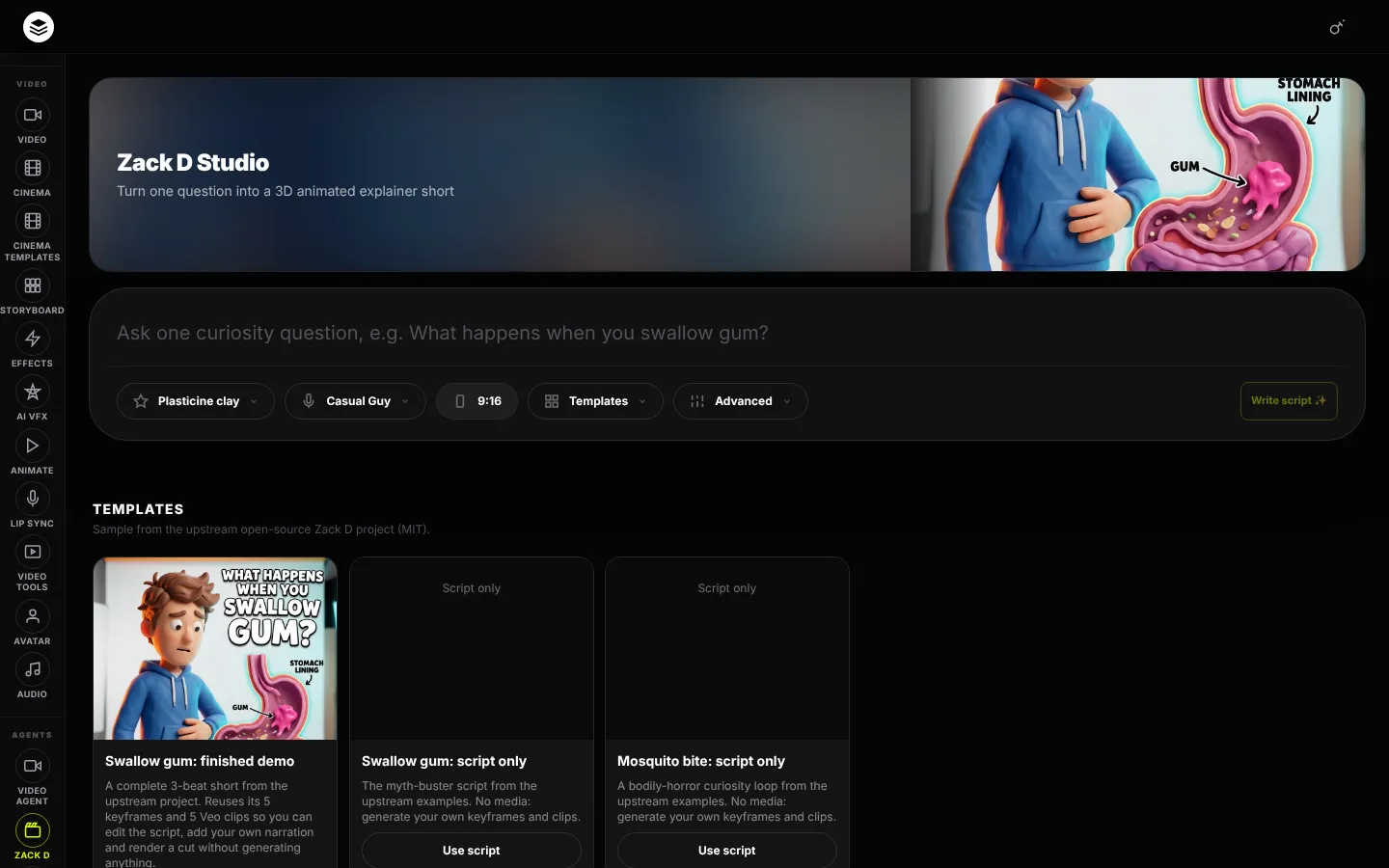
A 1:22 captioned walkthrough of the studio, with a sample file and prompt.
You type a topic or question (or pick one of the seed ideas or a template). The action button then follows the pipeline step by step: Write script, Approve script, Generate character sheets, Generate keyframes, Animate clips, and Render final cut. You can edit the script beats before approving. Each paid step asks for confirmation first and any failed item can be retried with Redo. The final cut is assembled in your browser, and you can add a voice-over, background music and AI captions, then download the MP4 or the captions as an .srt file. Finished work is kept in a History sidebar.
4 features, each with a definition, why you would use it, what it needs and its limits.
What it is: One button whose label shows the next step. Click it to run that step; it shows Working while a step runs.
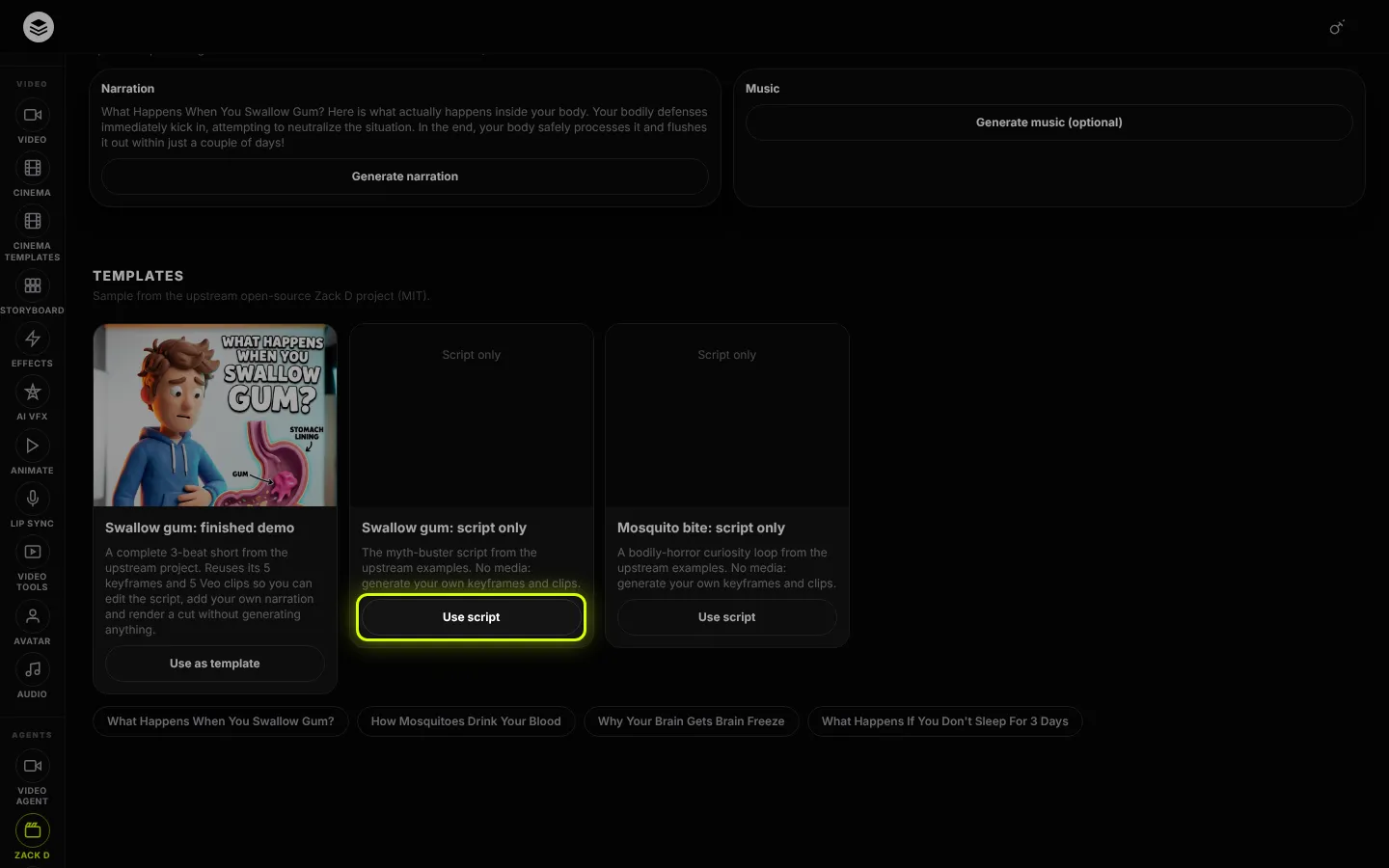
What it is: The script is shown as editable beat cards. Approving it locks in the plan so character sheets, keyframes and clips can be generated.
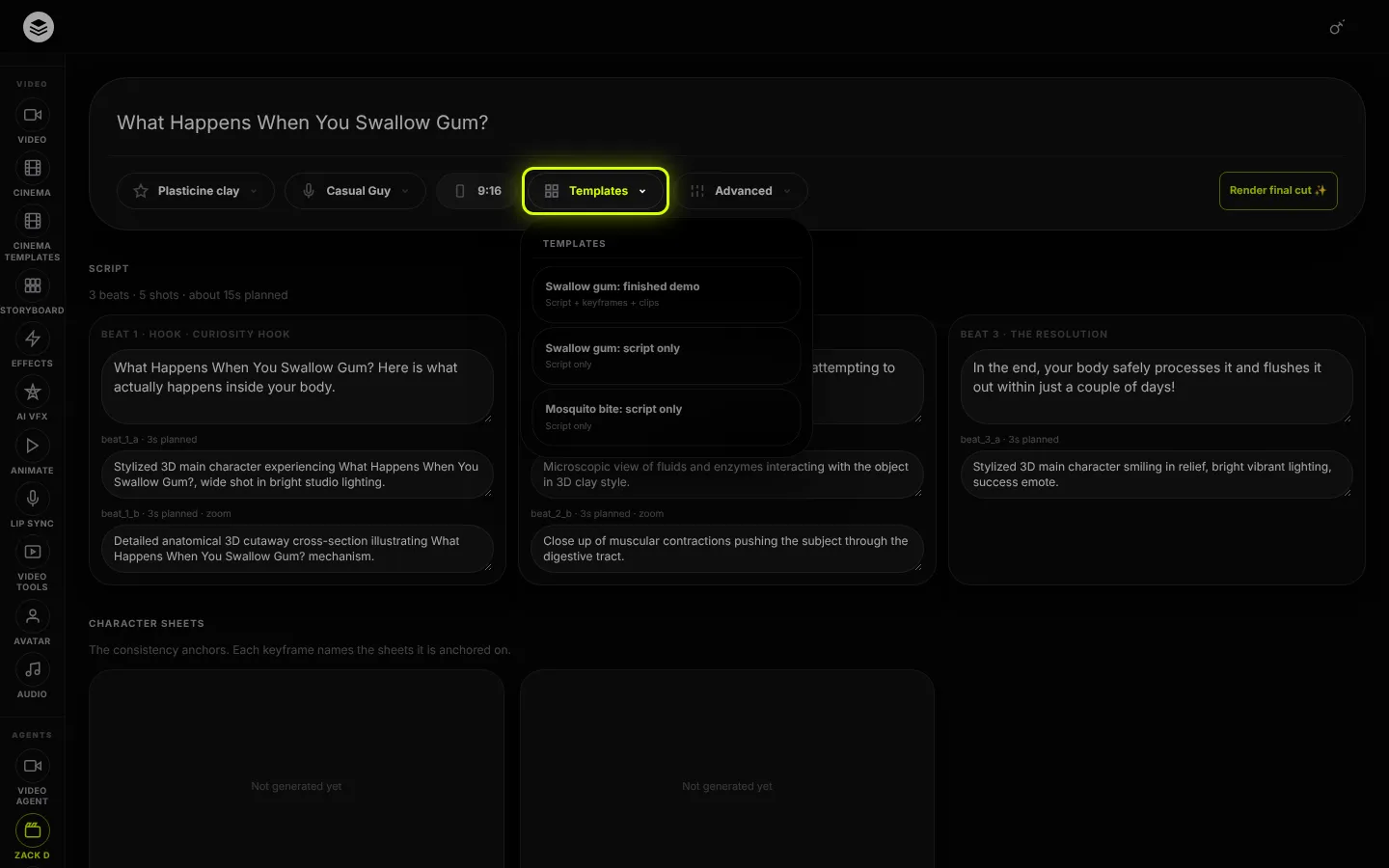
What it is: Loads an upstream template: a script only, or a finished project with script, keyframes and clips.
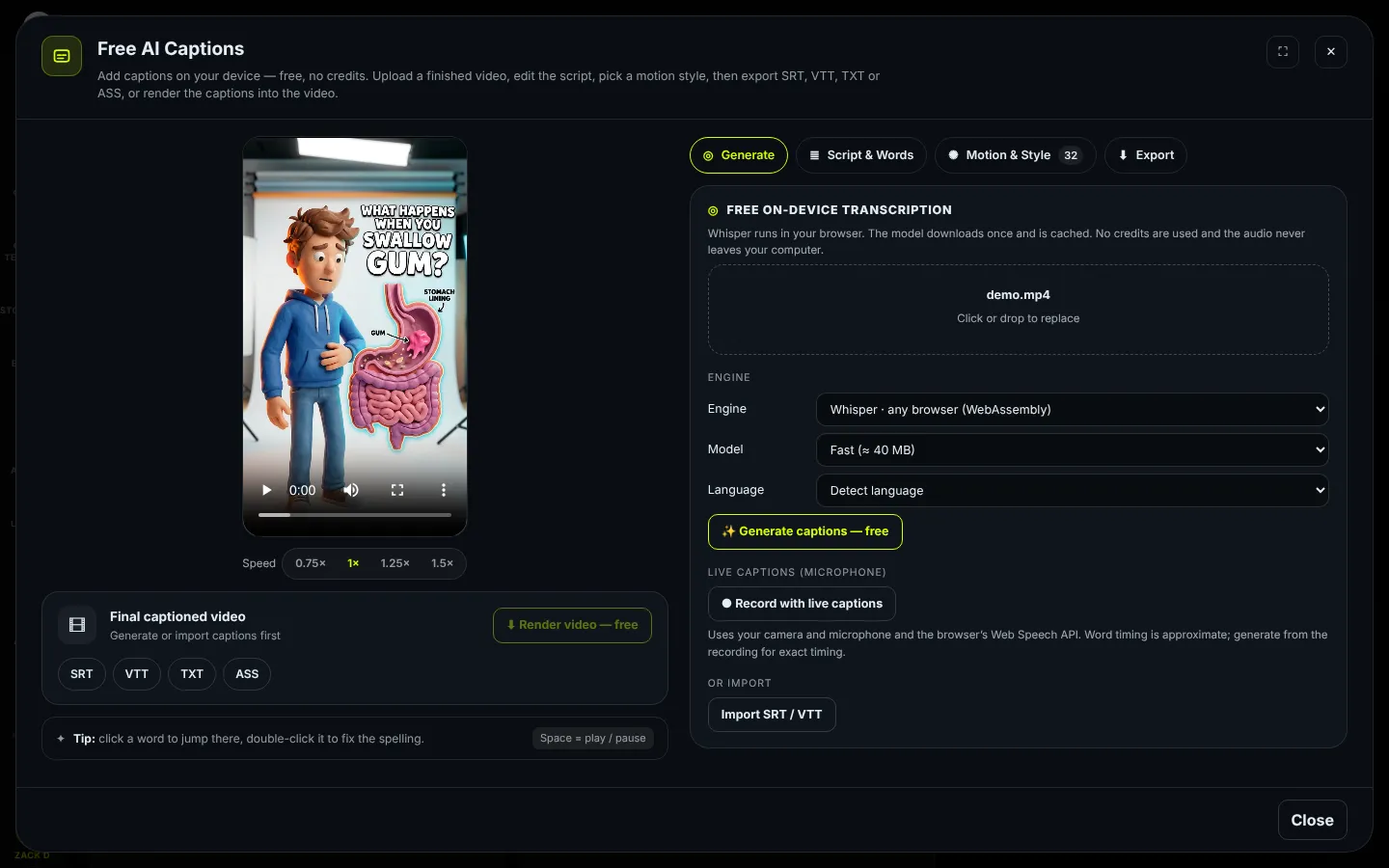
What it is: Under the final cut, 'Captions on your device' has a 'Free Captions' button ('Edit captions' once you have made them). It opens the Caption Studio window, which transcribes the video in your browser with Whisper, lets you fix words and pick a look, then renders the captions into the video. The captioned video can be opened, downloaded or saved with 'Save captioned to library'. 'Download captions (.srt)' gives a separate caption file.
The ways this studio can work, and when to pick each one.
Each step runs only when you click the action button and confirm paid steps.
What you give the studio, and what you get back.
| Input | Description | When to use | Rules |
|---|---|---|---|
| Topic Required | The question or subject of the video. | Always, unless you load a template. | None confirmed. |
Real jobs you can do, step by step.
A short video that answers a question with a hook and a loop.
Know the limits before you start, and how to fix common problems.
| Limitation | What it means | Workaround |
|---|---|---|
| Paid steps | Character sheets, keyframes and clips use credits. Captions are free (made on your device). | Use a template or Redo only what failed. |
Why: The script has not been approved yet.
Terms used in Zack D Studio.
A short video built from one question: script, 3D characters, keyframes, clips and a final cut.
Loading a template never calls a paid API, so you can explore the flow first.
Studios that work well alongside this one.
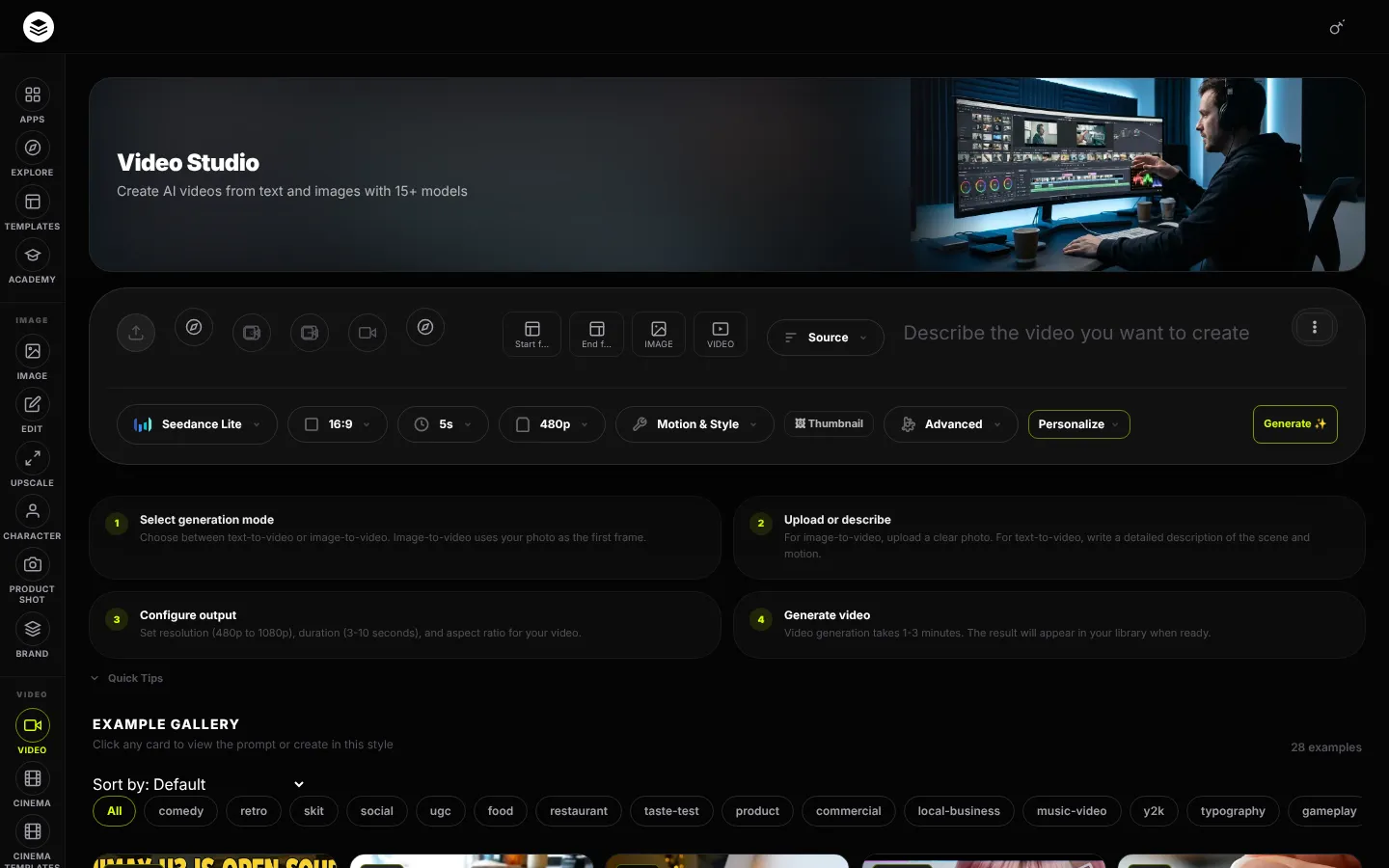
Create AI videos from text, images or existing videos with a large catalog of models.
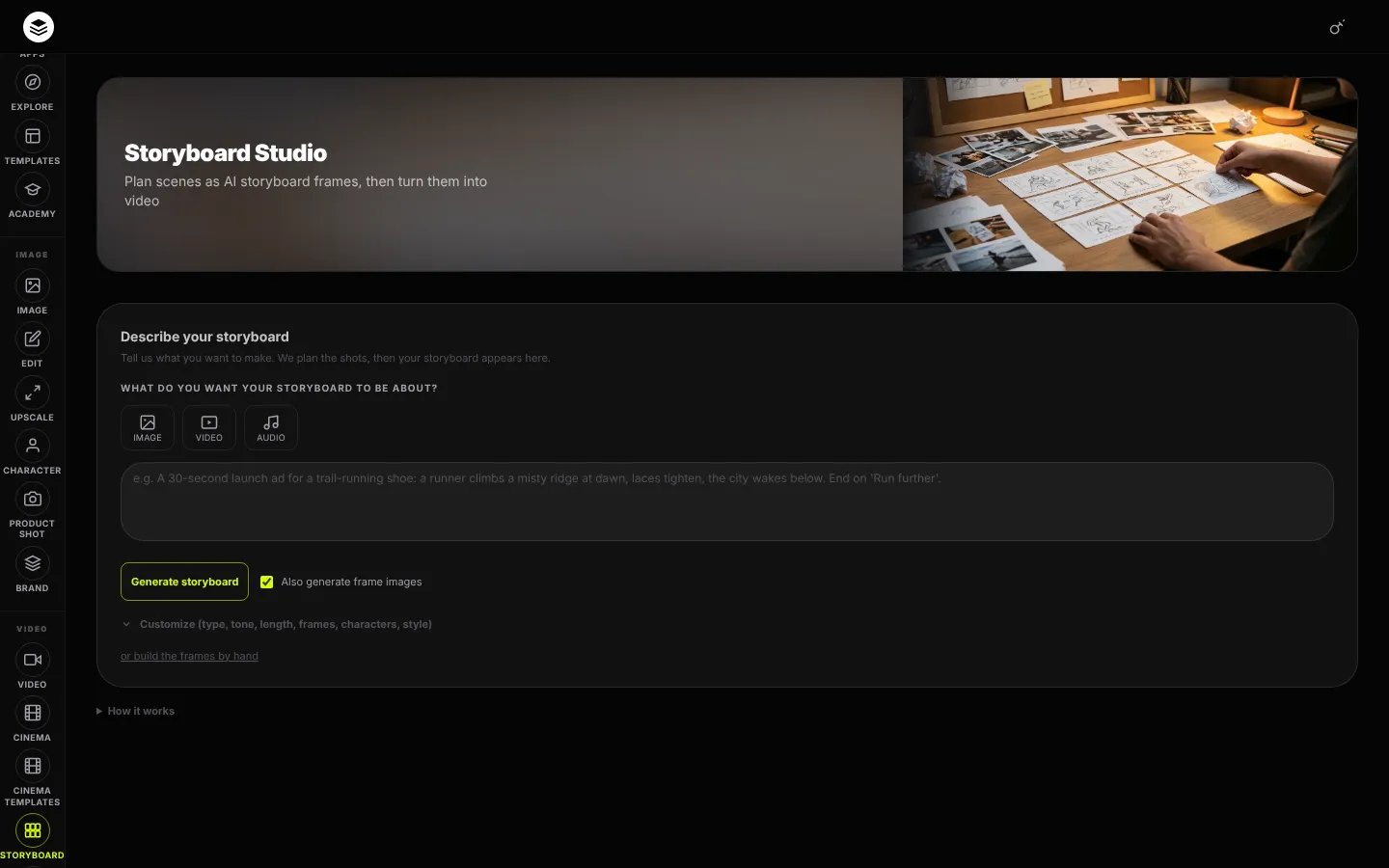
Plans shots without generating the full video.
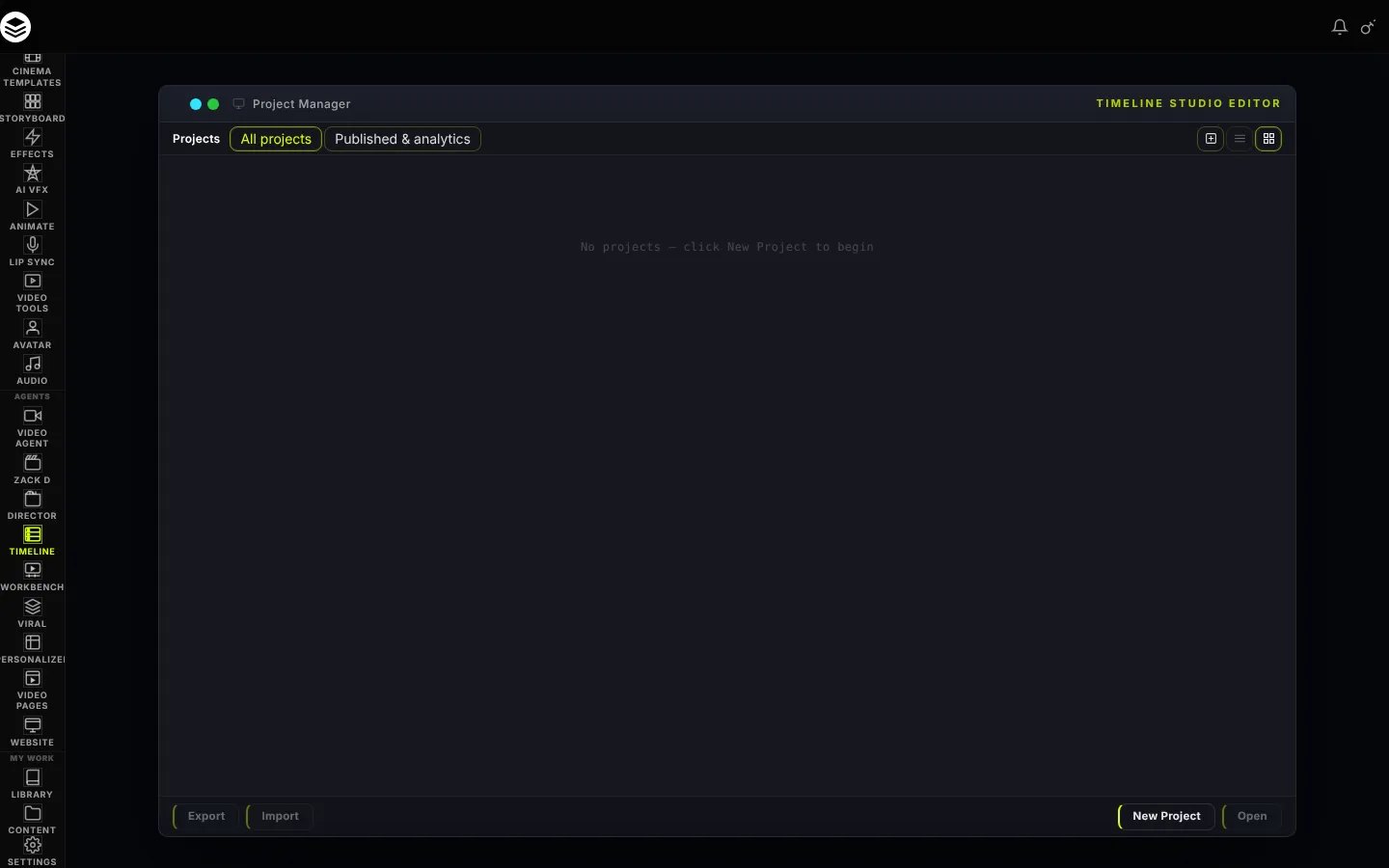
Multi-track timeline for editing and rendering your videos, with built-in AI tools.
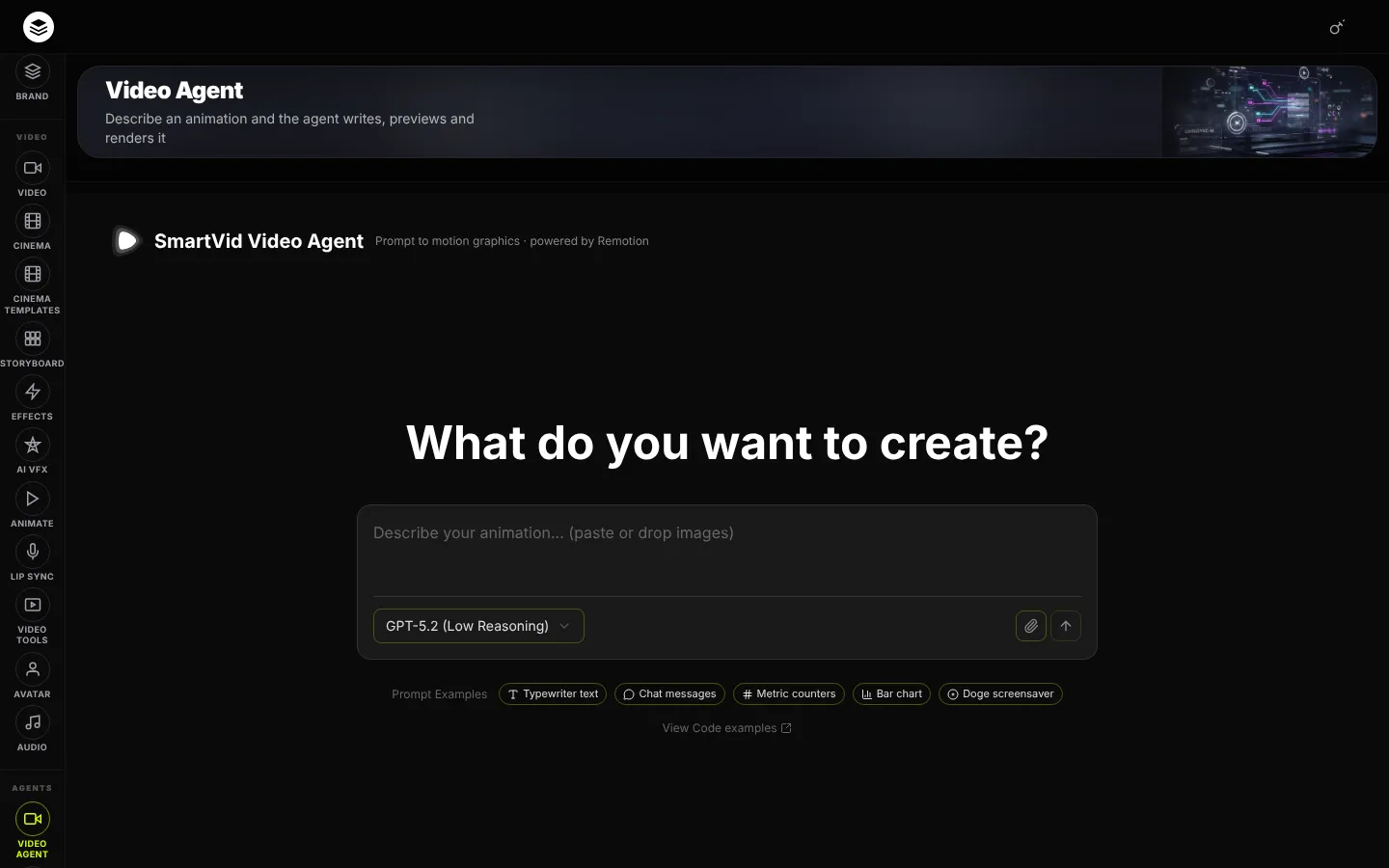
Describe an animation and the agent writes, previews and renders it as an MP4.
Open the studio and put these features to work, or browse the guides for all 53 studios.