FEATURE 01
Describe your animation
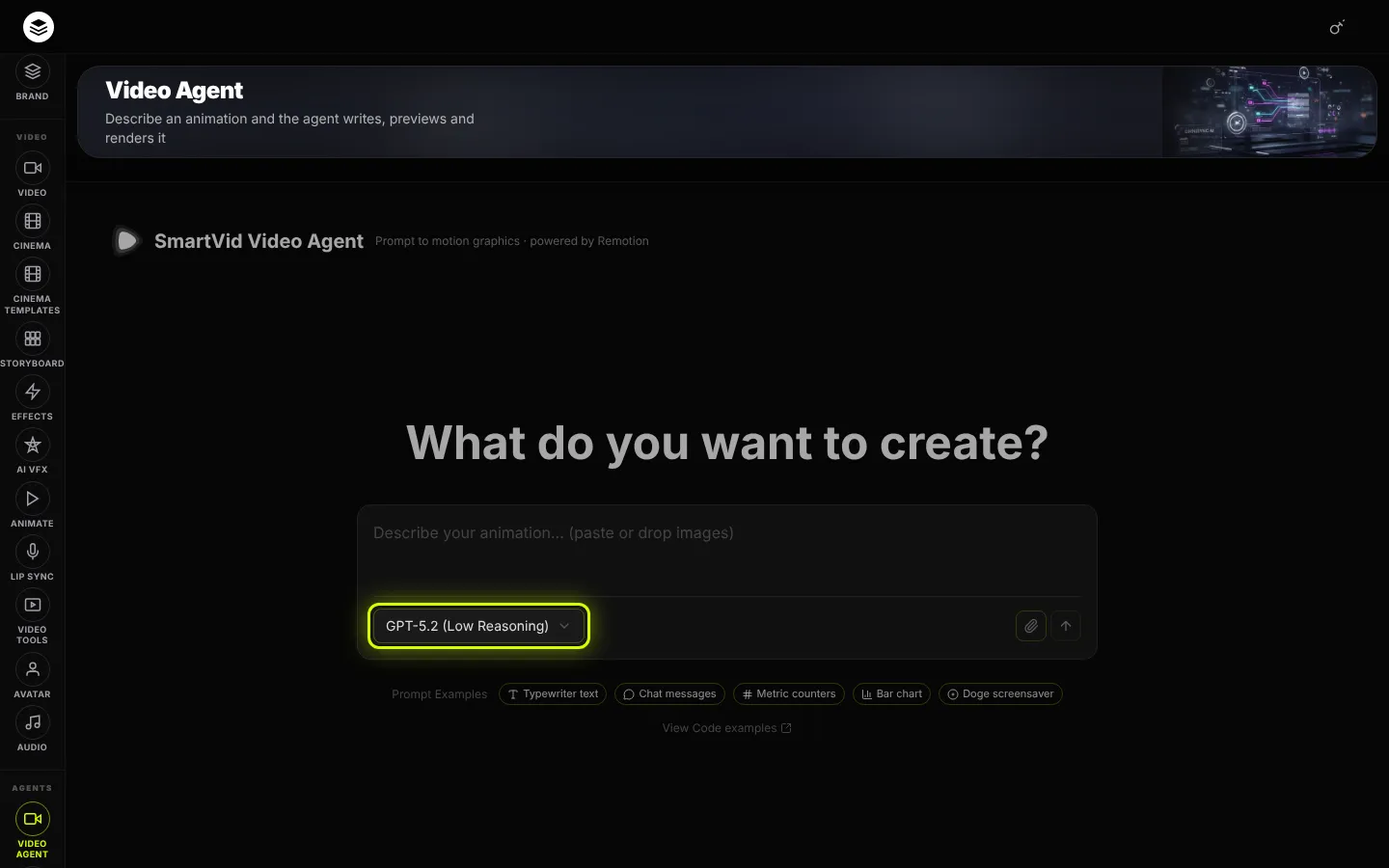
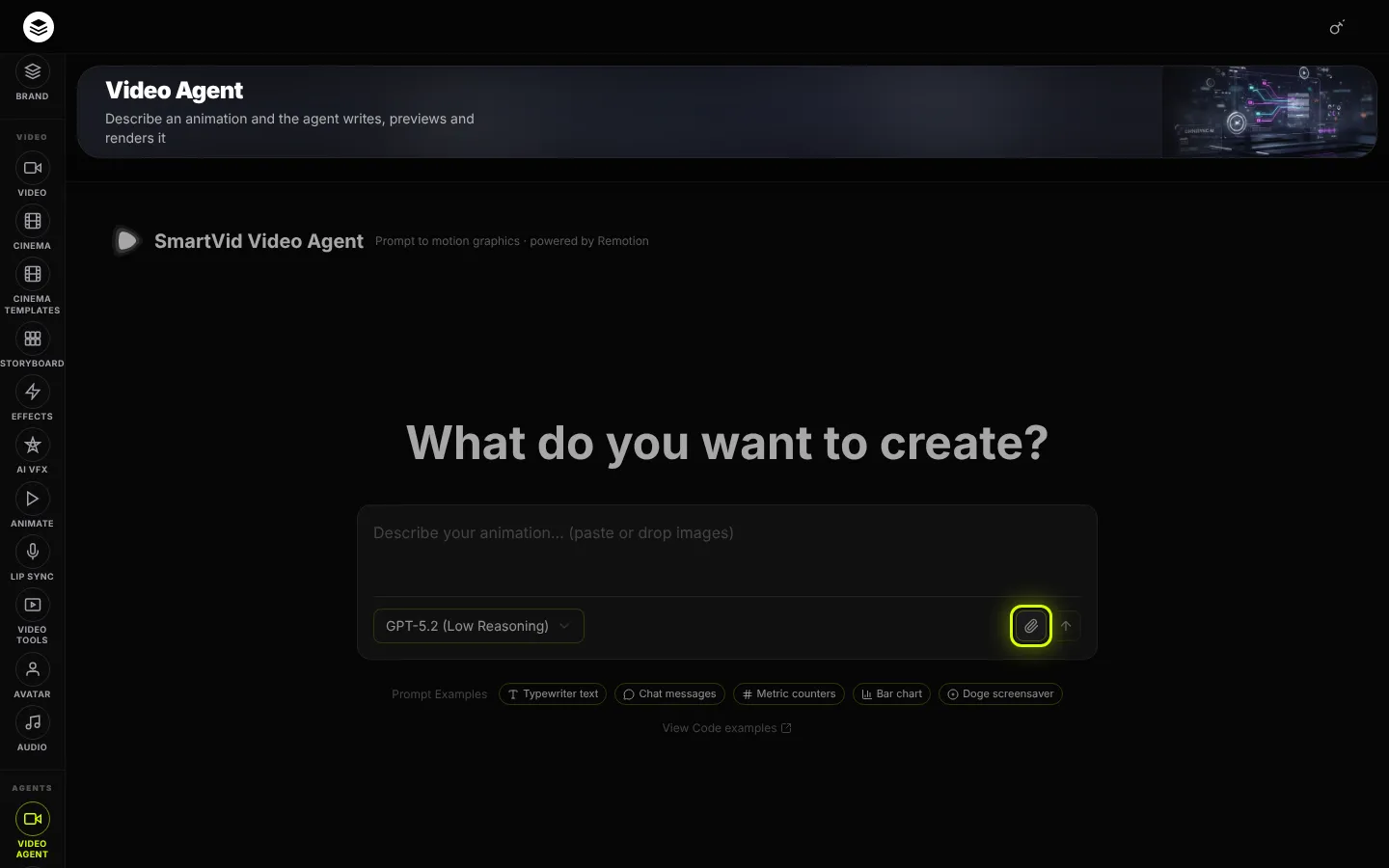
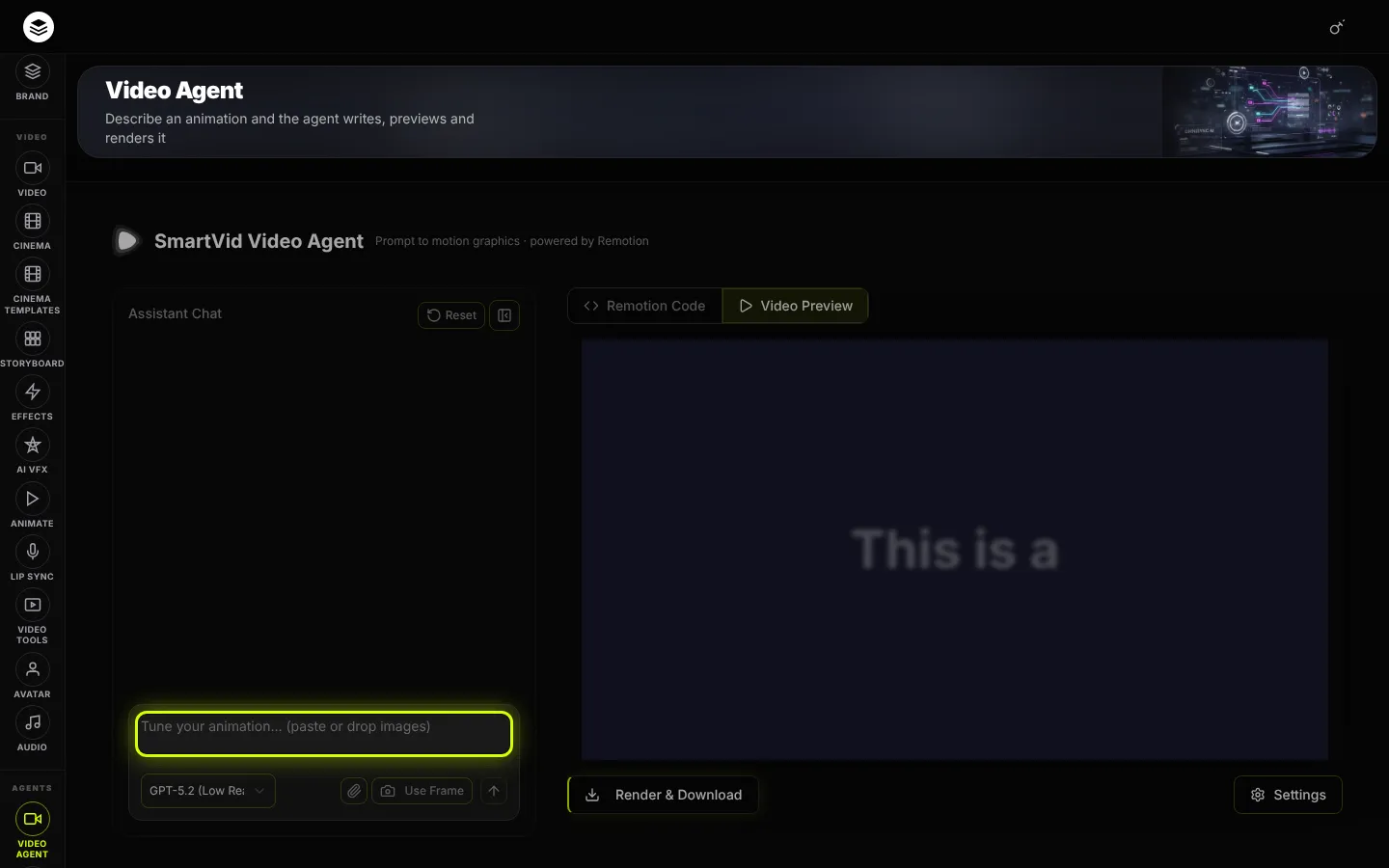
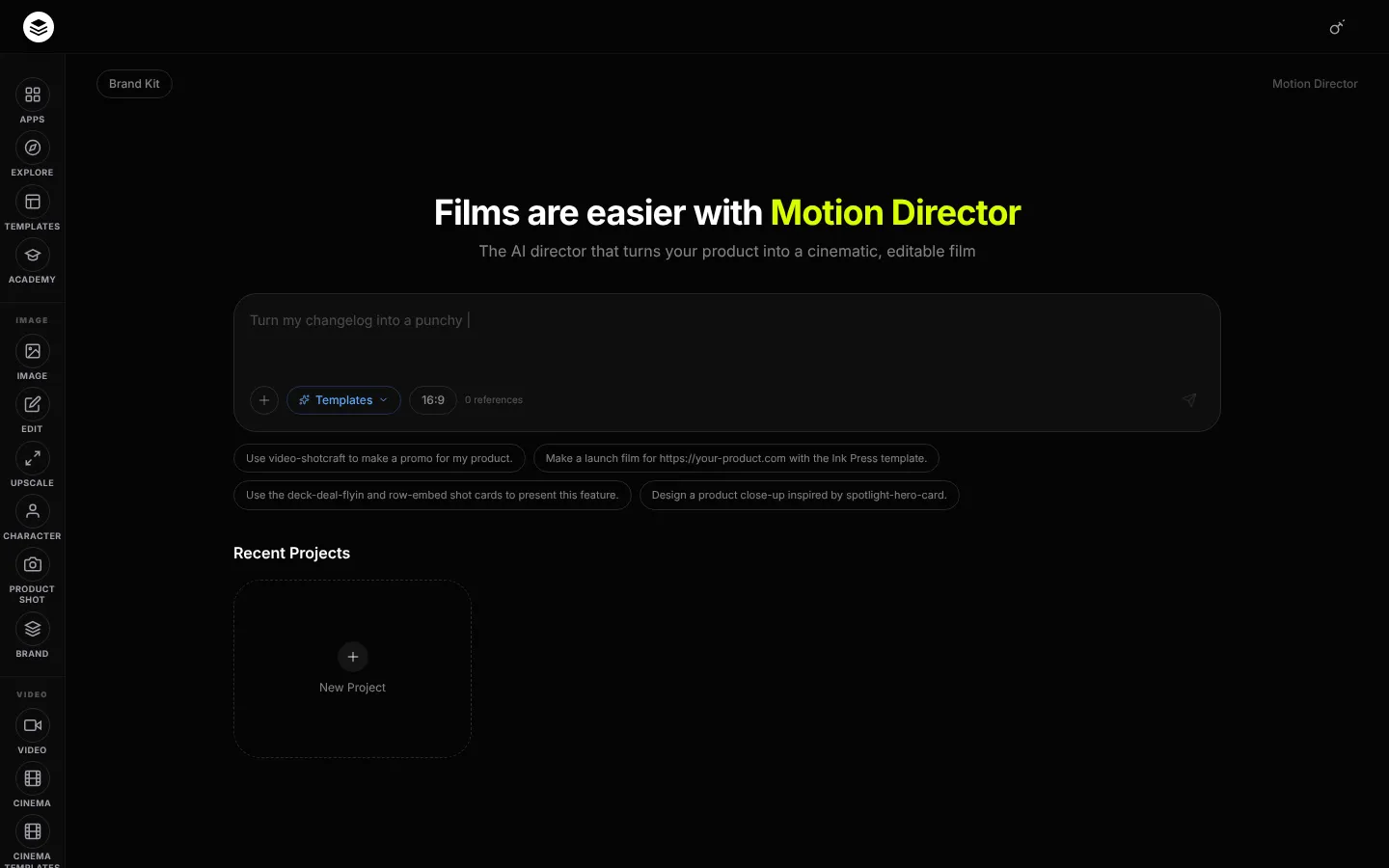
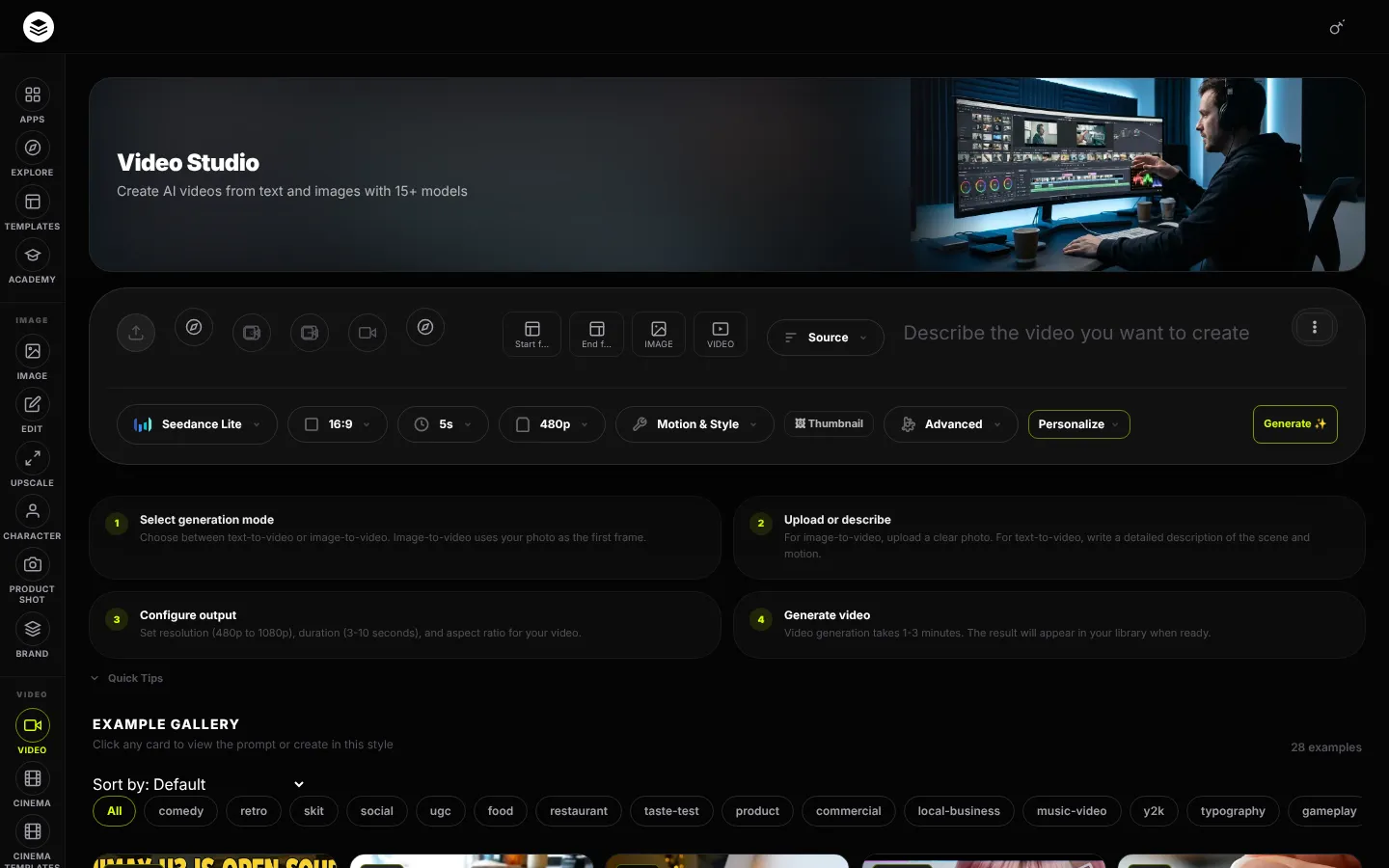
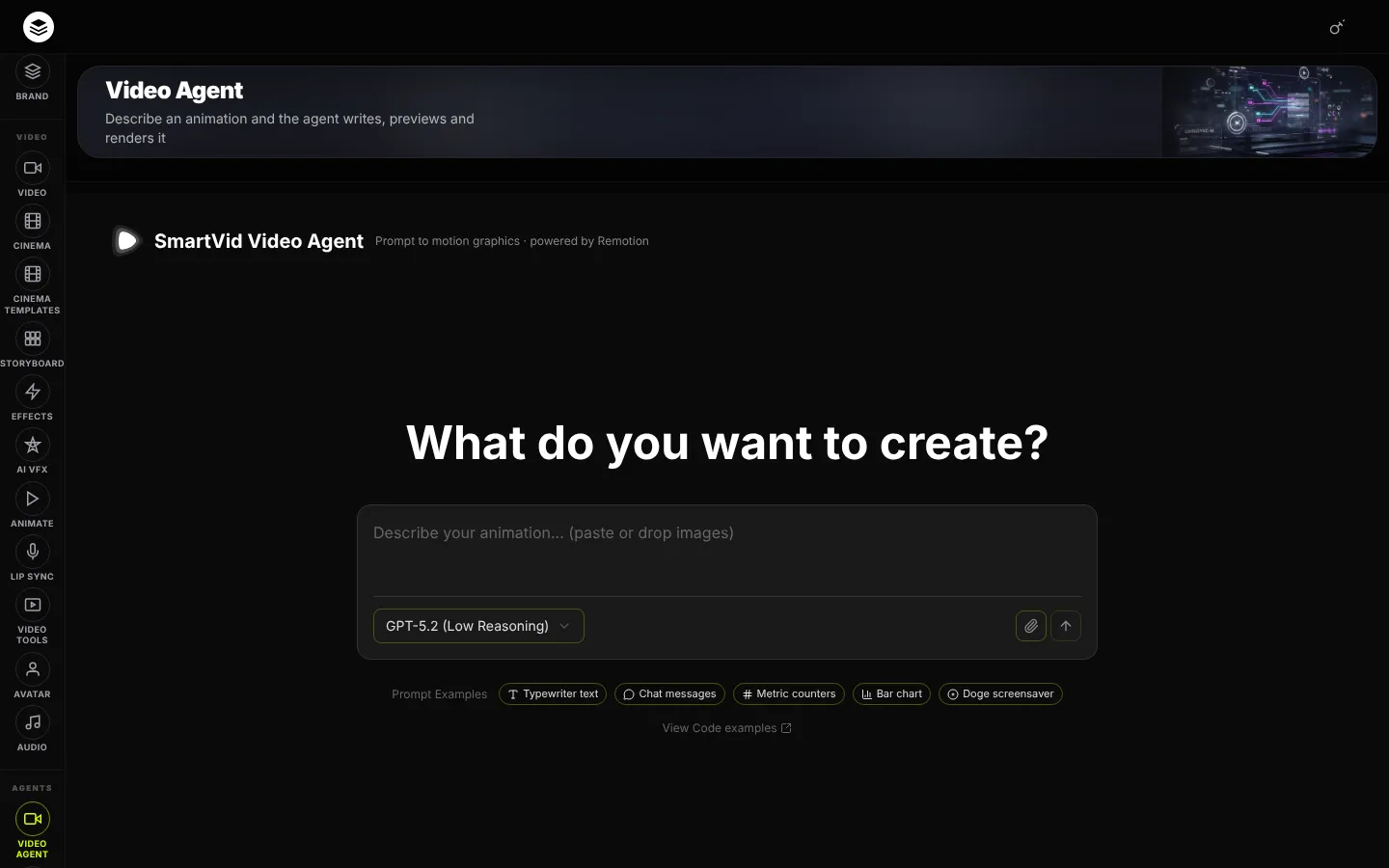
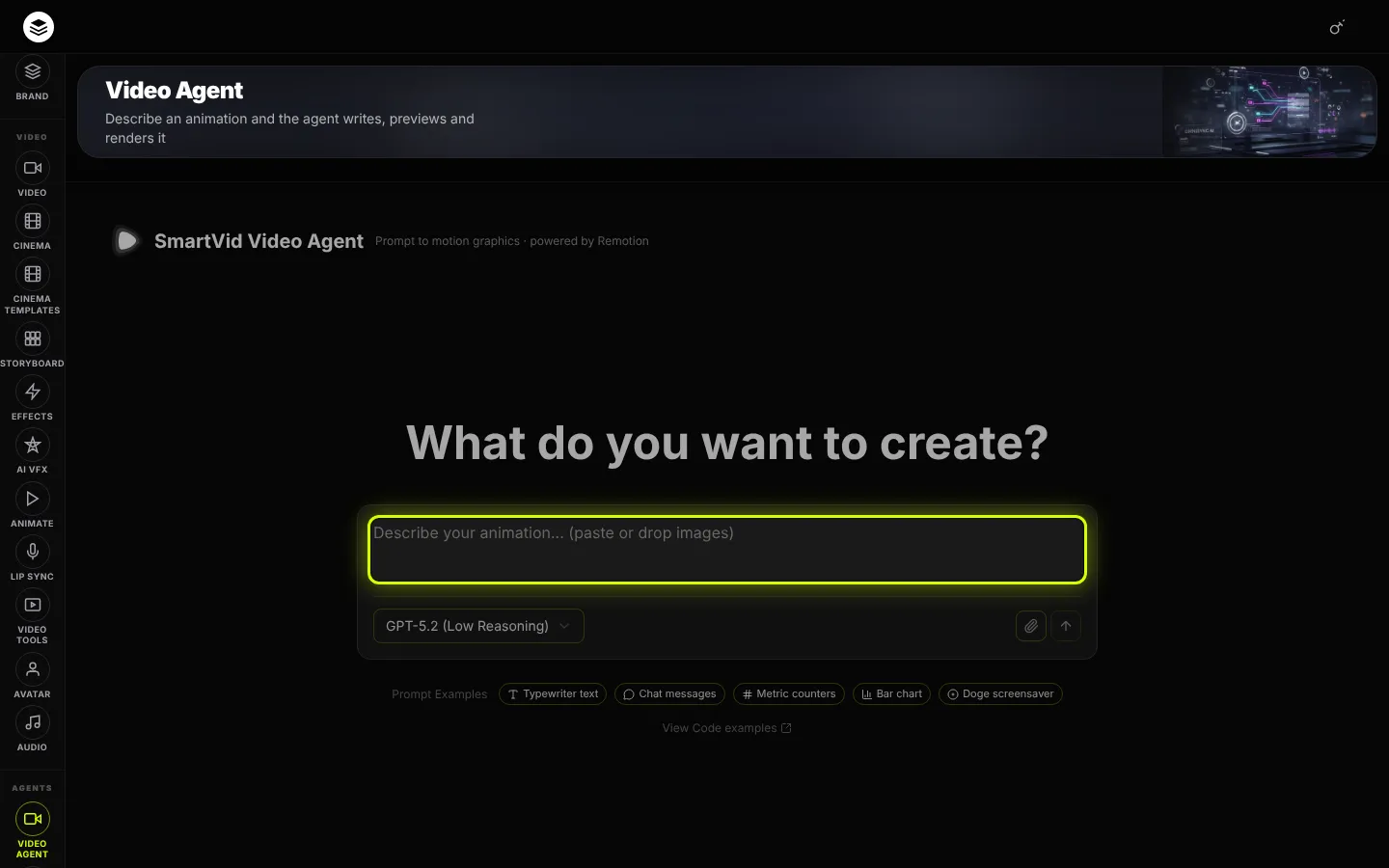
What it is: The first screen asks 'What do you want to create?'. You type a description in the box (placeholder 'Describe your animation... (paste or drop images)') and press Enter or the arrow button. Shift+Enter makes a new line.
- Why use it
- It is the fastest way to get a first animation without writing code.
- What you need
- A text prompt describing visual motion graphics. Your OpenAI key must be saved in Settings.
- Limits and rules
- The prompt must describe animation or visual content. Questions, requests for written text (poems, essays), conversations and non-visual tasks are rejected with 'No valid motion graphics prompt. Please describe an animation or visual content you'd like to create.'