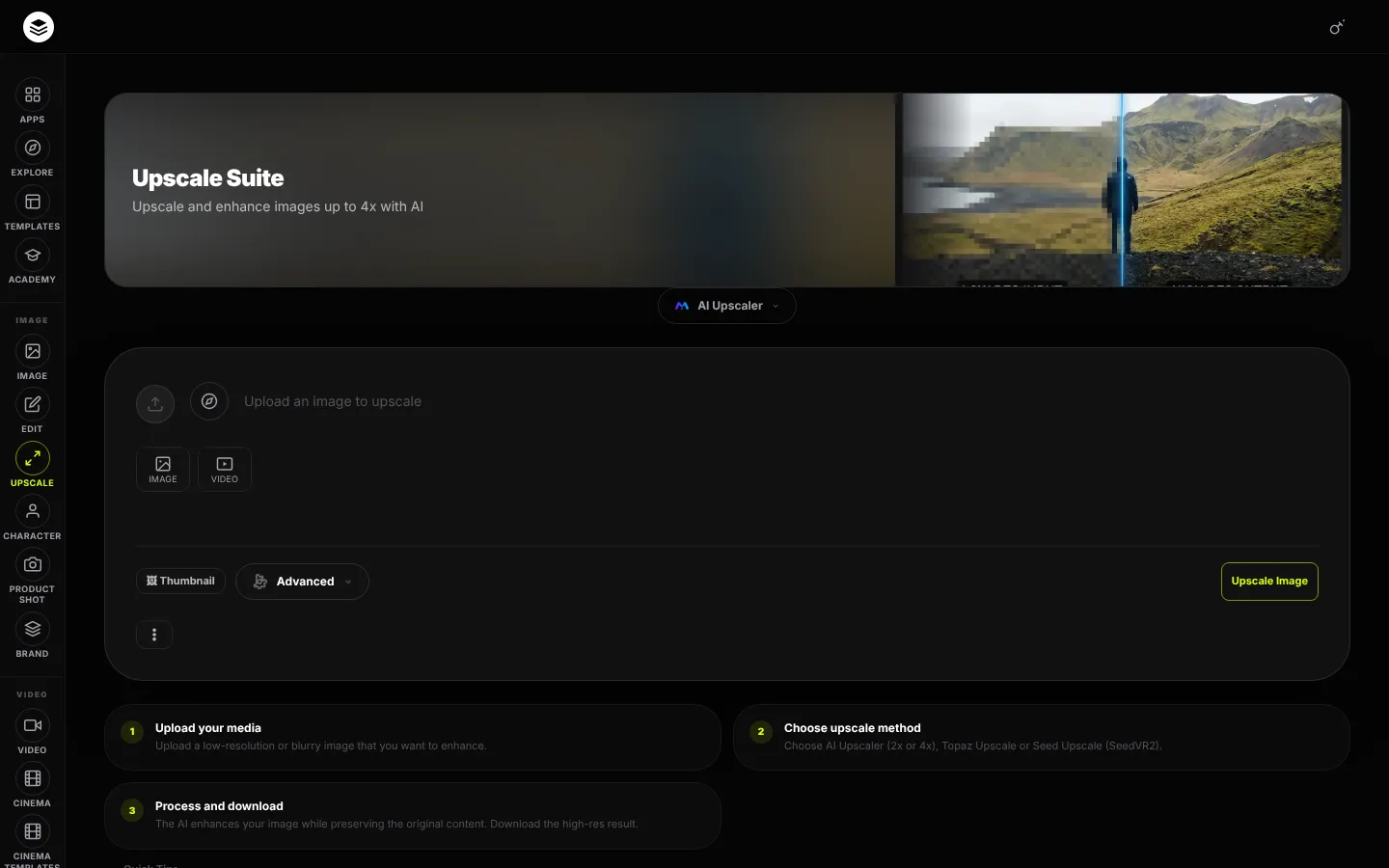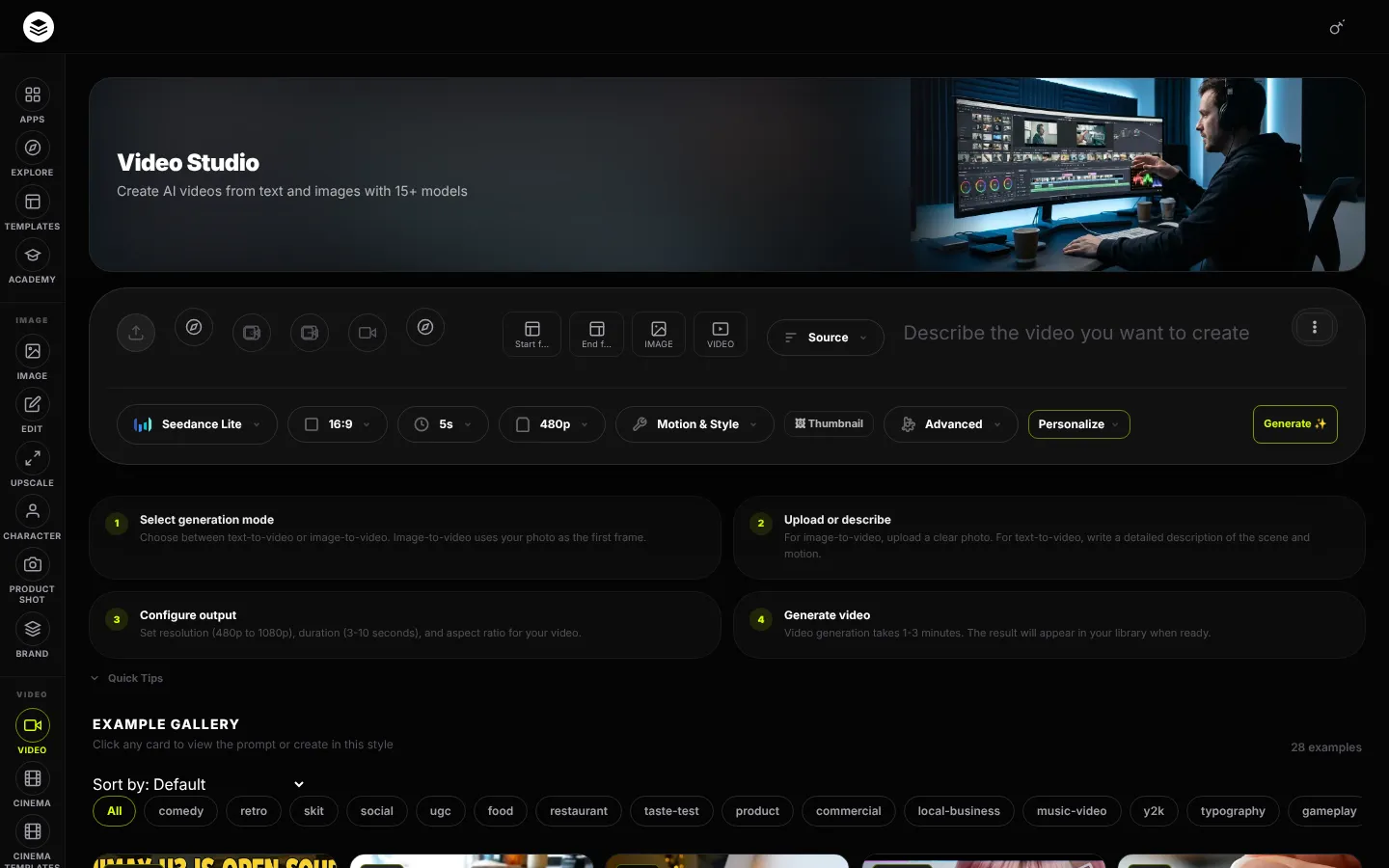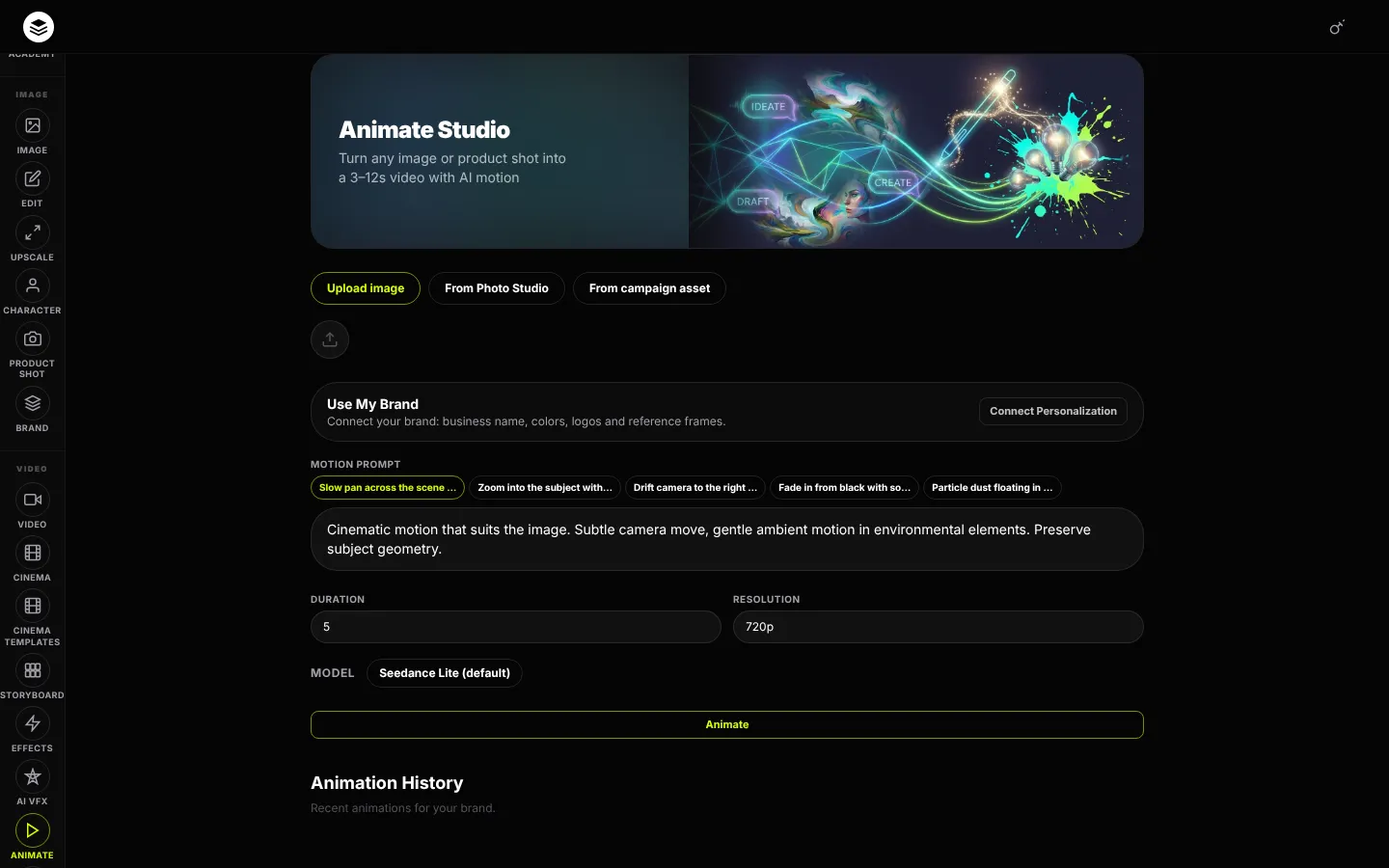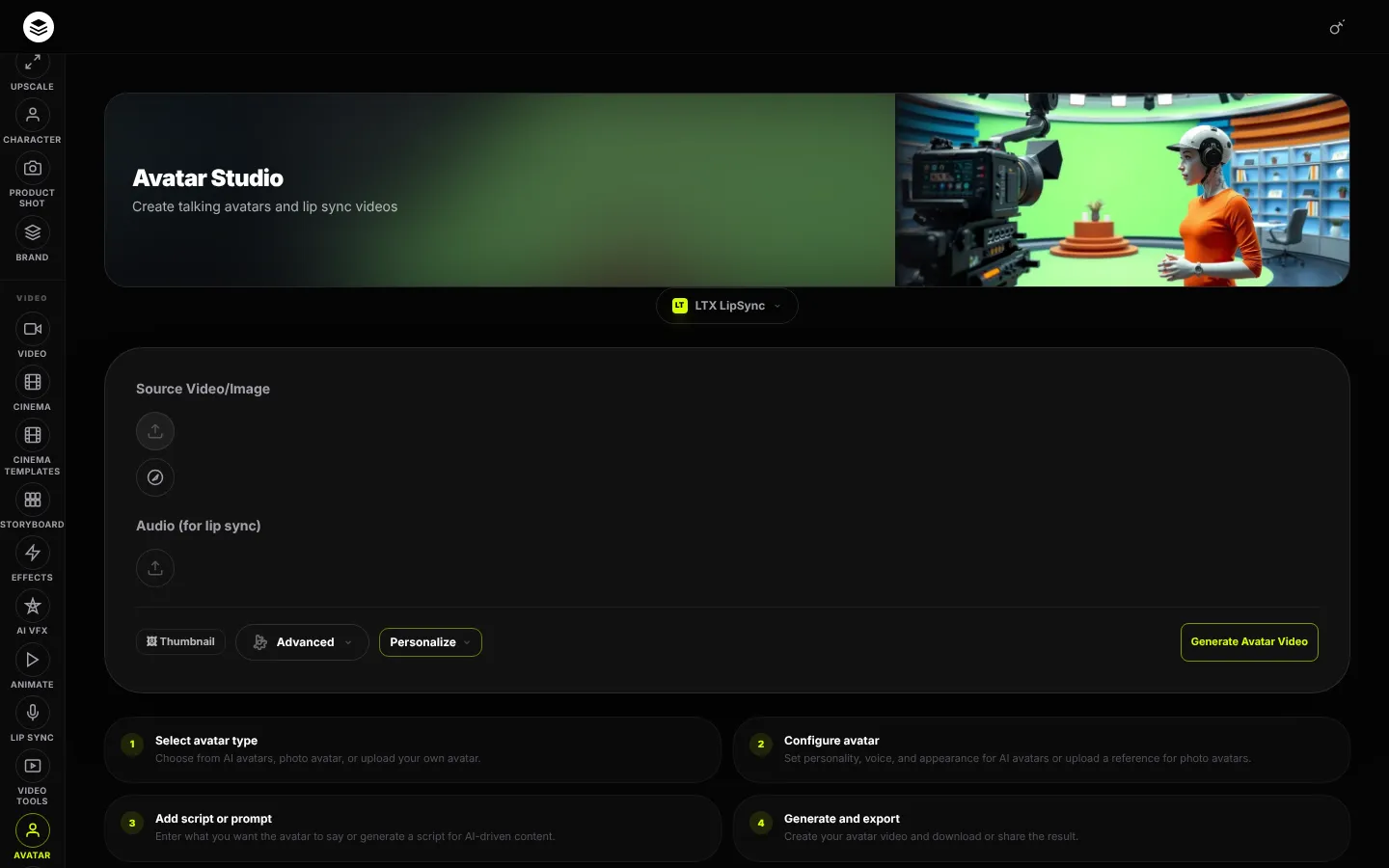
FEATURE 01
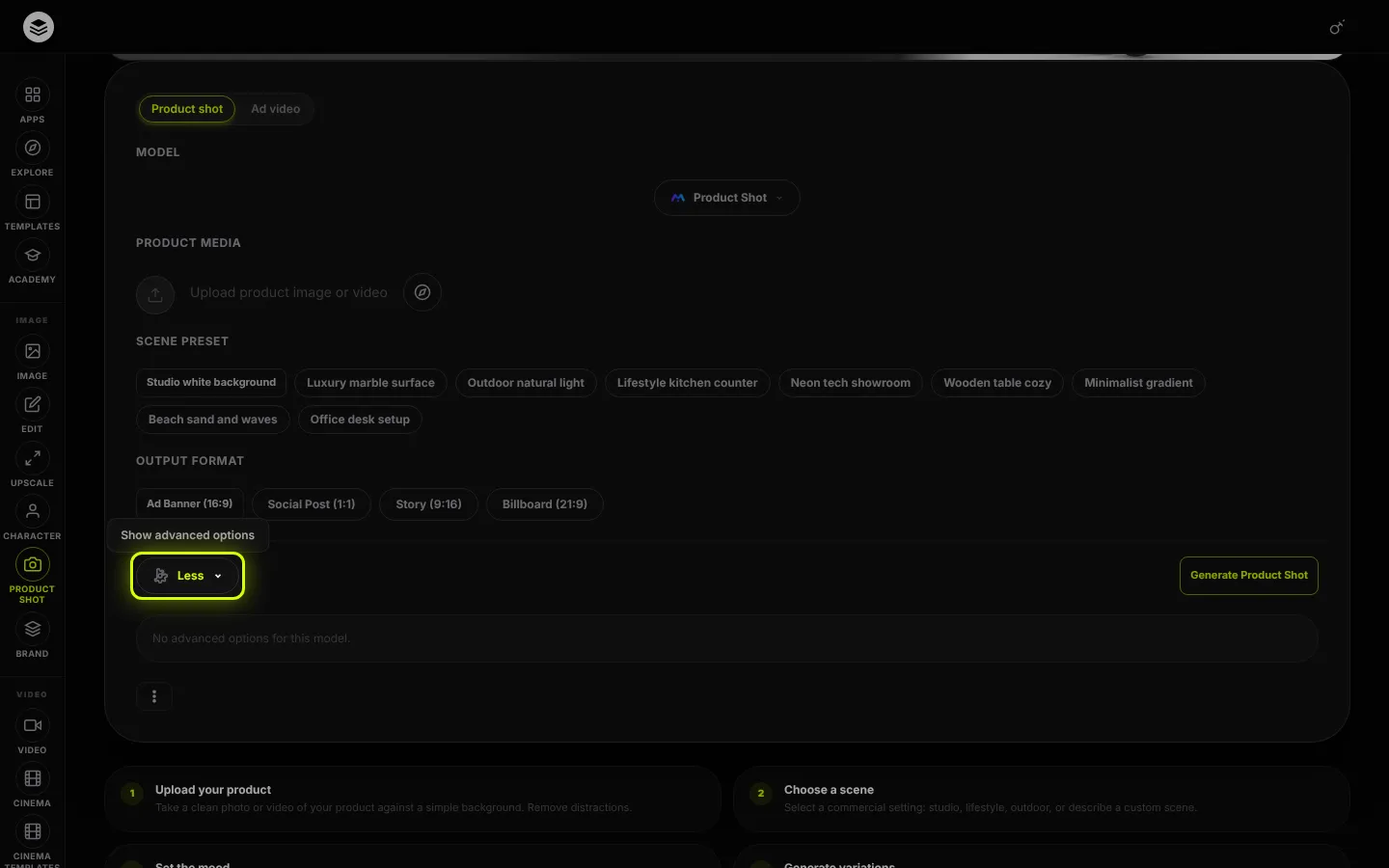
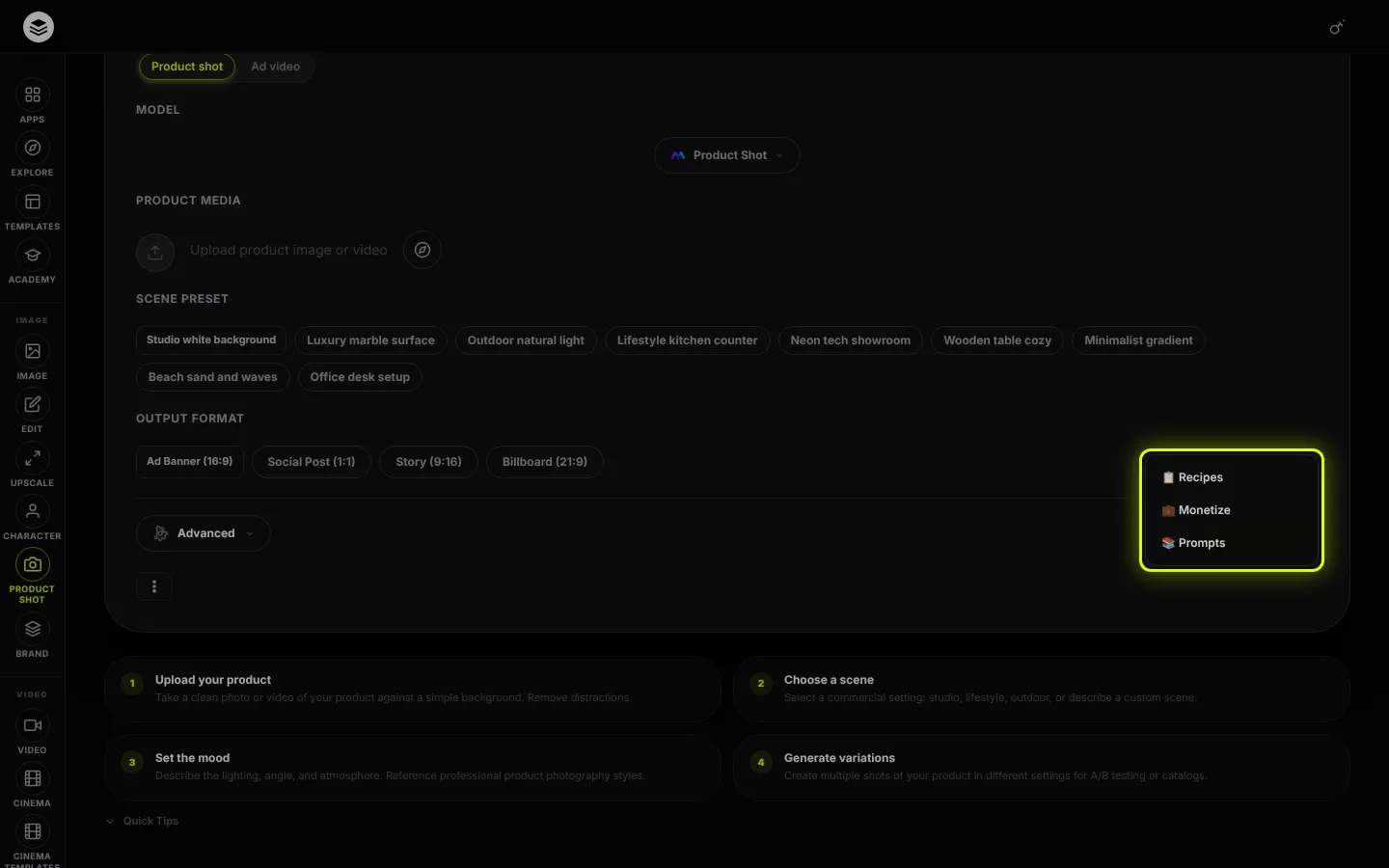
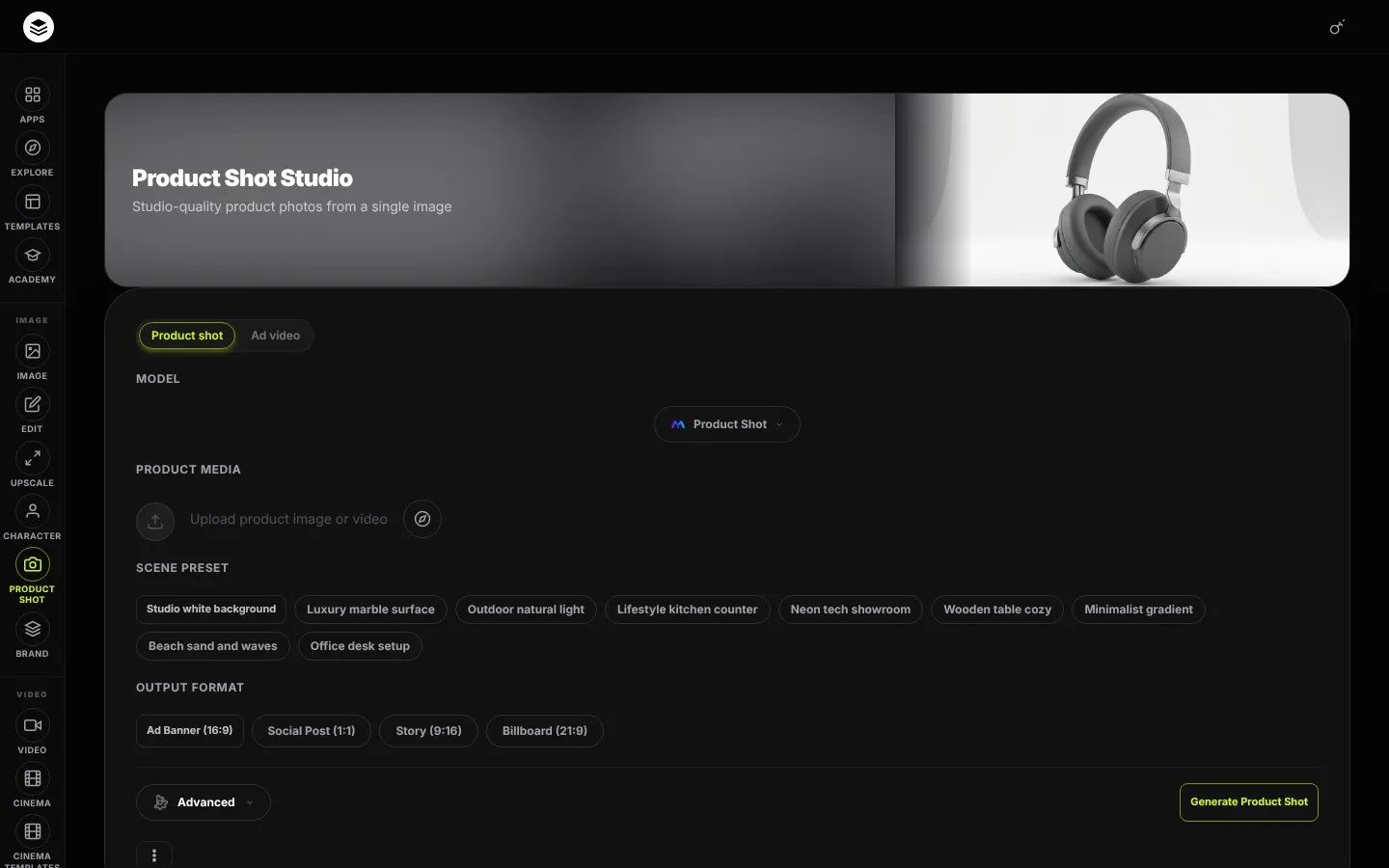
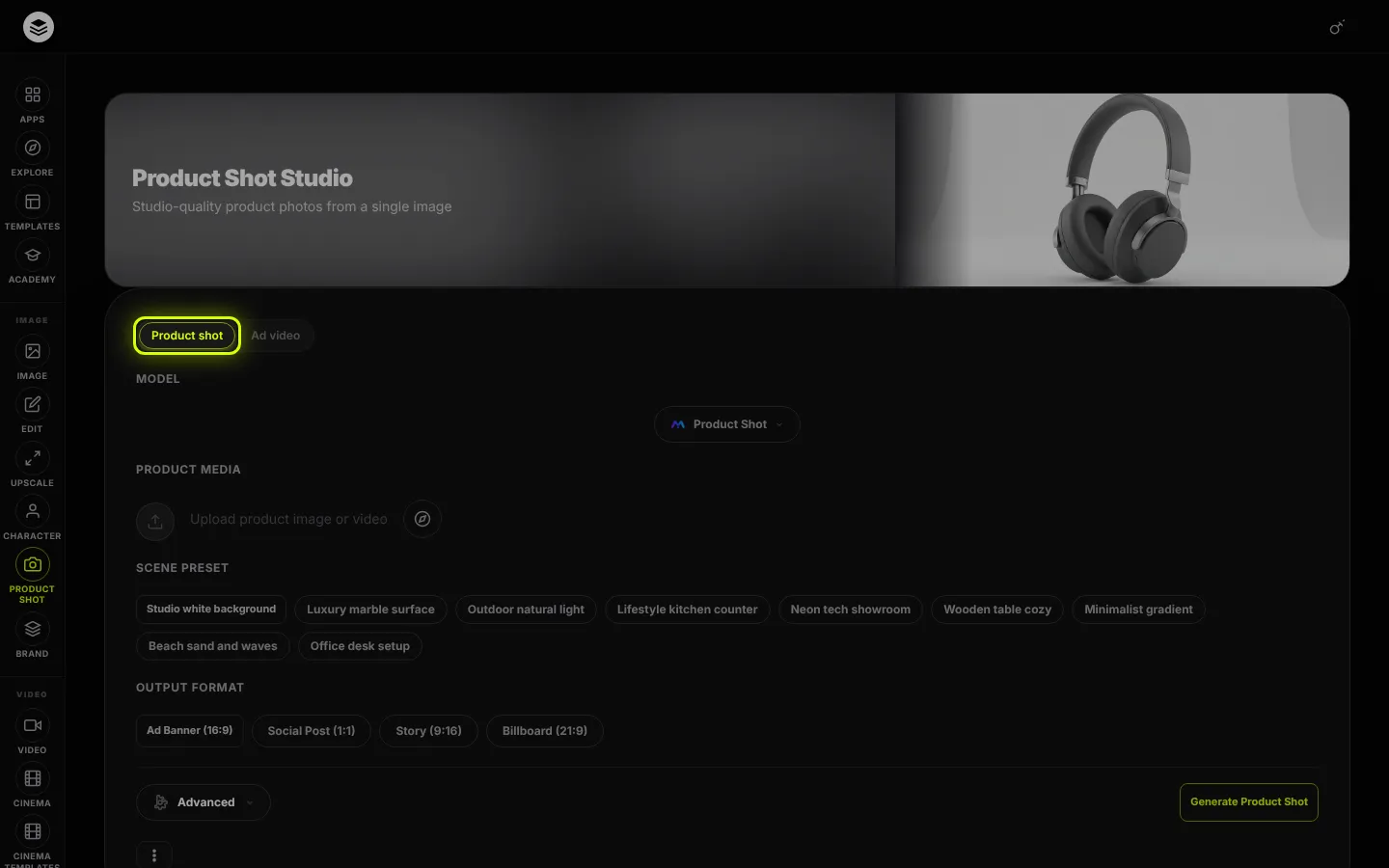
Mode toggle: Product shot / Ad video
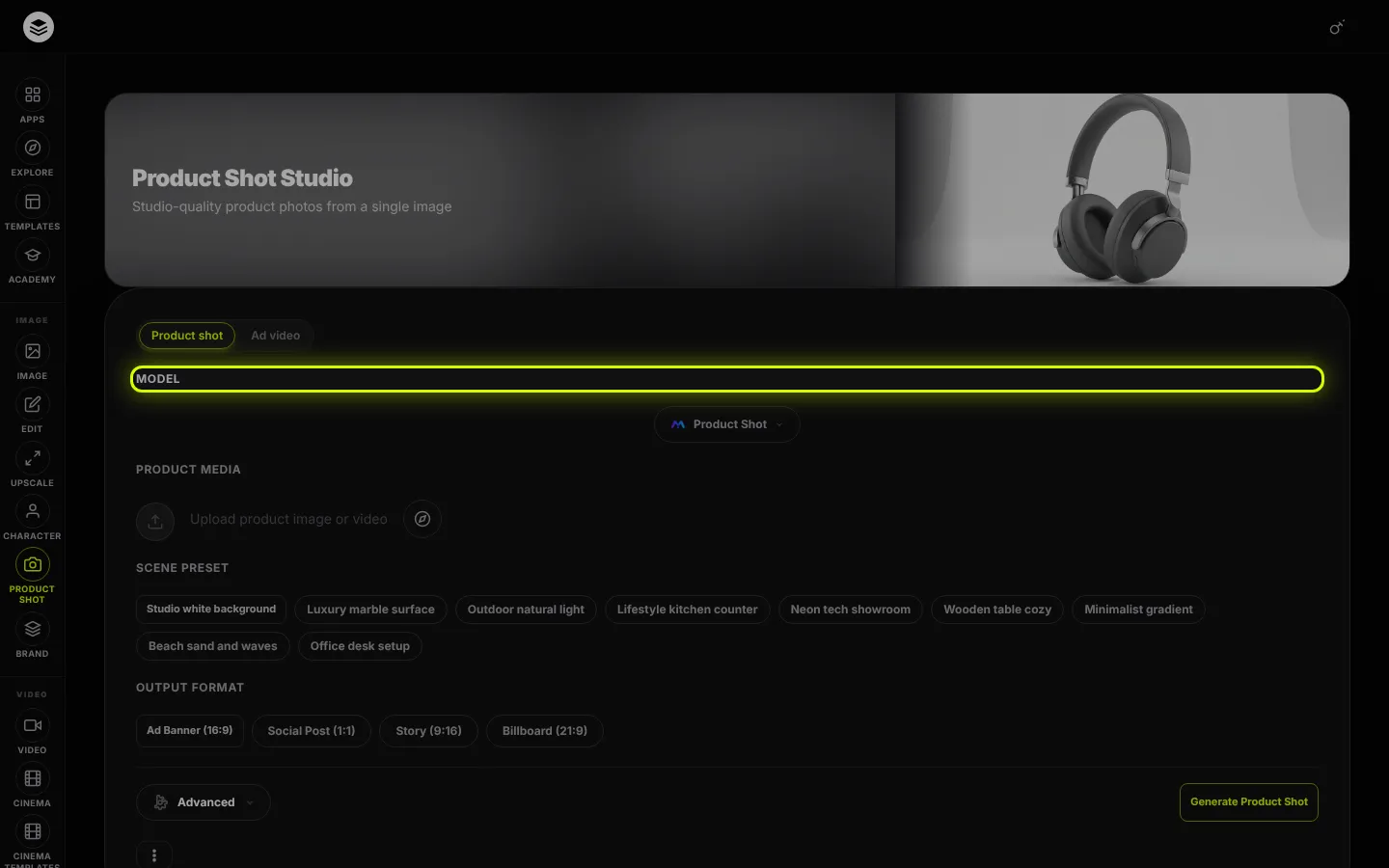
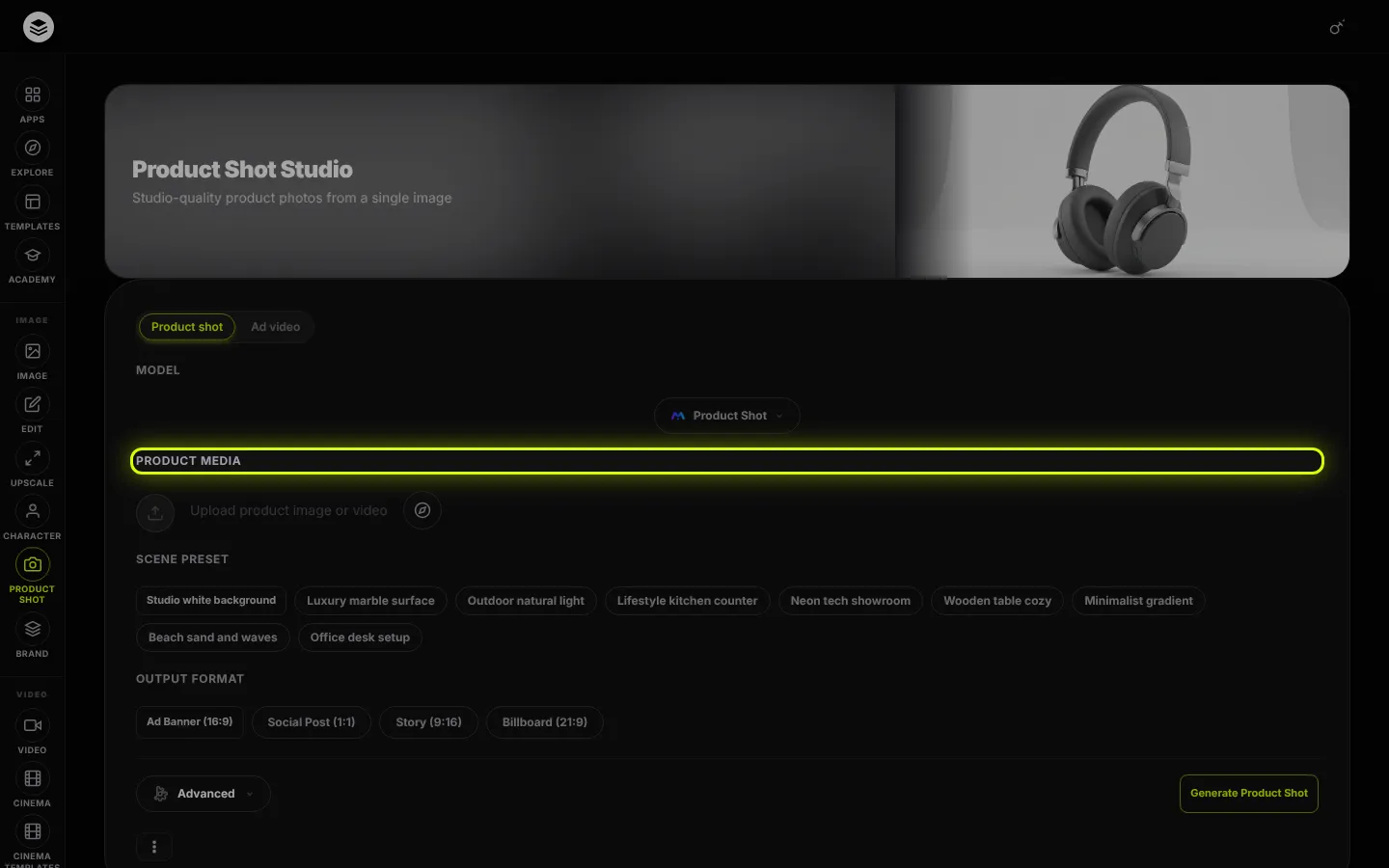
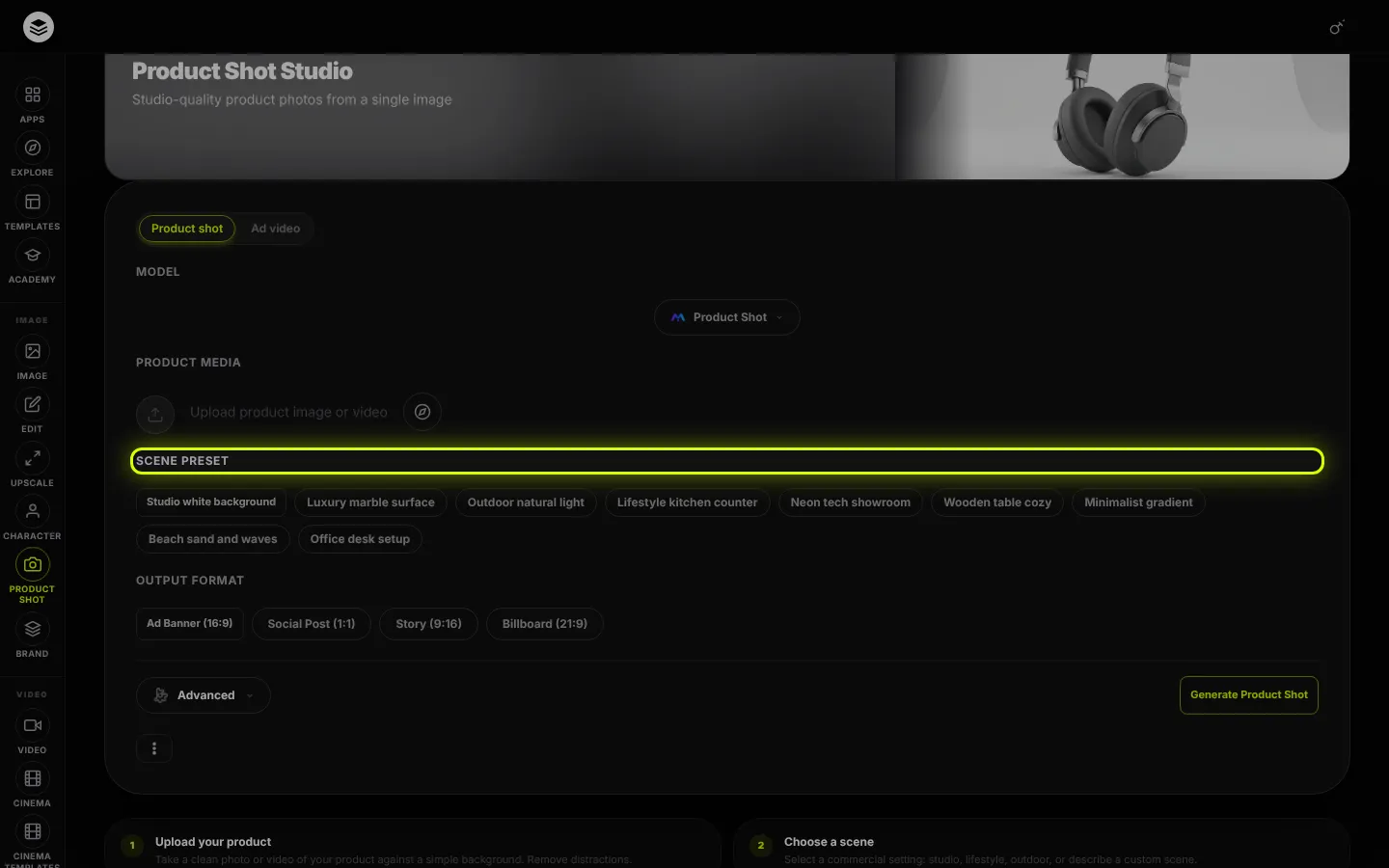
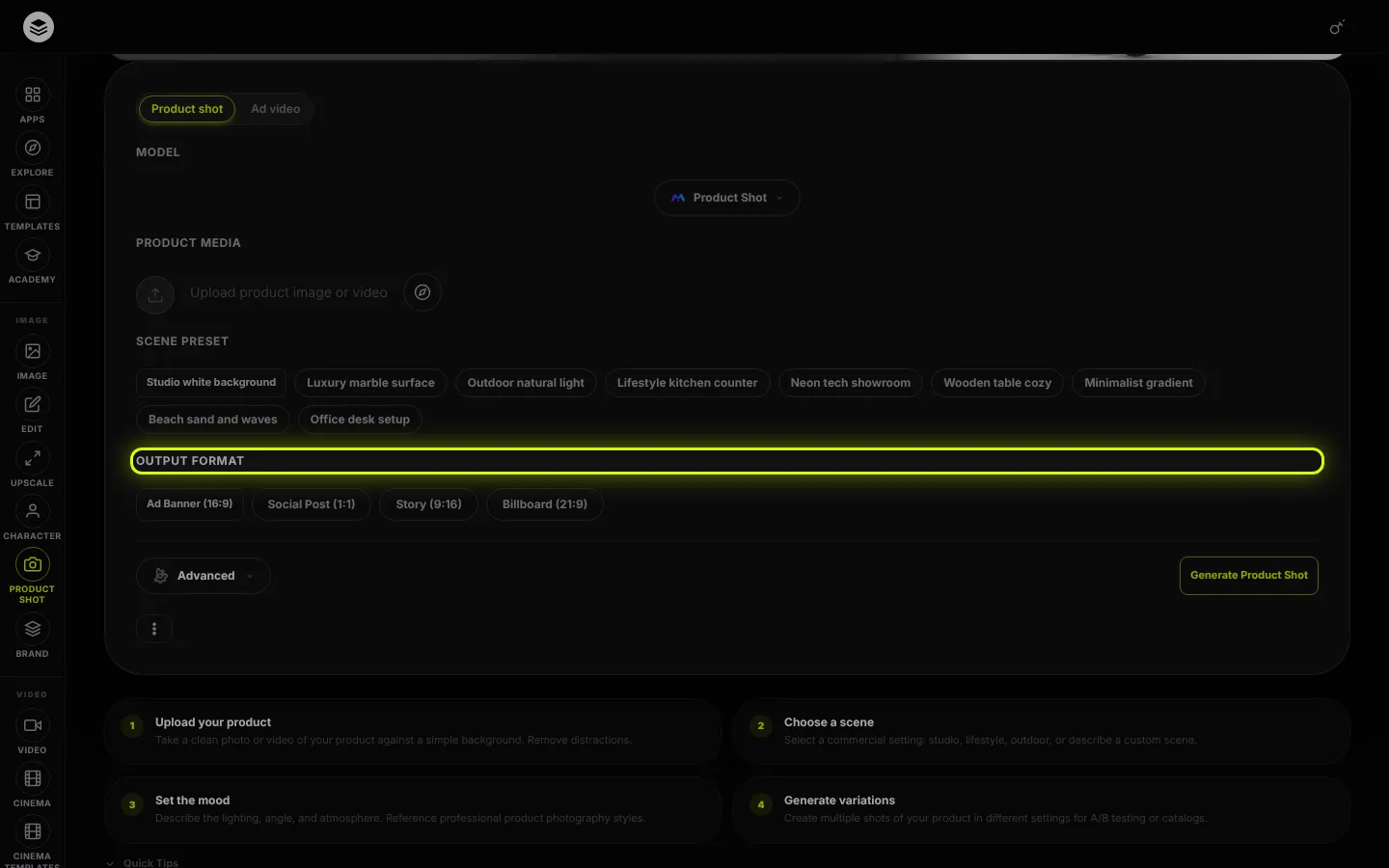
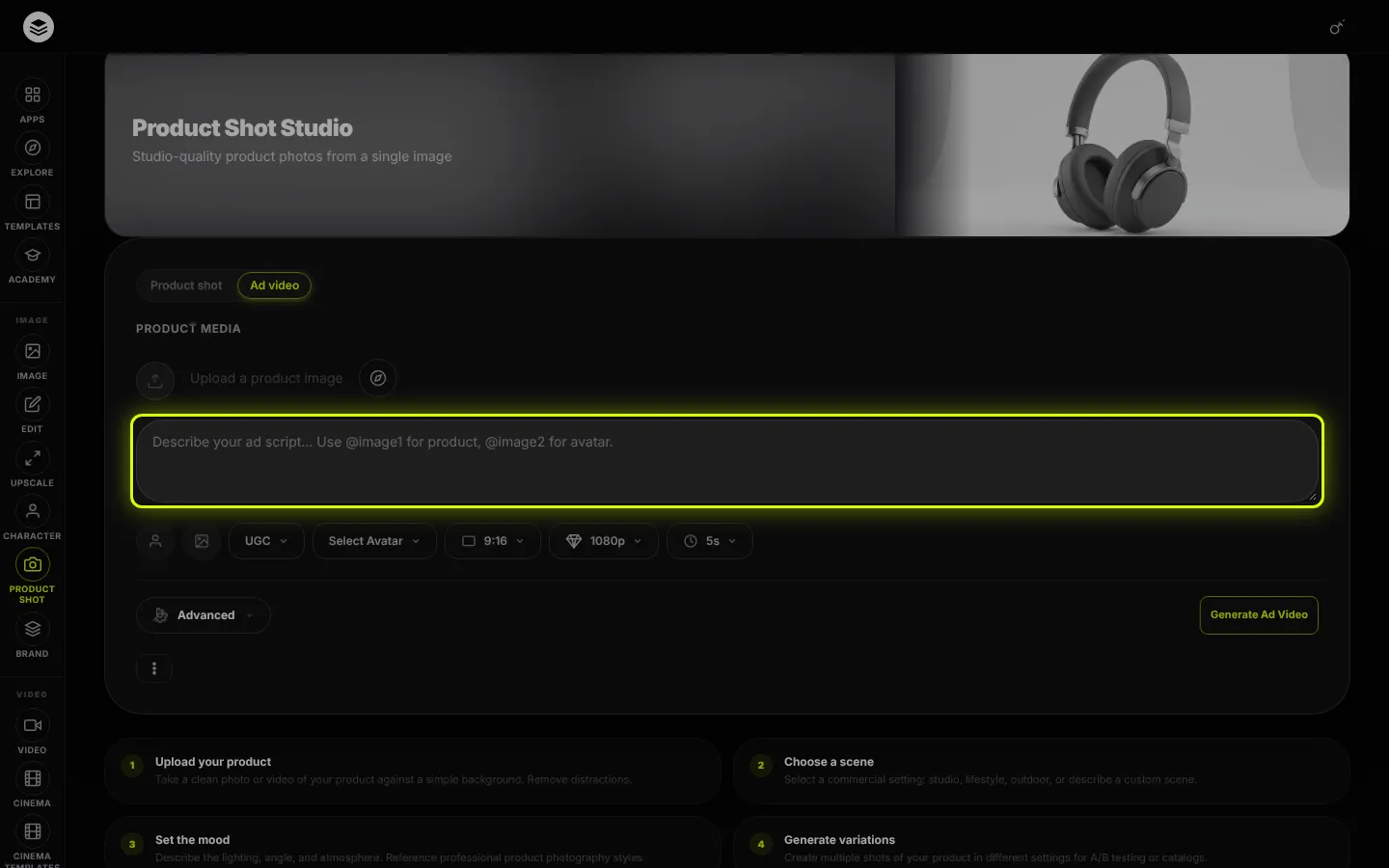
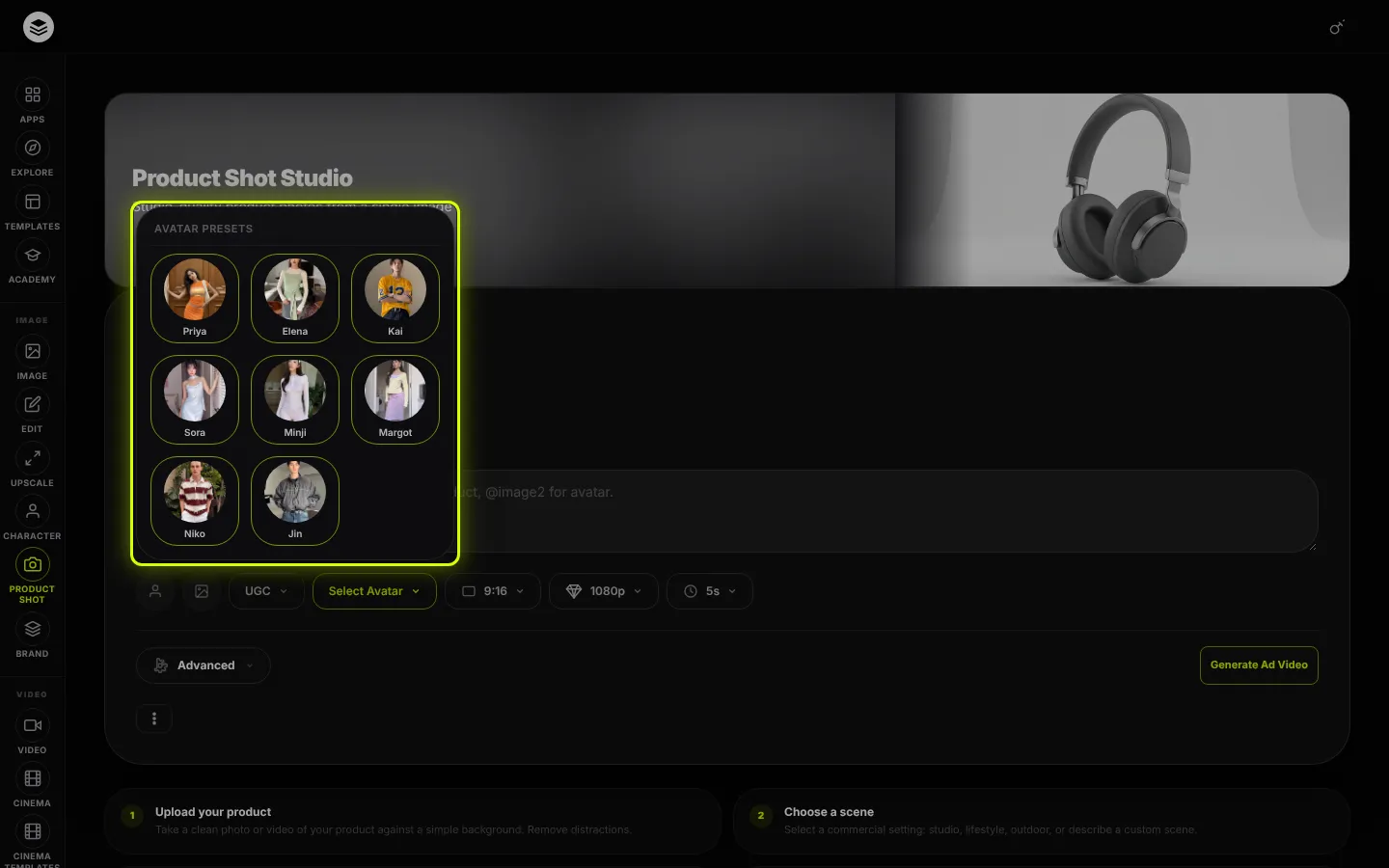
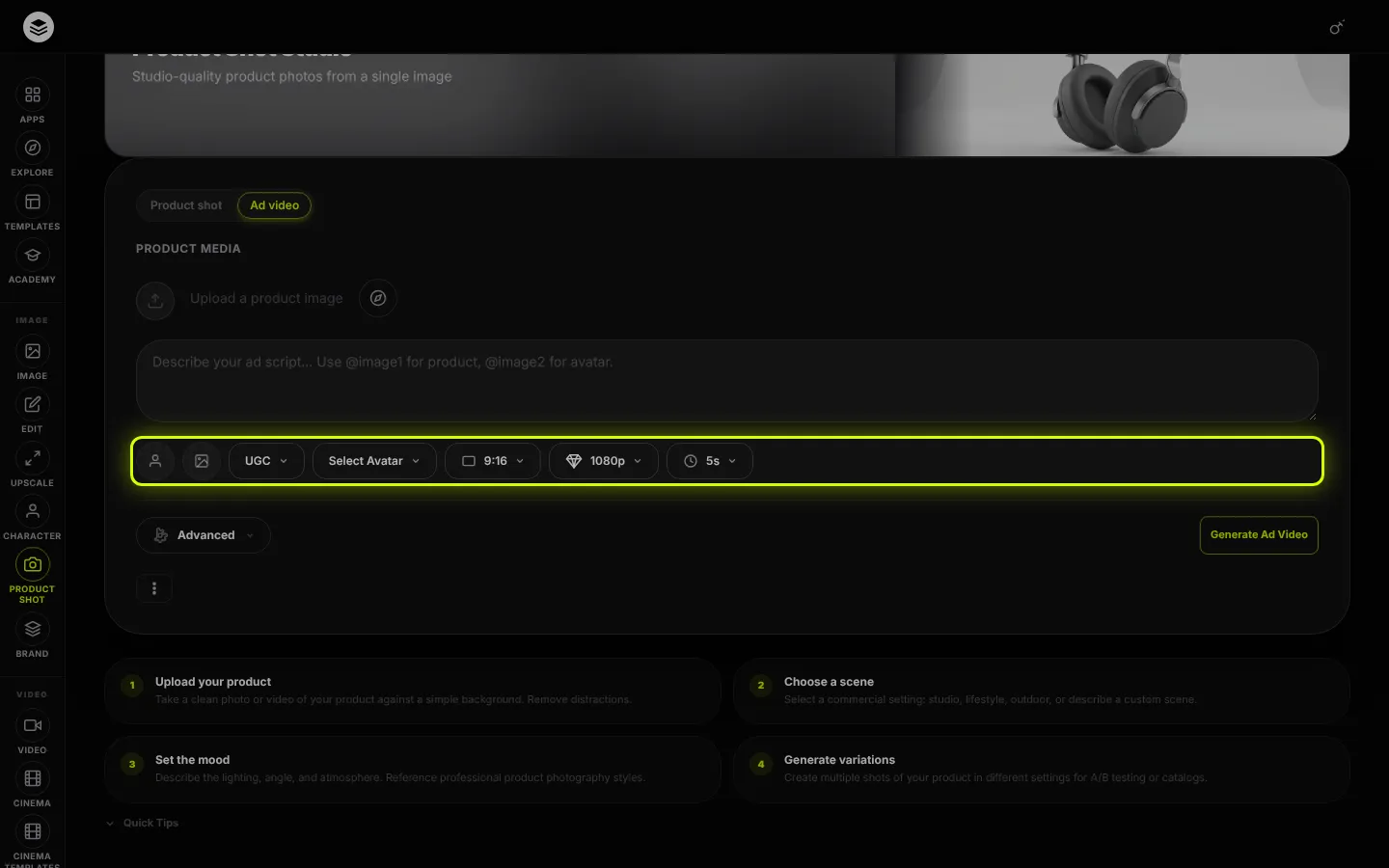
What it is: A two-button toggle at the top of the form. Product shot hides the ad controls; Ad video hides Model, Scene Preset and Output Format and shows the script box and ad controls. The main button changes between 'Generate Product Shot' and 'Generate Ad Video'.
- Why use it
- Pick Product shot for still images and Ad video for a short promo clip.
- What you need
- None.
- Limits and rules
- Ad video needs an image, not a video, as the product.