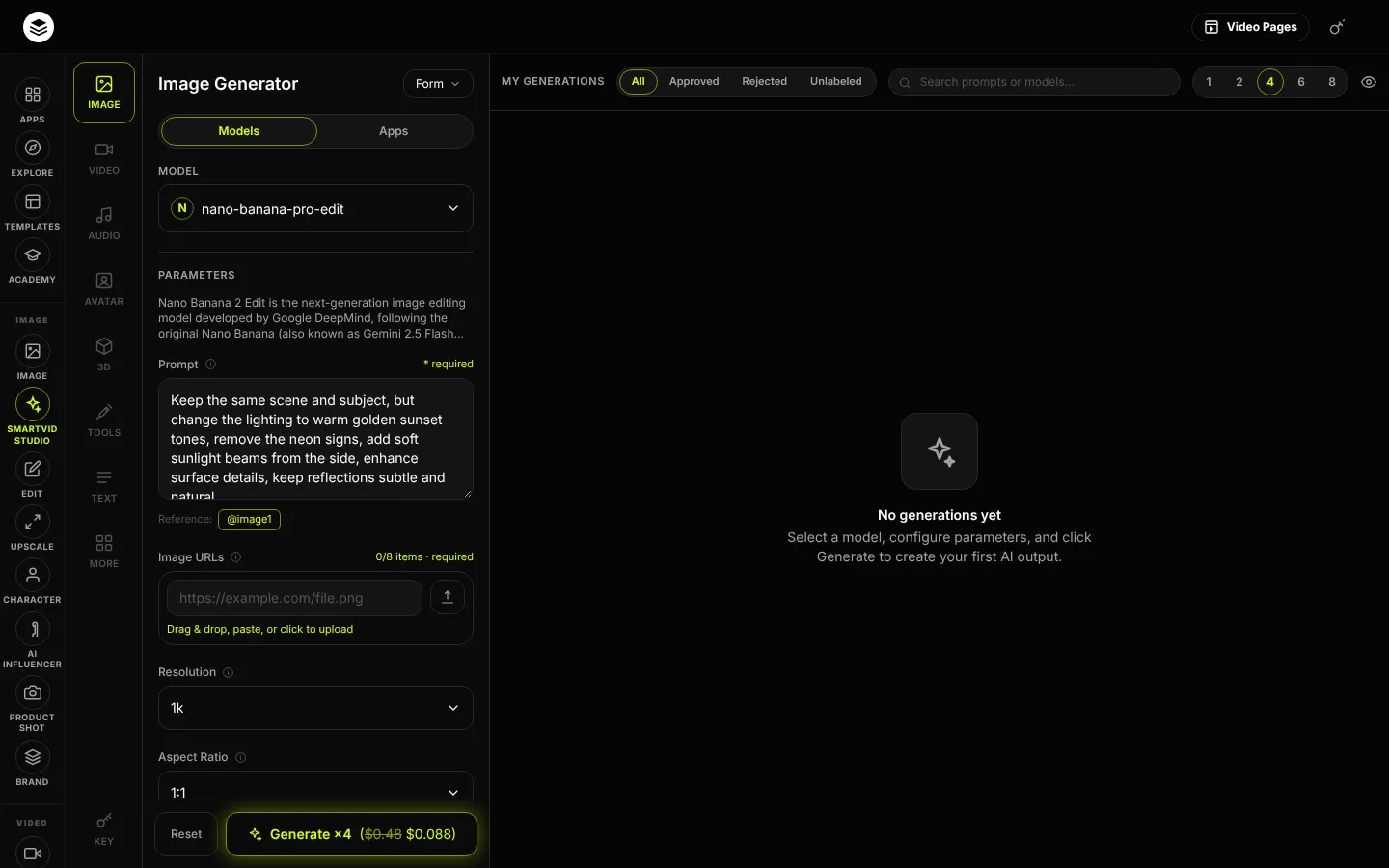
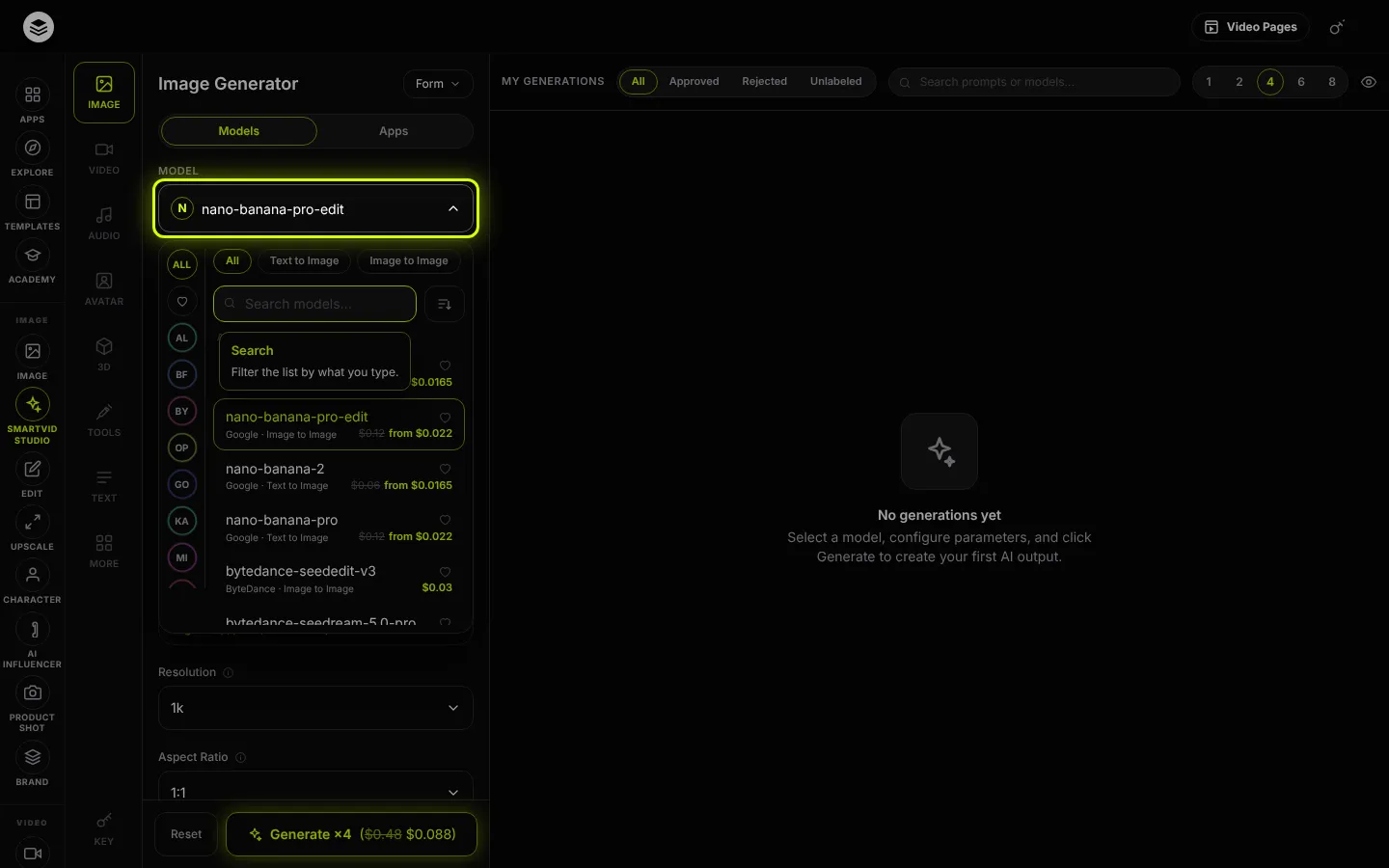
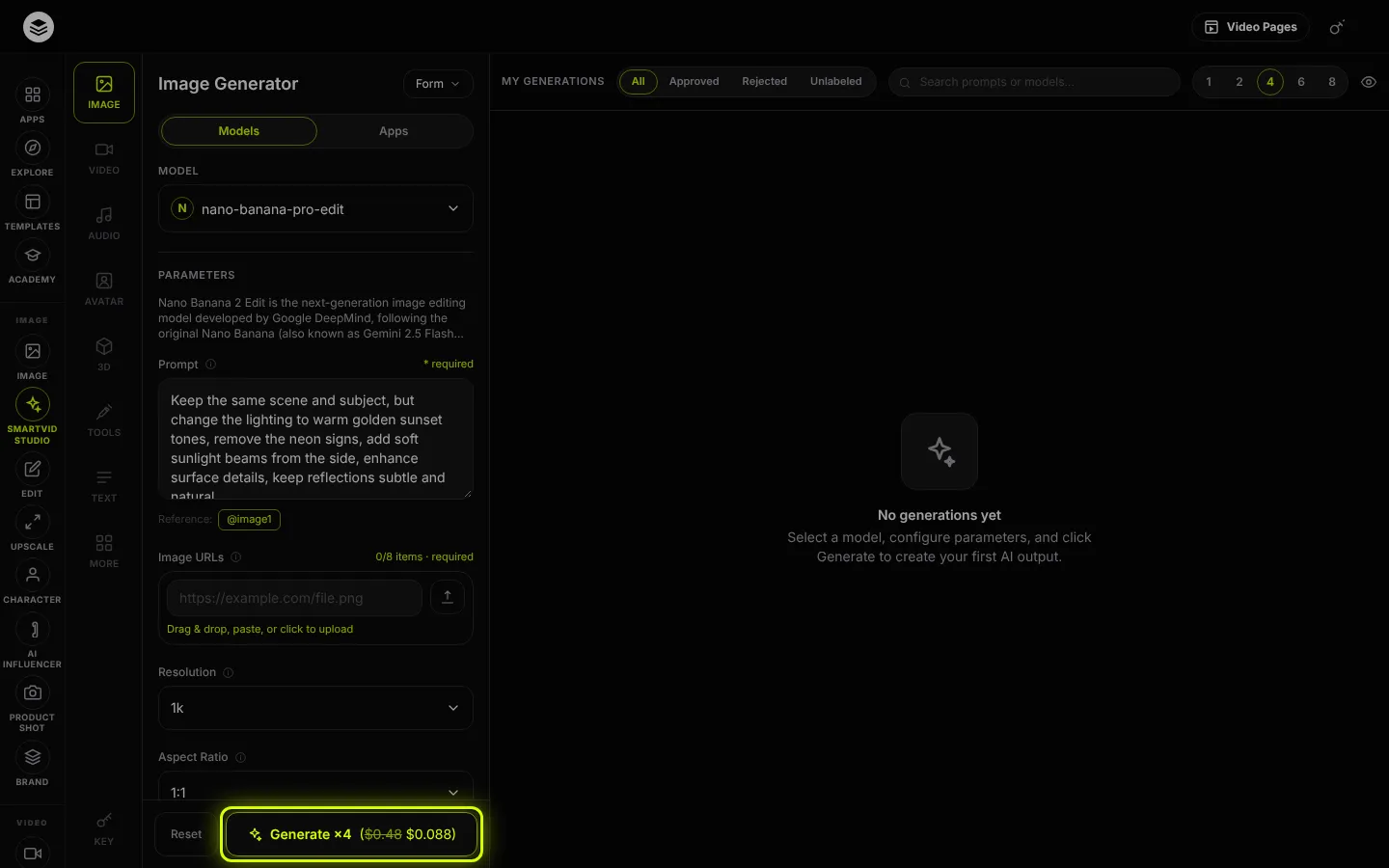
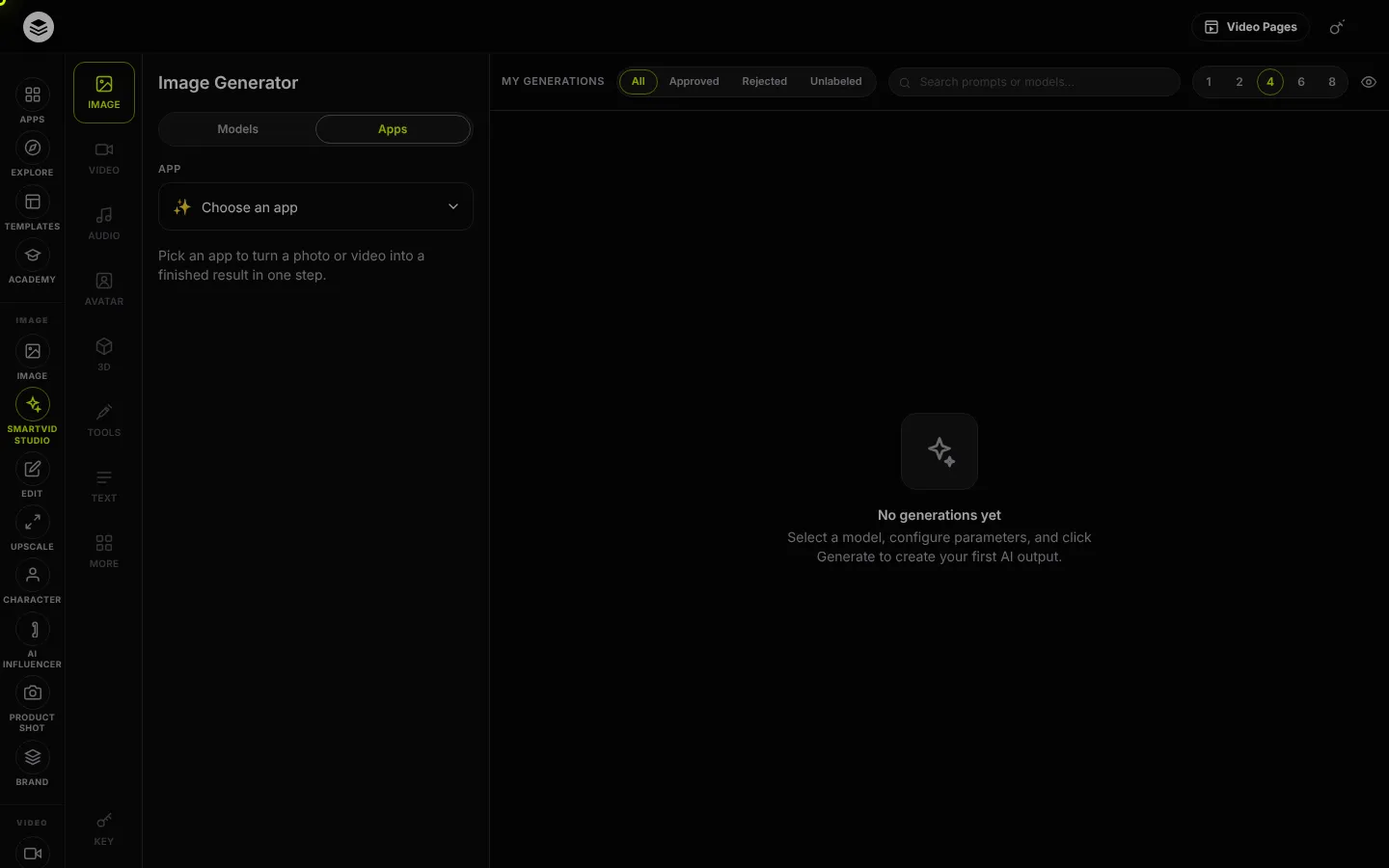
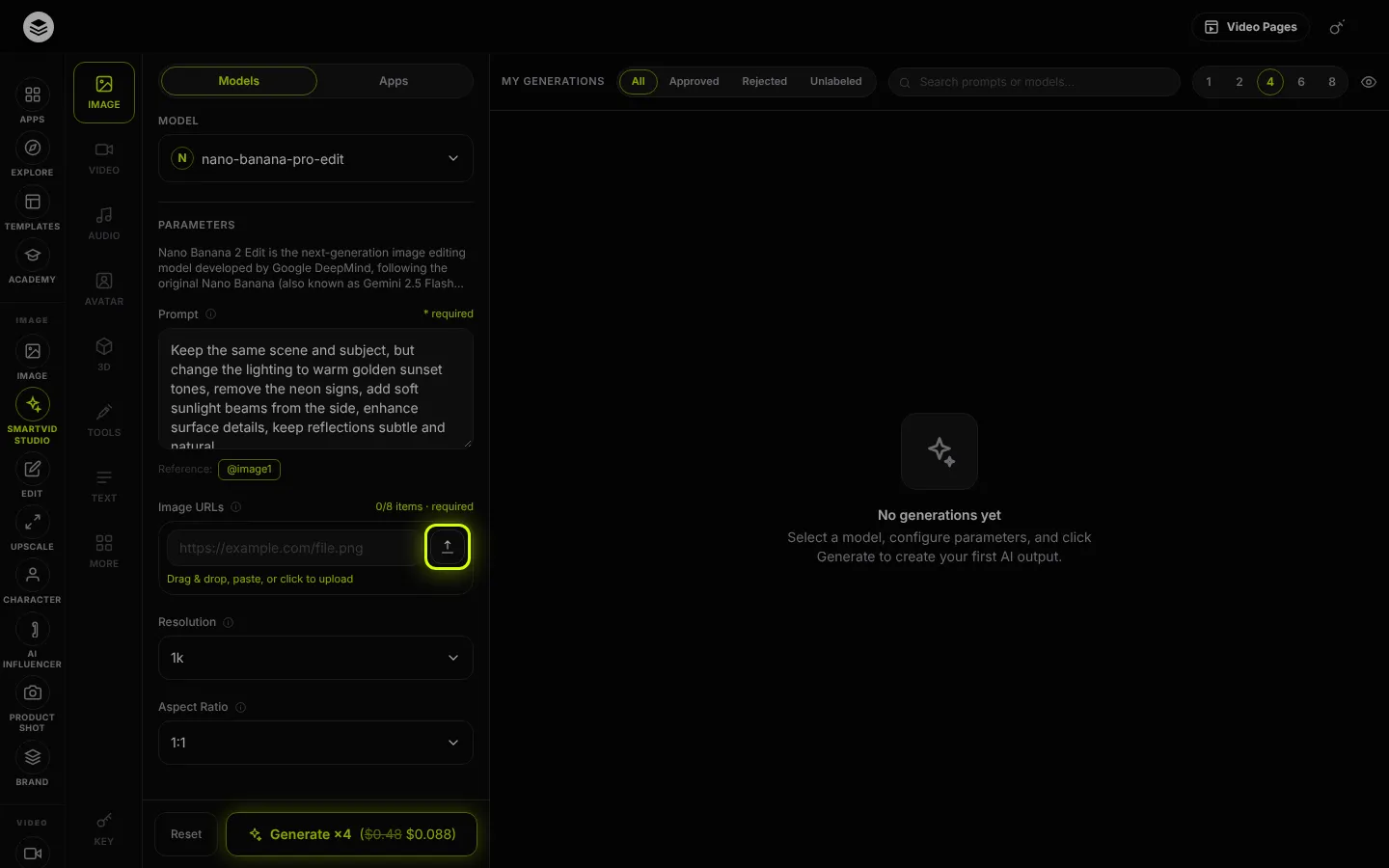
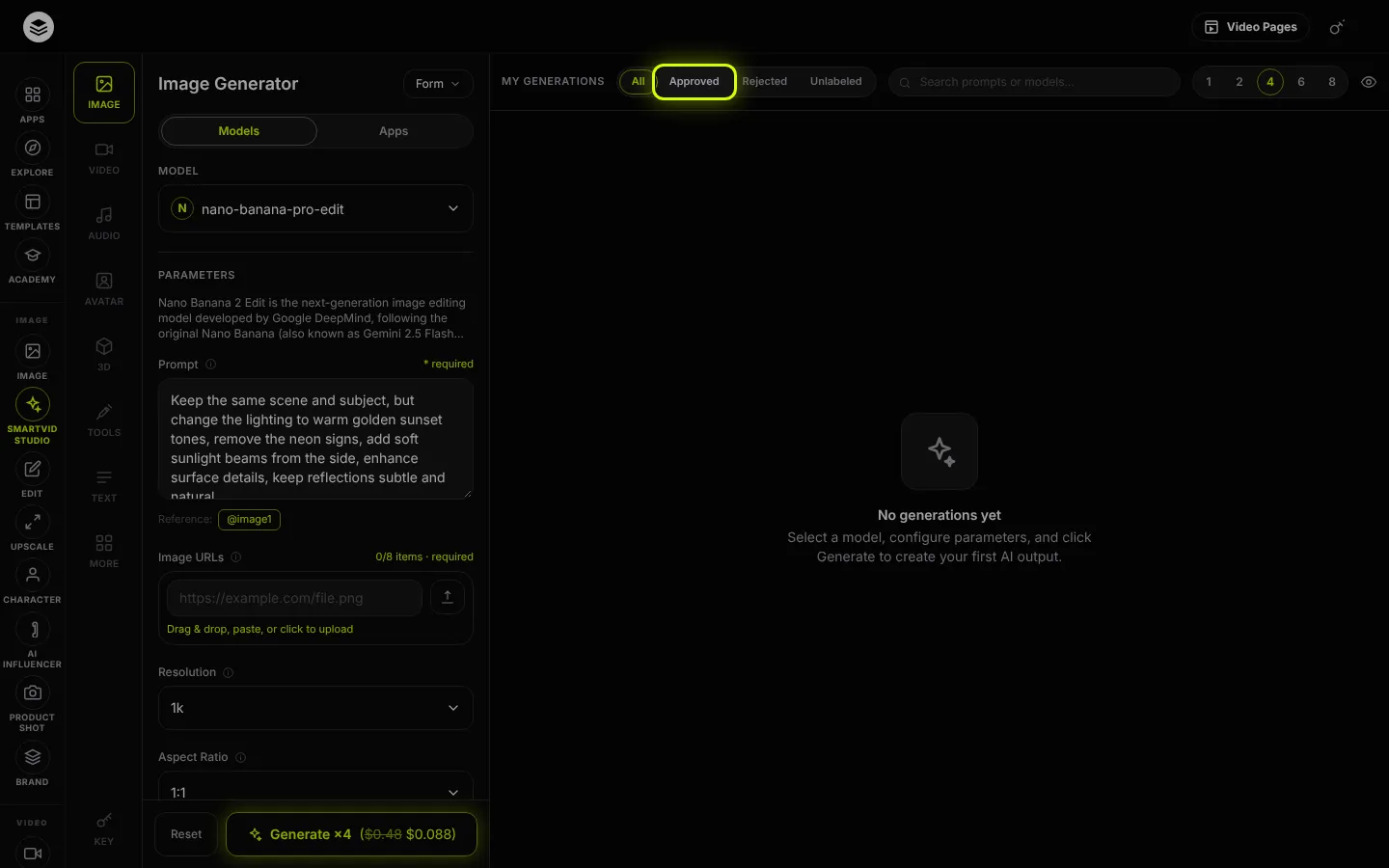
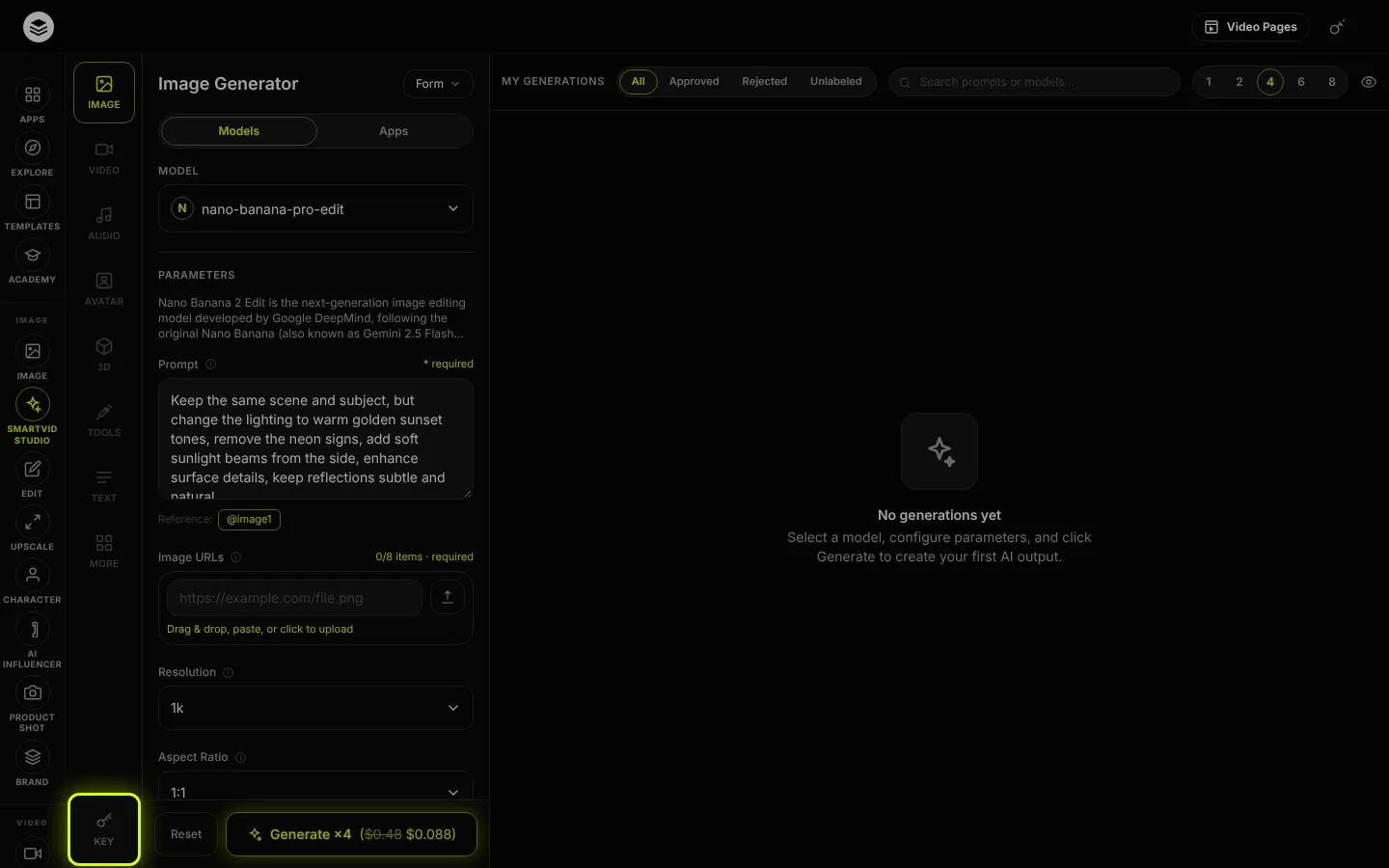
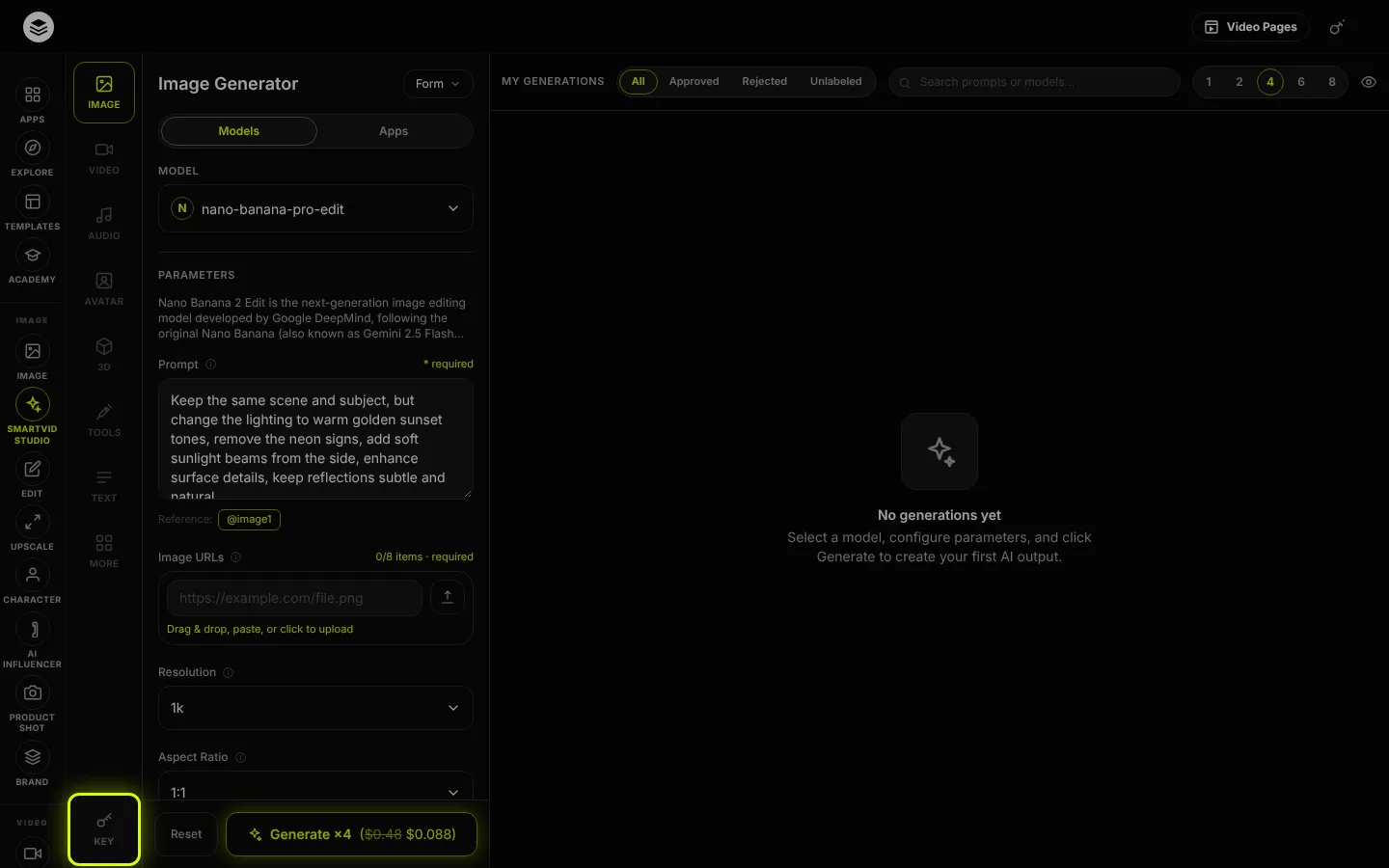
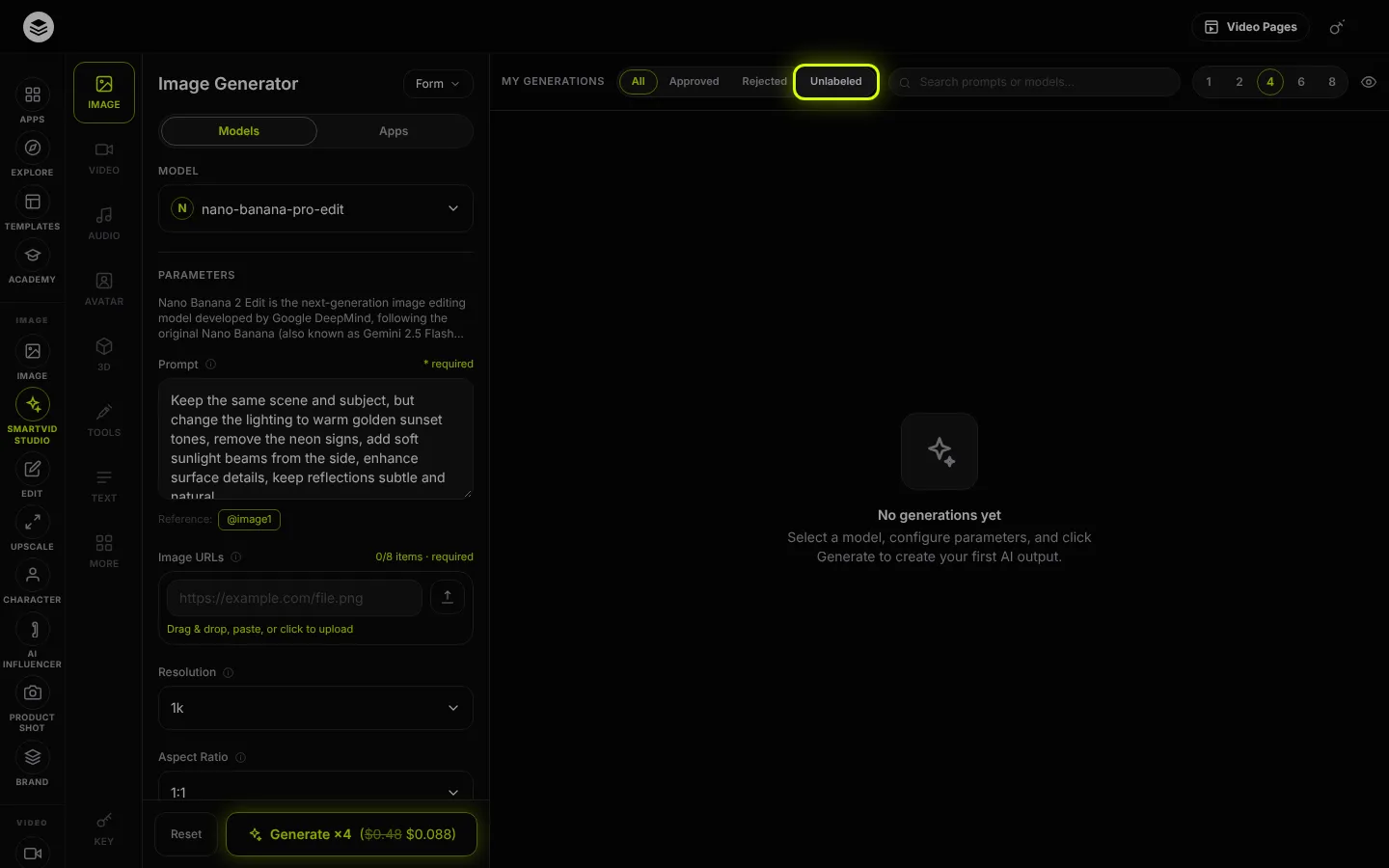
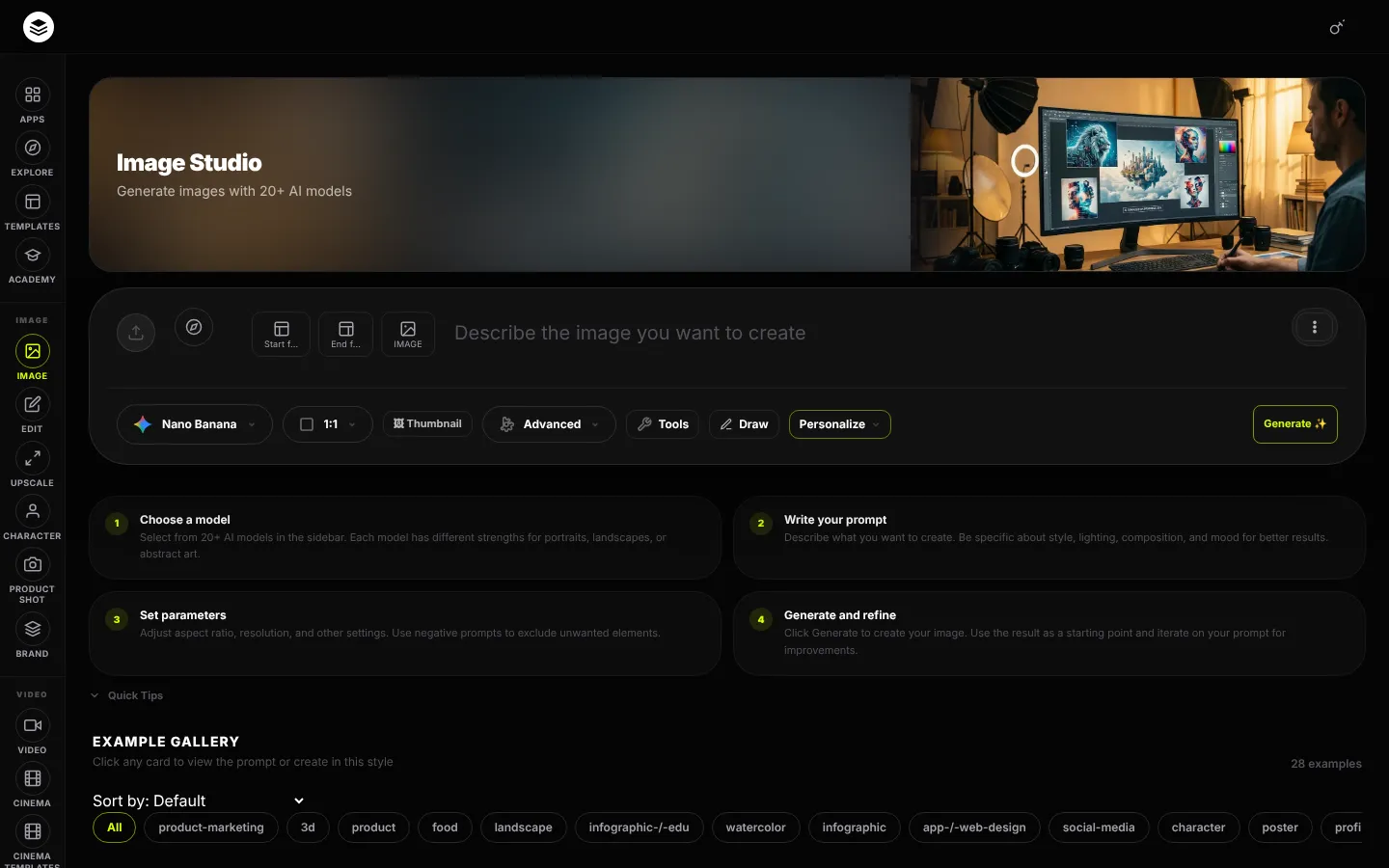
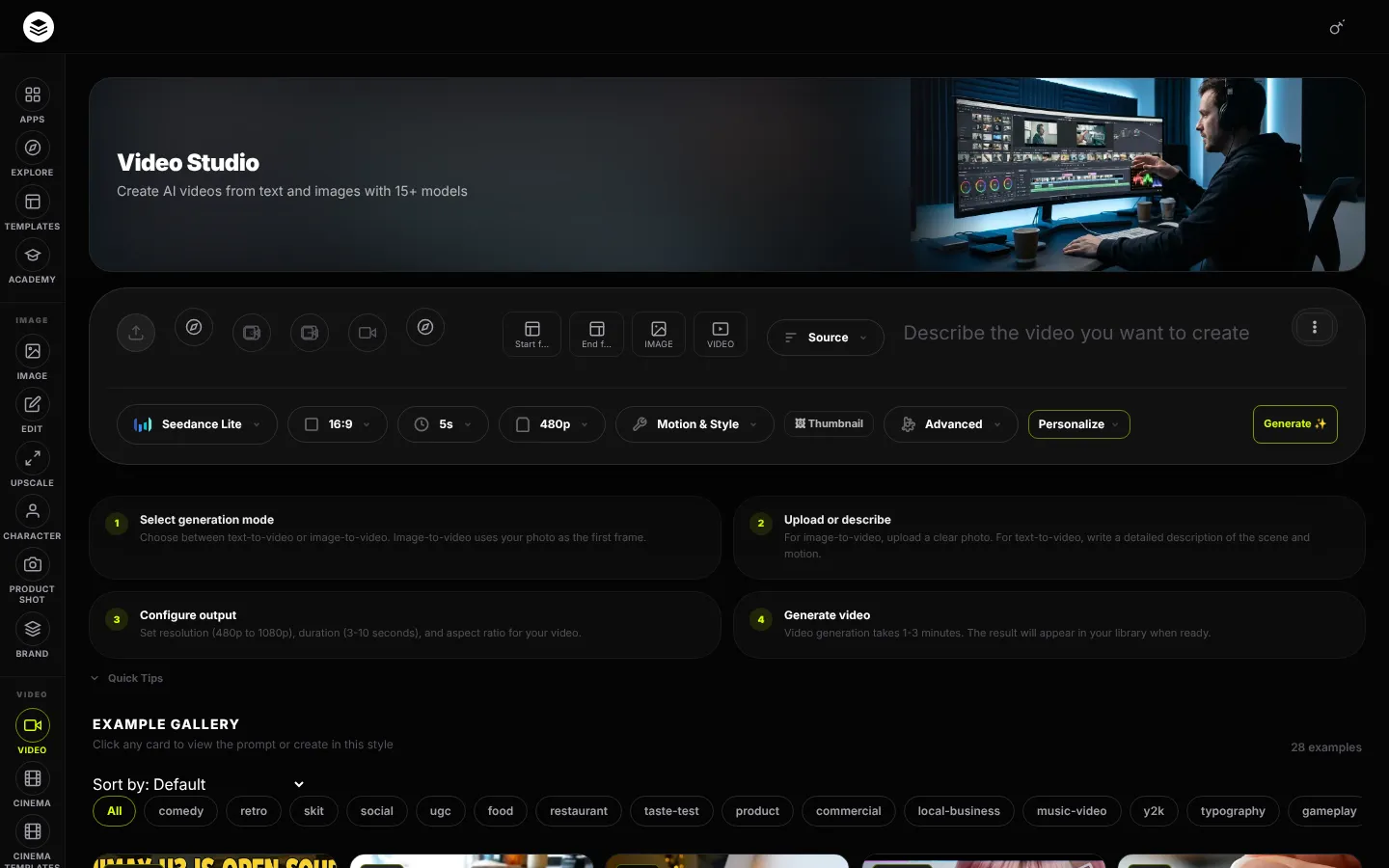
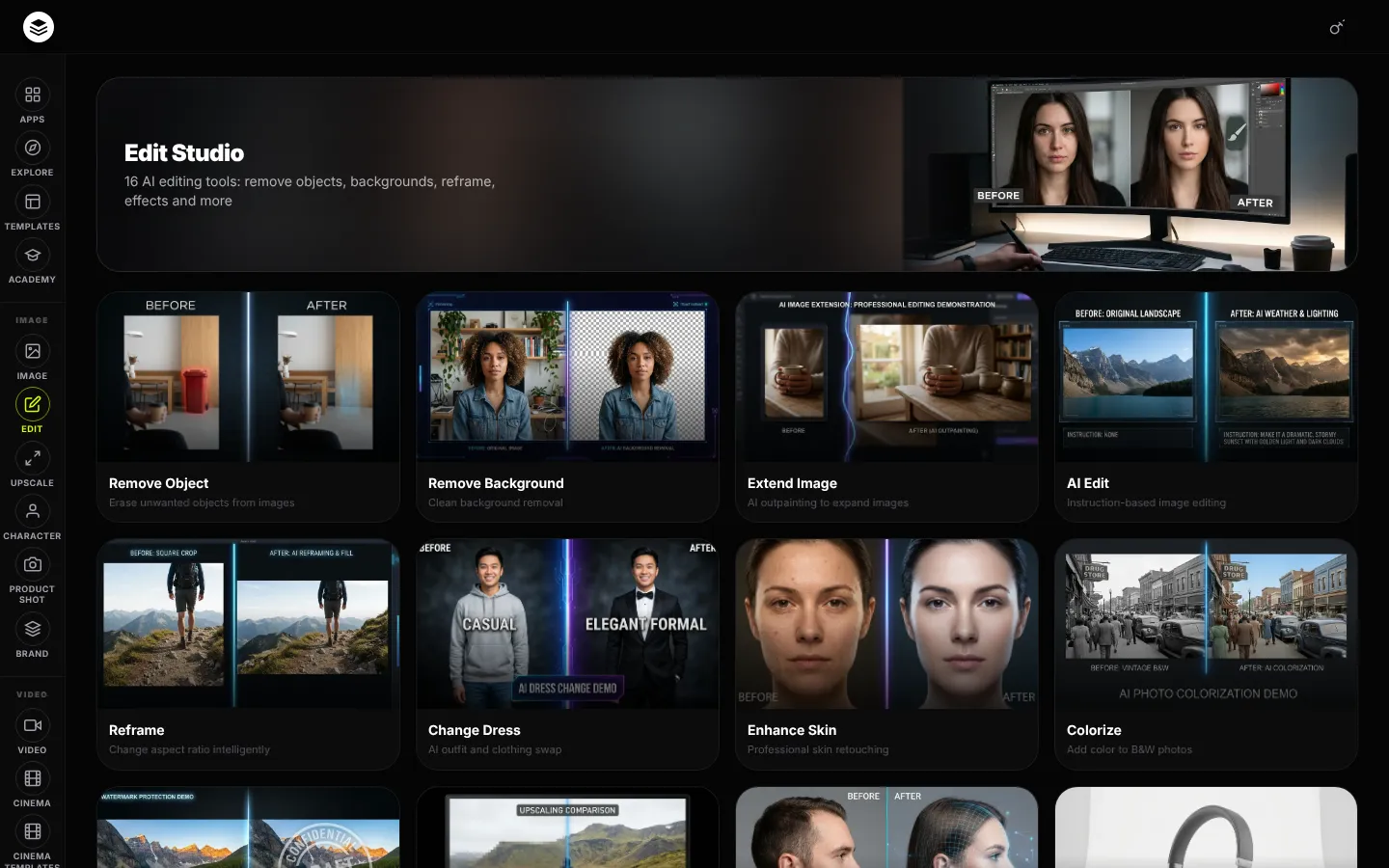
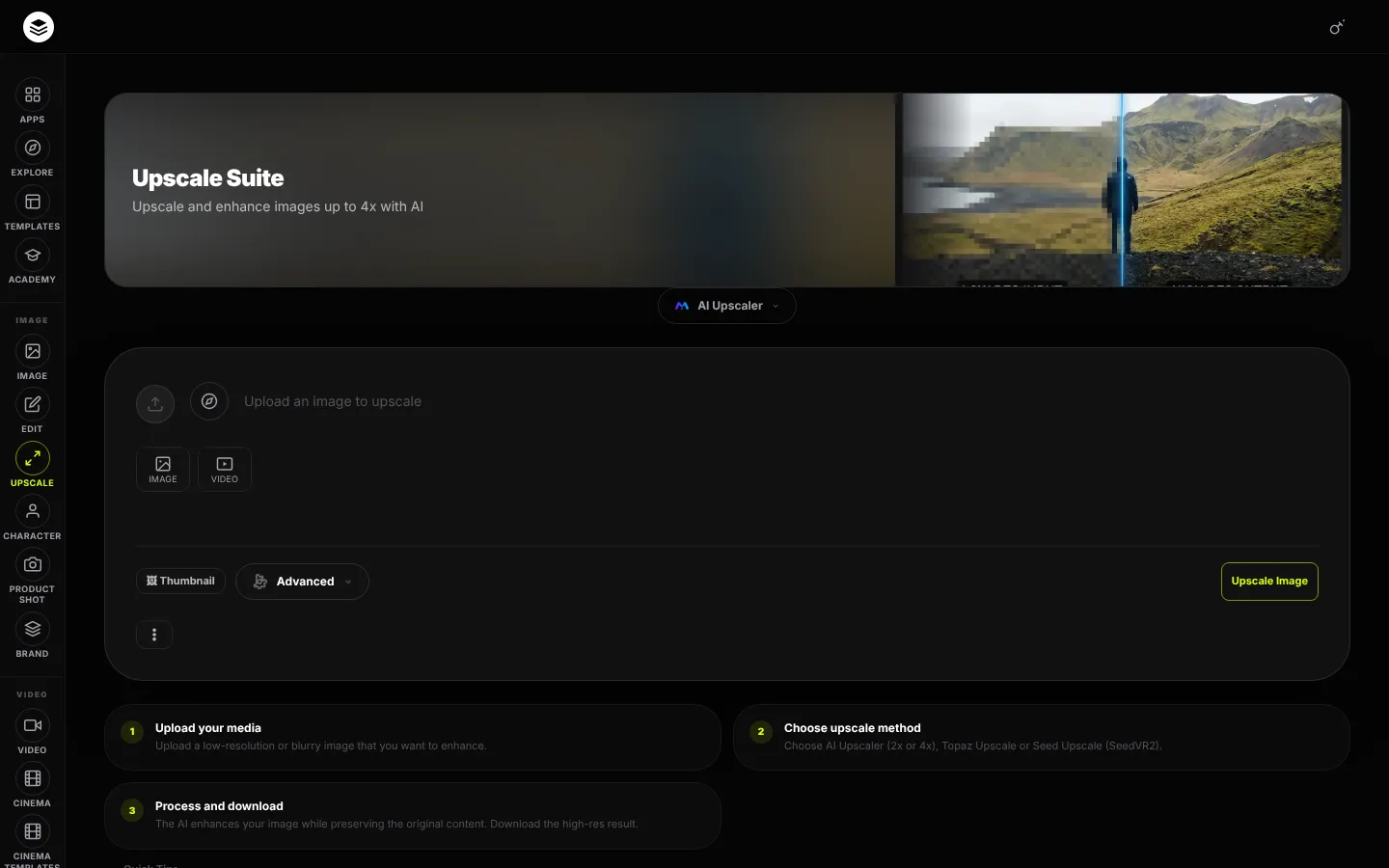
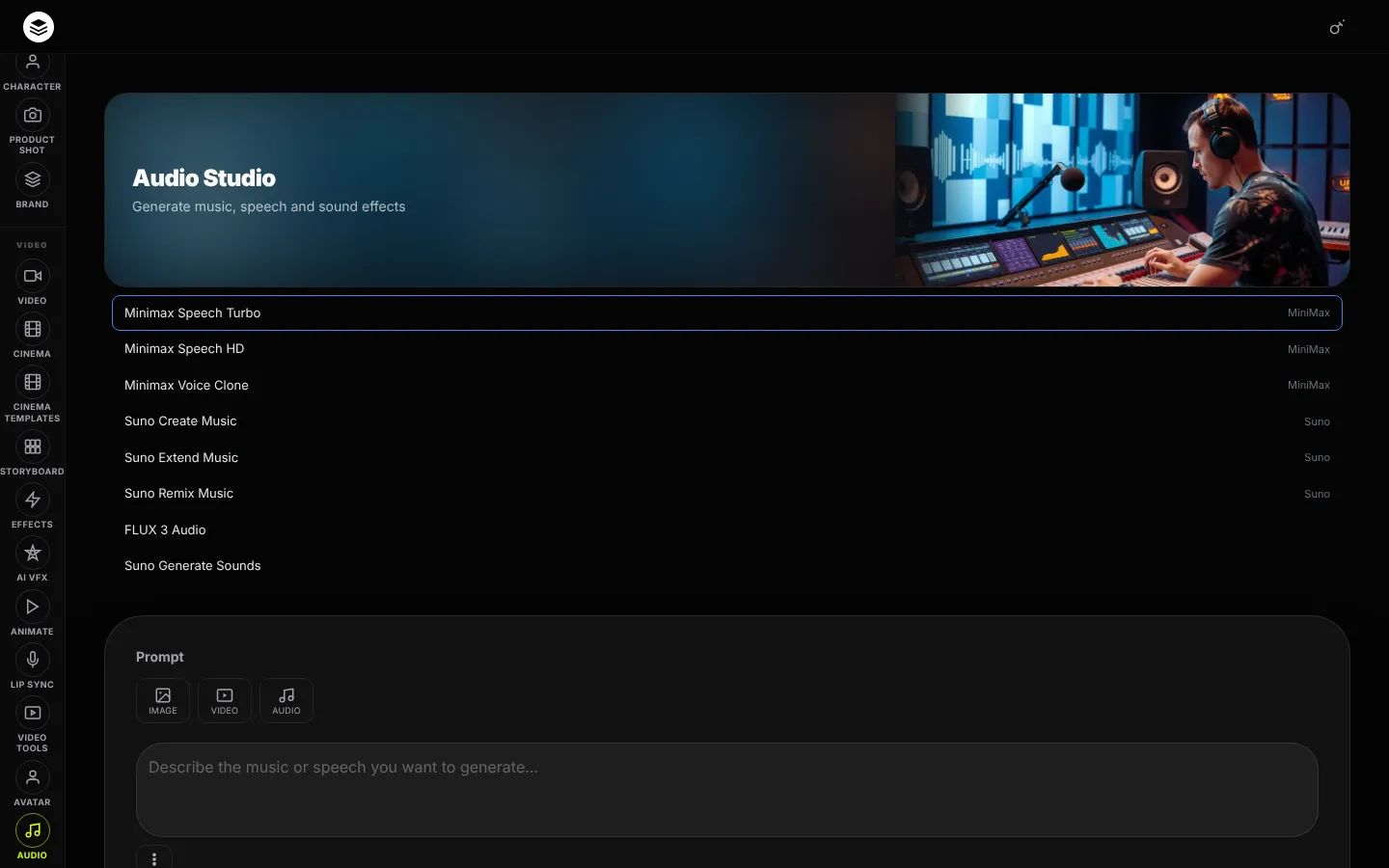
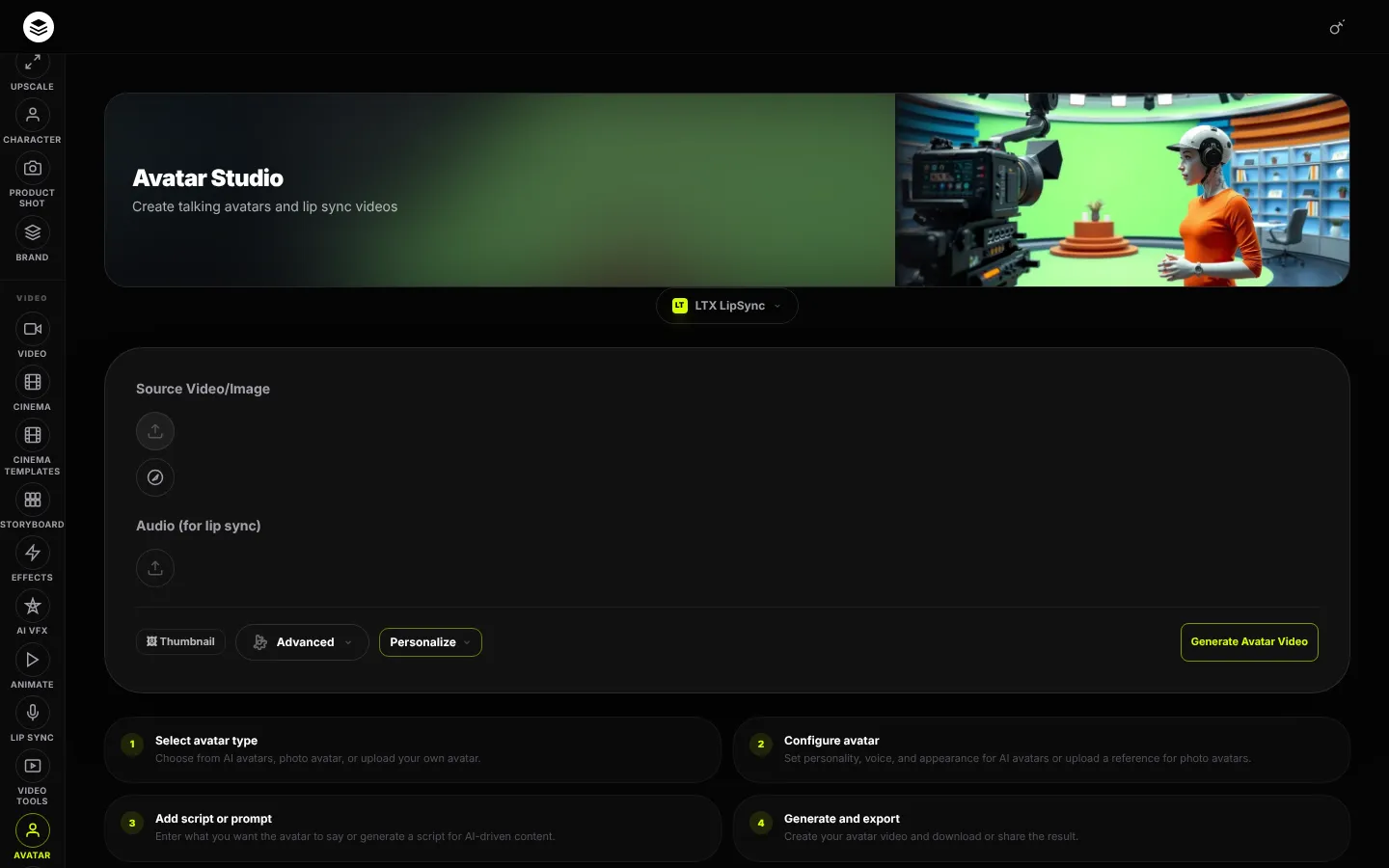
SmartVid Studio (in the Image group of the side menu; address #/muapi-studio) is opened from the side menu. It has a left rail of eight modes: Image, Video, Audio, Avatar, 3D, Tools, Text and More. Each mode lists the models of that kind from the live MuAPI catalog (more than 800 in total, and the list changes as models are added). Choose a model and the studio builds the form that model needs: a prompt, reference images or videos, aspect ratio, resolution, duration and other options. The price for your exact settings is shown on the Generate button before you spend anything, and a batch of 1, 2, 4, 6 or 8 can be run in one click. In Image and Video modes a Models / Apps switch lets you pick one of 76 ready-made apps (such as camera angles, face swap, product shots and transitions) instead of a raw model. Results appear in My Generations on the right with download, approve, reject, reuse, re-run and copy-link actions. Everything runs with your own MuAPI API key, which you add in Settings; the studio asks for it the first time you open it.
When to use it
- You want to try or compare many AI models (image, video, audio, avatar, 3D) from one screen.
- You want to see the price of a generation before you run it.
- You want to run several variations at once (batch of 1, 2, 4, 6 or 8).
- You want a ready-made app such as camera angles, face swap, product shots or transitions without writing a prompt from scratch.
- You already have a MuAPI key and want to use it directly.
- Eight modes in a left rail: Image, Video, Audio, Avatar, 3D, Tools, Text and More.
- A searchable model picker with a provider rail, category tabs and sort options, fed by the live MuAPI model catalog.
- A form built from each model's own settings: prompt, image / video / audio inputs, aspect ratio, resolution, duration and more, with an 'Auto' option on optional numeric and dropdown fields.
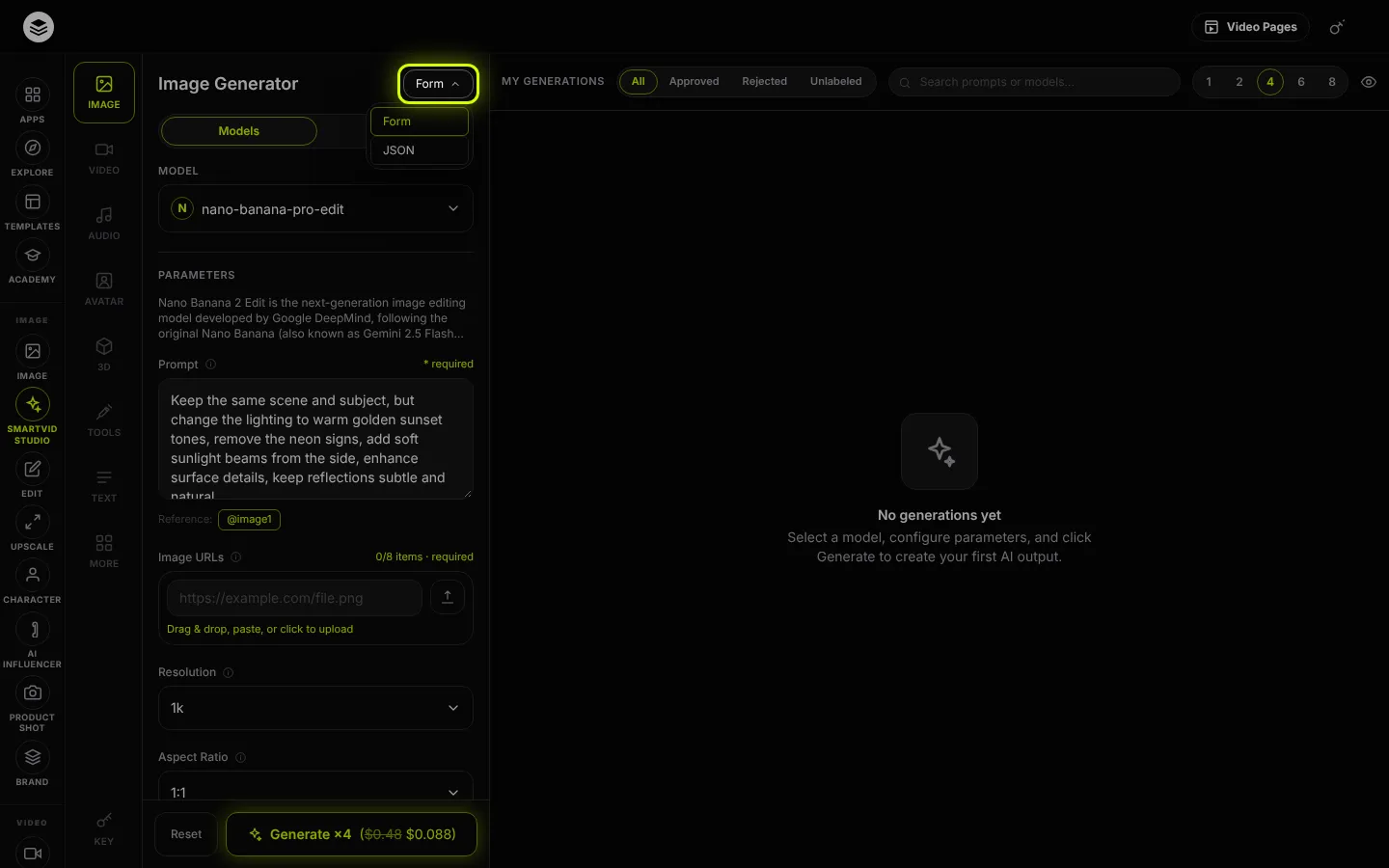
- A Form / JSON switch: edit the request as a form or as raw JSON.
- Live price on the Generate button for your exact settings, with a struck-through original price when a model is on sale.
- Batch of 1, 2, 4, 6 or 8 generations in one click; the default is 4.
- A spend confirmation when one click would cost more than $0.25 in total.
- A Models / Apps switch in Image and Video modes, with 76 ready-made apps, search and category filters.
- My Generations: filters (All, Approved, Rejected, Unlabeled), search, and per-result Download, Approve, Reject, Reuse, Re-run, Copy link and Hide.
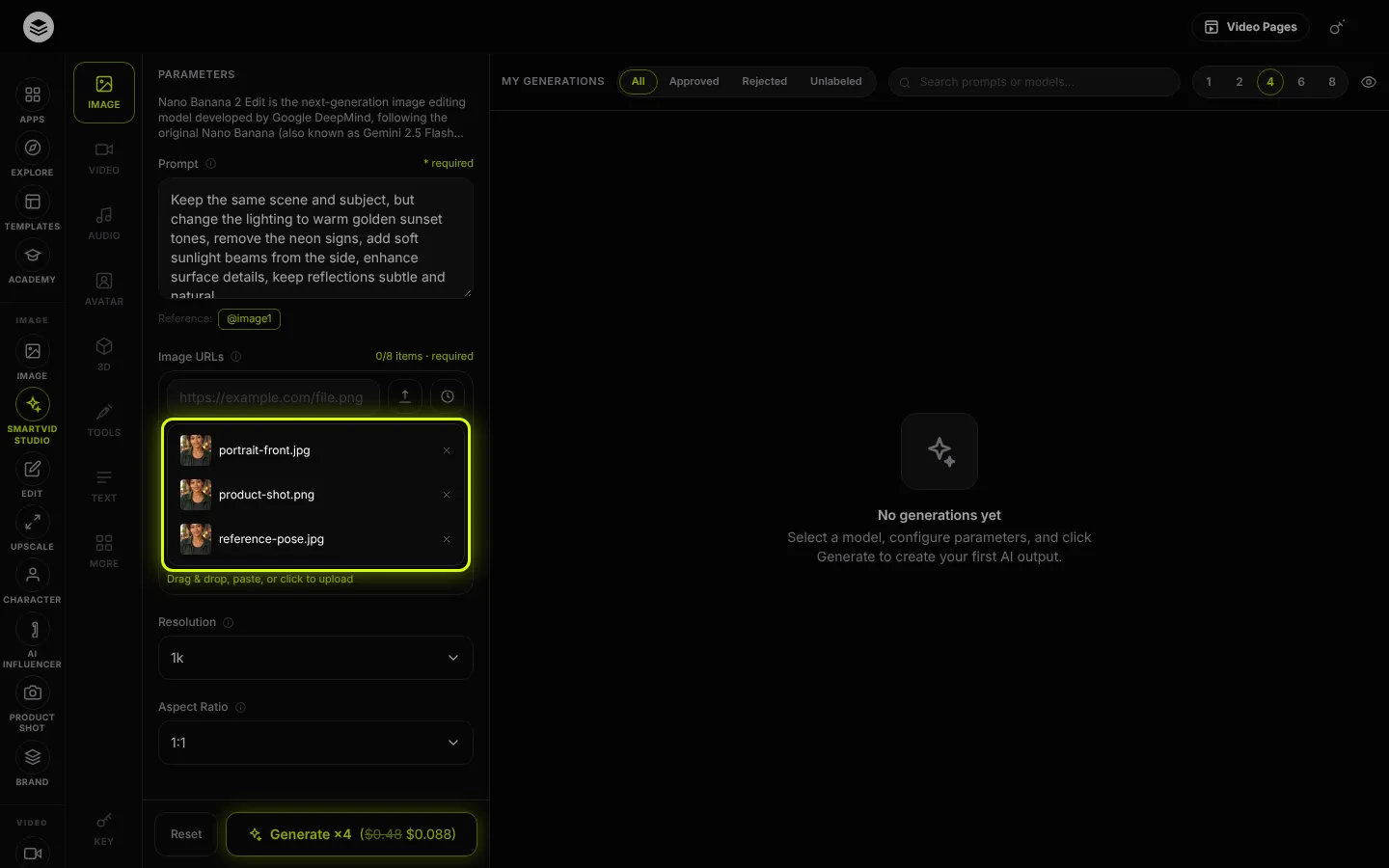
- Uploads by drag and drop onto a field, drop anywhere on the form, paste, or the upload button, with per-file status, Retry and a Recent uploads list.
- An inline 3D viewer for .glb and .gltf results.
- Your own MuAPI key: added in Settings, used only for your own requests.
- Requests go through the app's own secure proxy with your key, and saved generations are kept per key, so another key never shows yours.