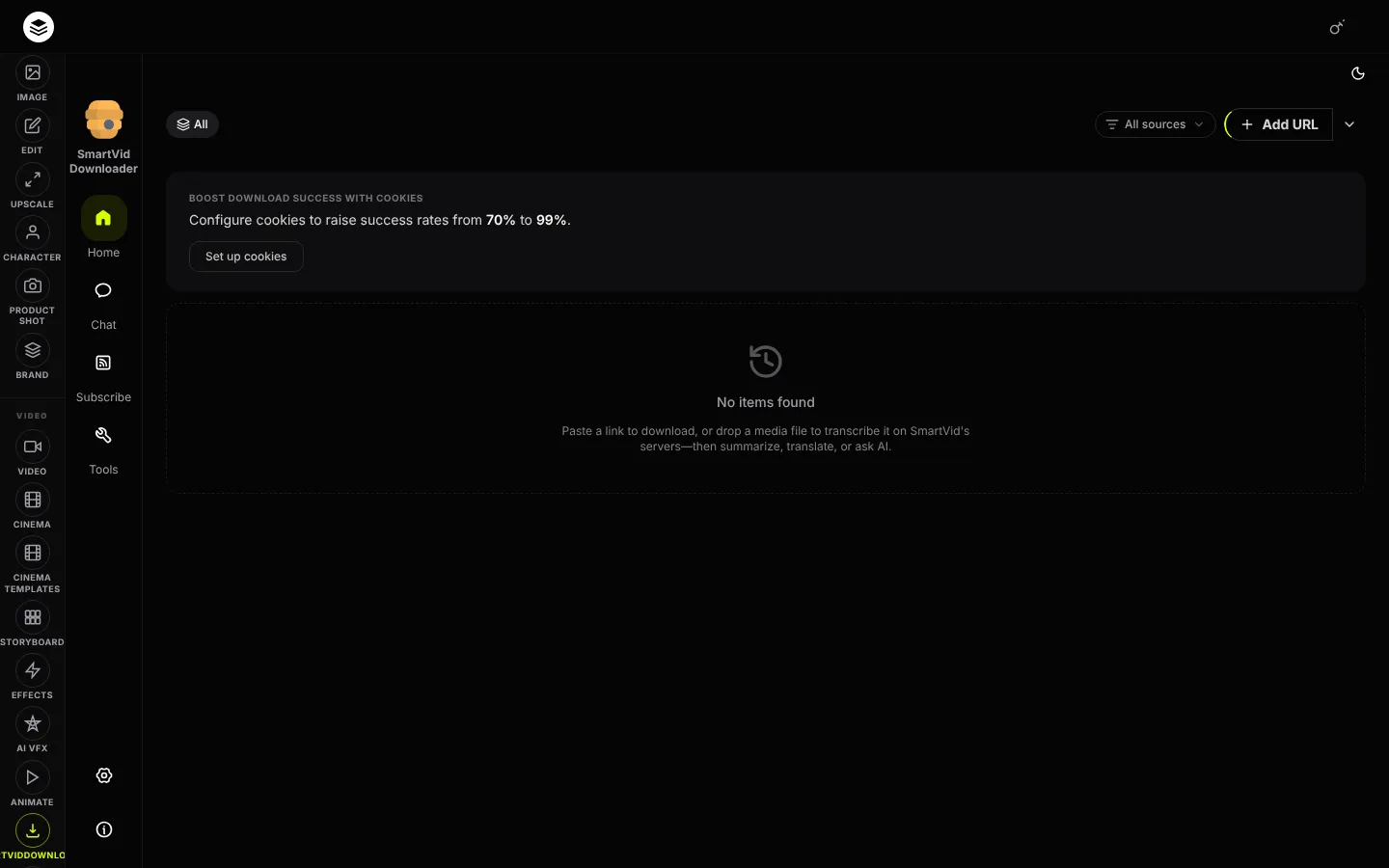
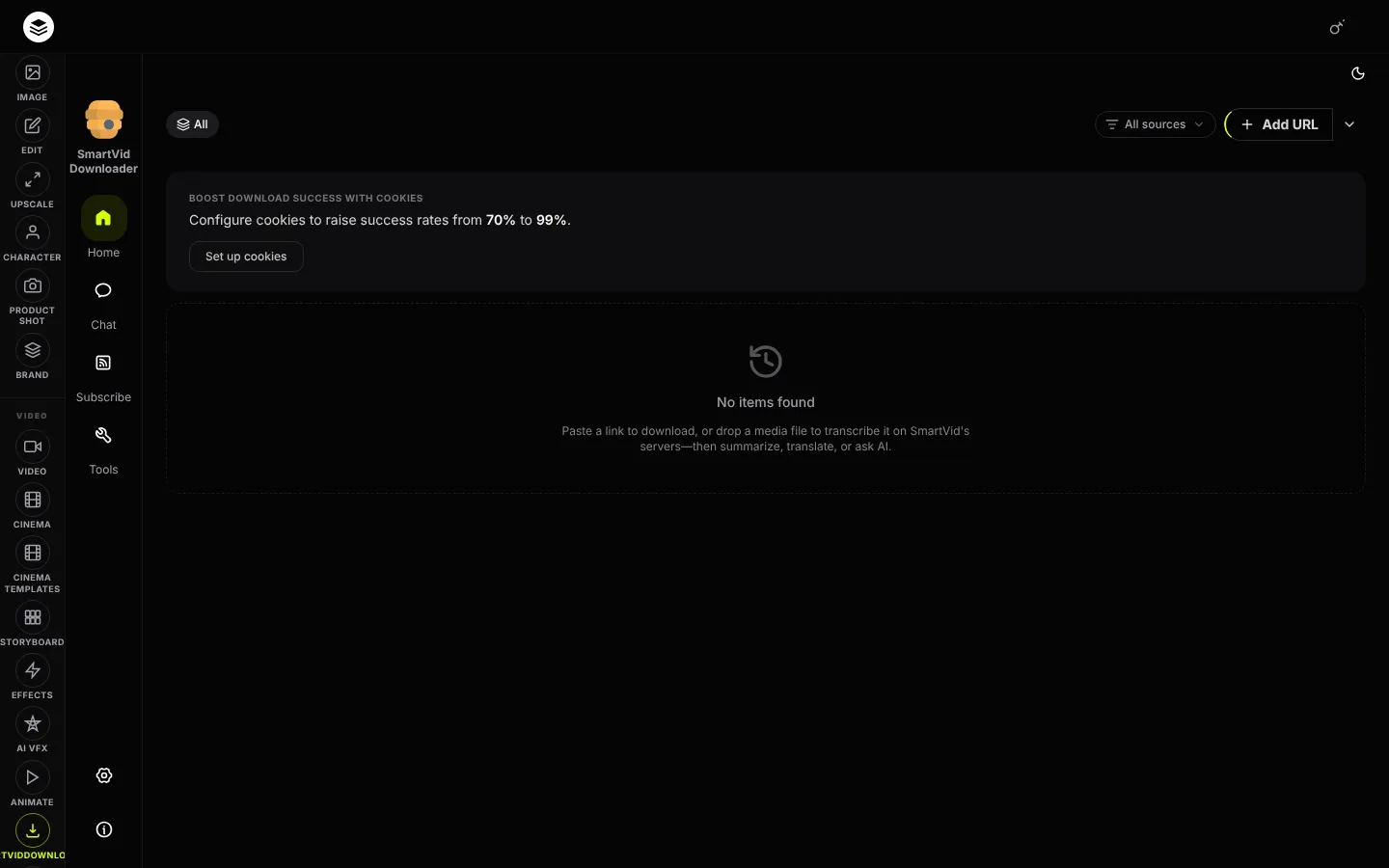
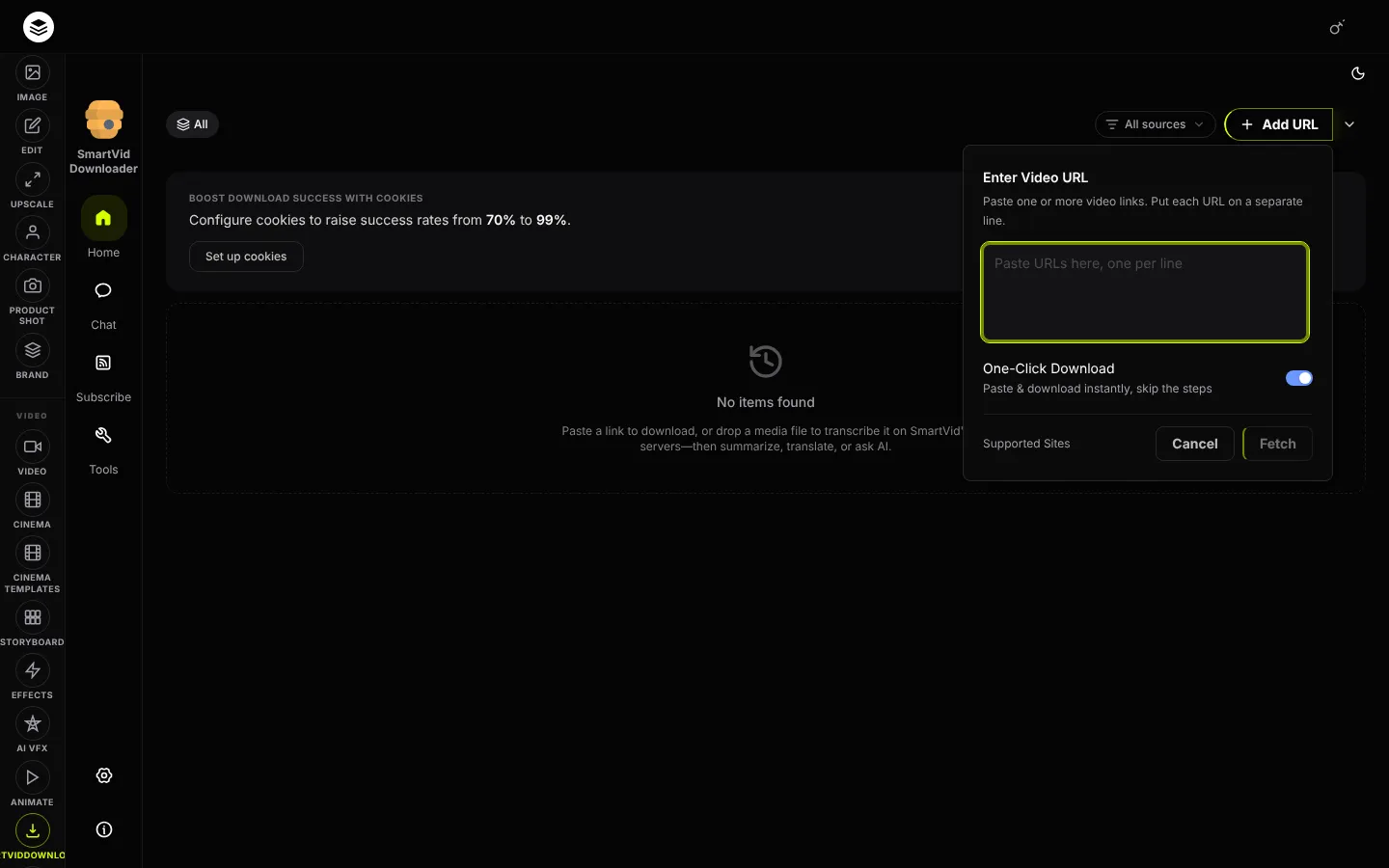
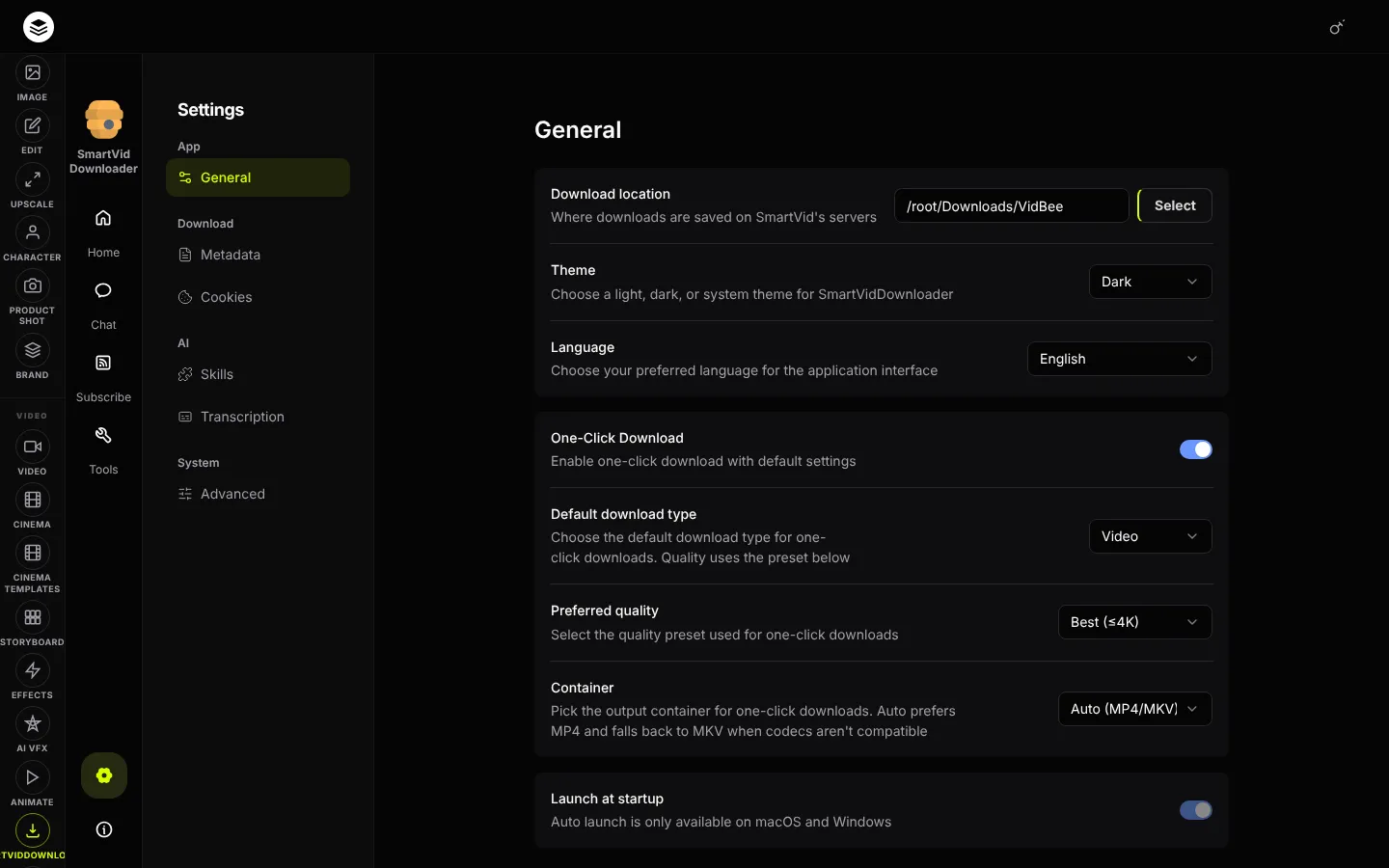
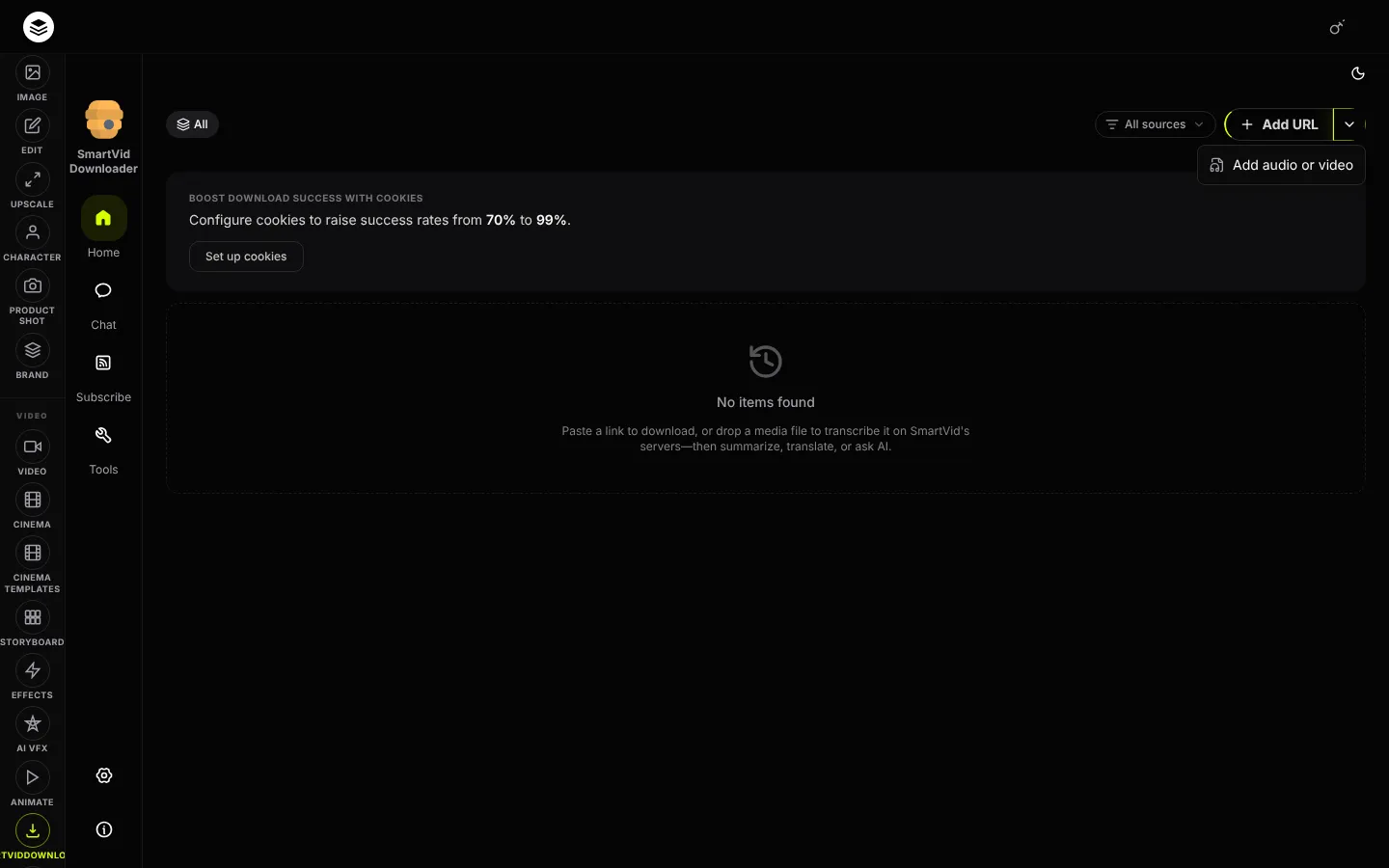
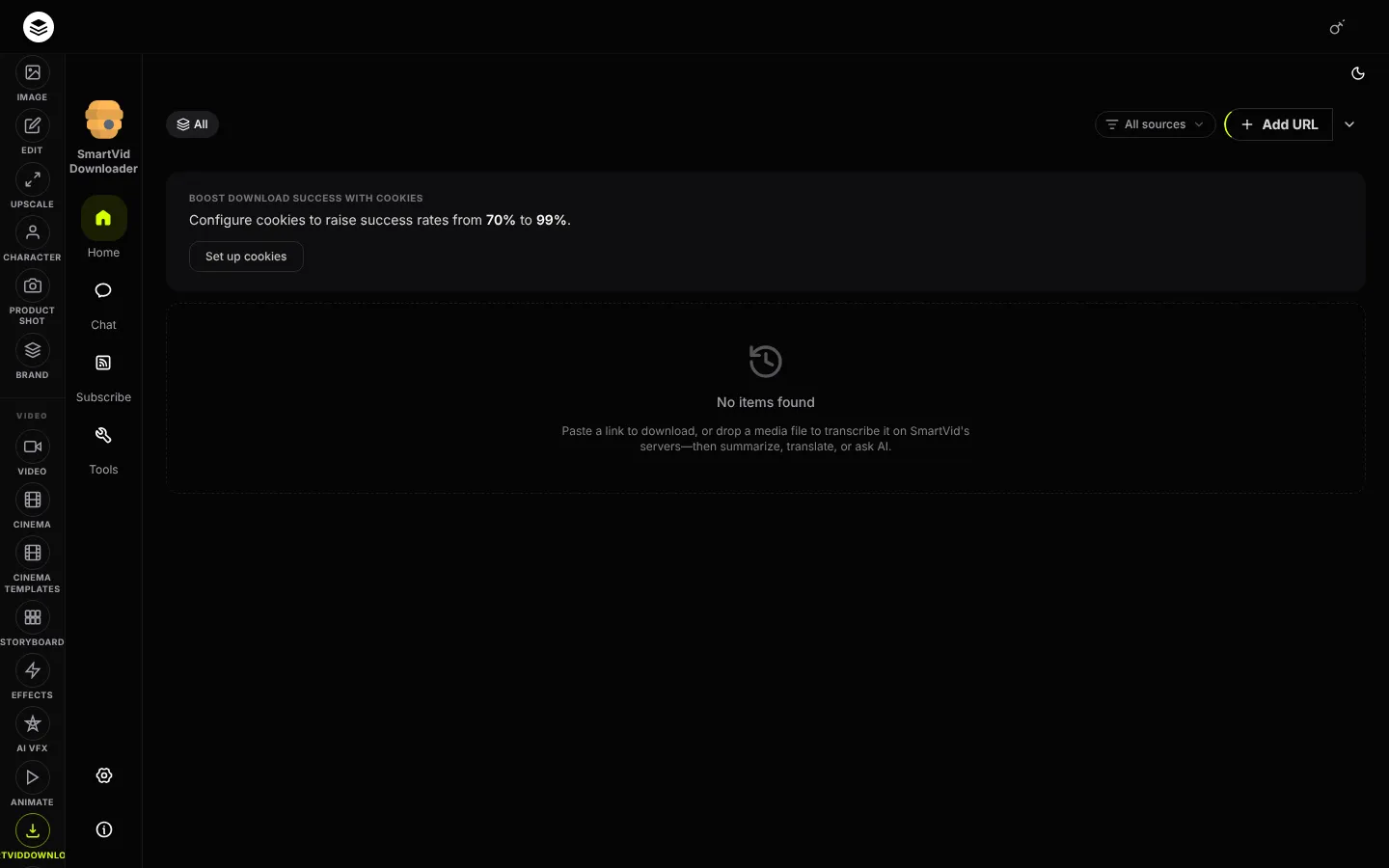
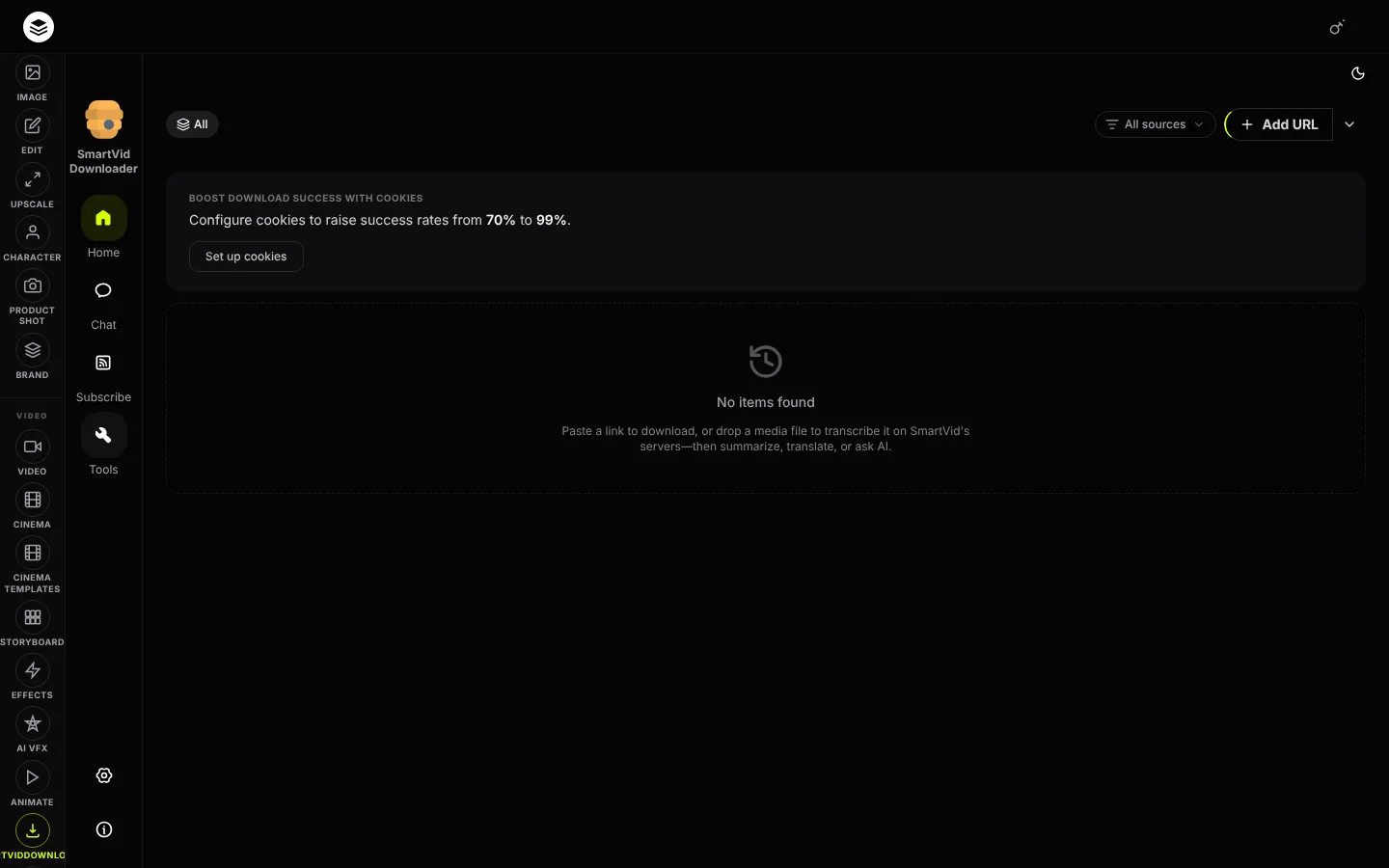
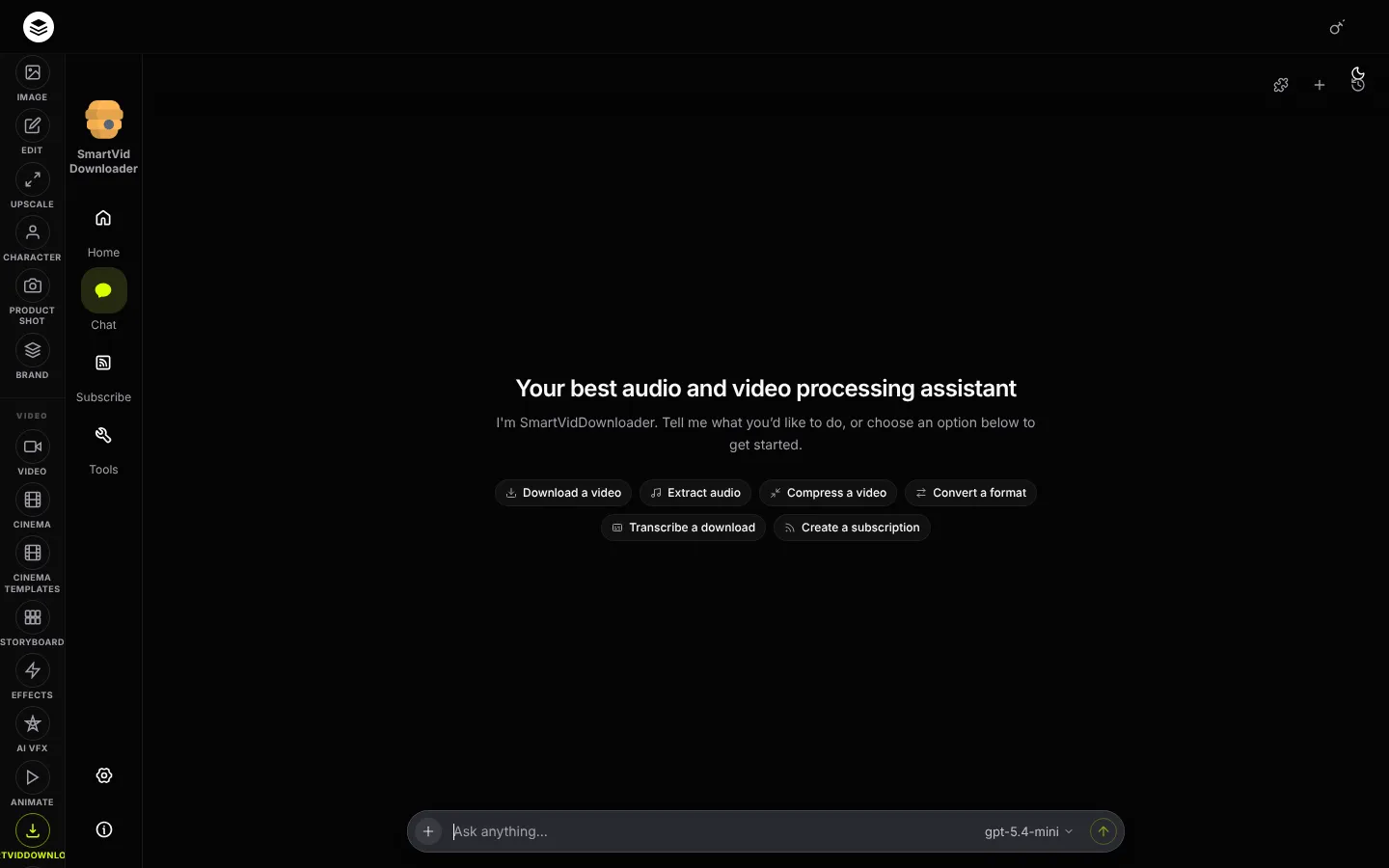
SmartVidDownloader (side menu, Video group; addresses #/media-hub and #/smartviddownloader) opens a full download and transcript app inside the page. It is built on the open-source VidBee app; its screens say SmartVidDownloader. Paste one or more links to download video, audio or subtitles from YouTube, TikTok, Instagram, X, Vimeo, Twitch, SoundCloud and many other sites (it uses yt-dlp), pick the format and quality, download whole playlists, and follow channels or RSS feeds so new uploads are downloaded for you. Every download can be turned into a transcript with speaker labels, which you can search, edit, translate and export as text, Markdown, SRT subtitles or a video with captions. With the built-in AI (OpenAI, provided by SmartVid; nothing to set up) you can run AI skills on a transcript (overview, bullet points, FAQ, mind map, translate, article and more) or chat with an agent that can download, convert, clip and transcribe for you. The app's sidebar has Home (downloads and history), Chat, Subscribe (subscriptions), Tools, Preferences (Settings) and About. Important: SmartVidDownloader runs on the SmartVidDownloader server, not on your computer. Downloads, transcripts and speech models are stored on that server; Open File opens a file in a new browser tab and exports arrive as browser downloads. Everyone who is allowed in shares one SmartVidDownloader: the same download history, subscriptions and settings. You must be signed in and your account must be on the allowlist.
When to use it
- You have a video link and want the video or just the audio as a file.
- You want a whole playlist or channel, or only part of it.
- You want new uploads from a channel or RSS feed downloaded automatically.
- You want a transcript with who said what, or SRT subtitles for a video.
- You want an AI summary, FAQ, mind map or translation of a video's transcript.
- You want to burn captions into a downloaded video.
- Download by link: one or many URLs, video or audio
- Format and quality choice, frame rate, time range, subtitles and save folder
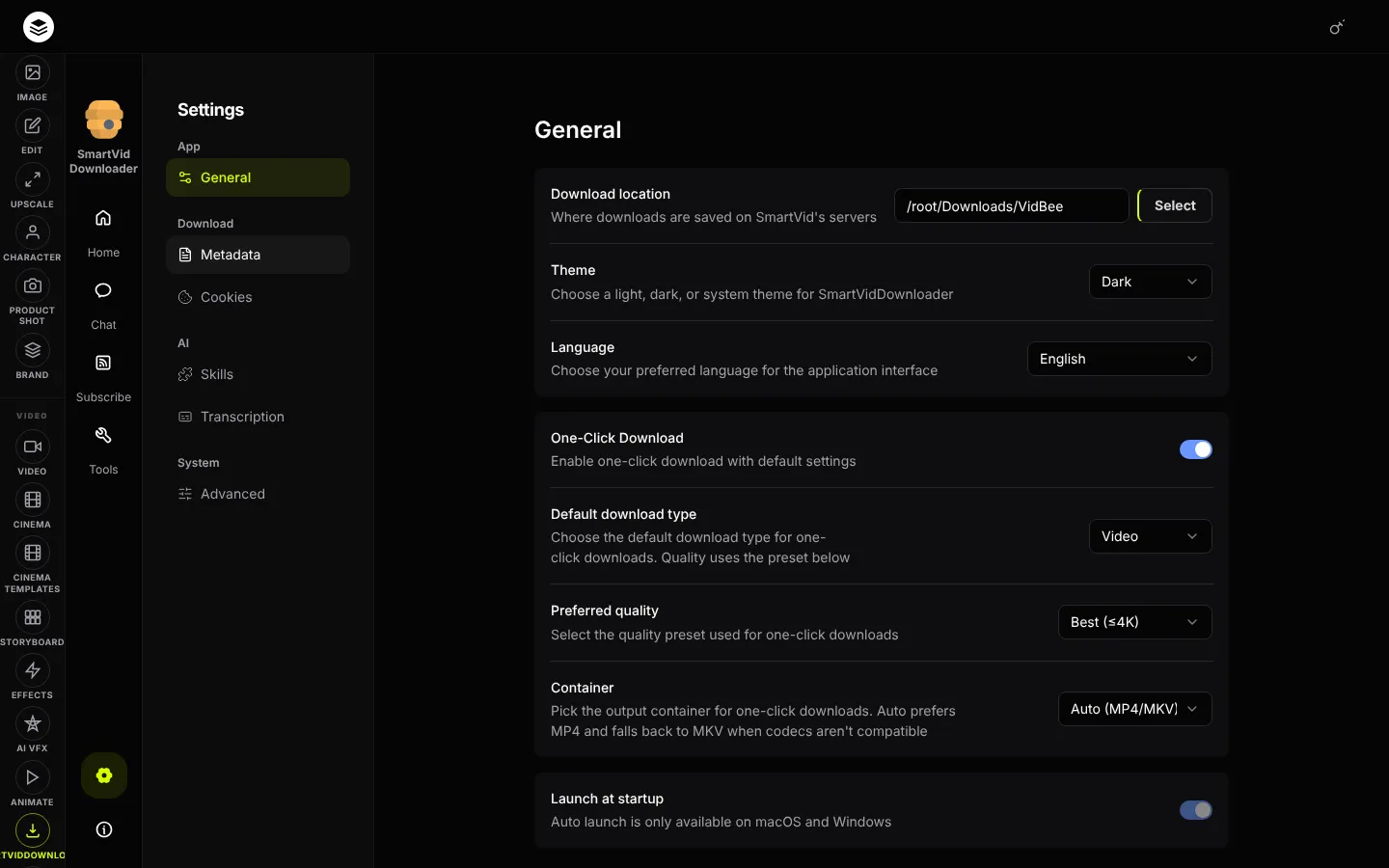
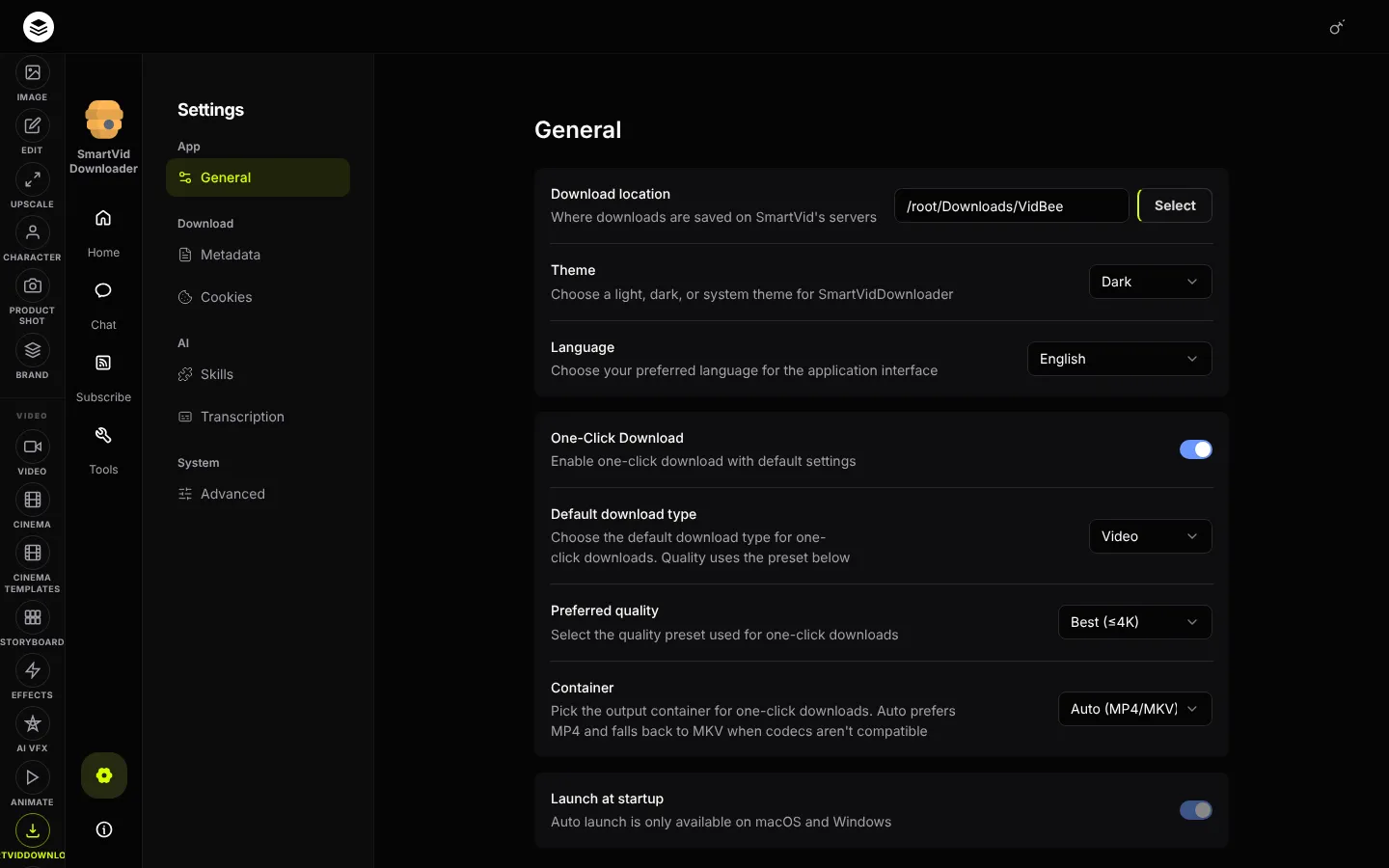
- One-Click Download with preset quality (Best ≤4K to Worst ≤360p) and container
- Download Playlist with preview and a selected range
- Download queue with pause, resume, retry, logs and Troubleshoot
- Download history with filters, Select, Remove Selected and Open File
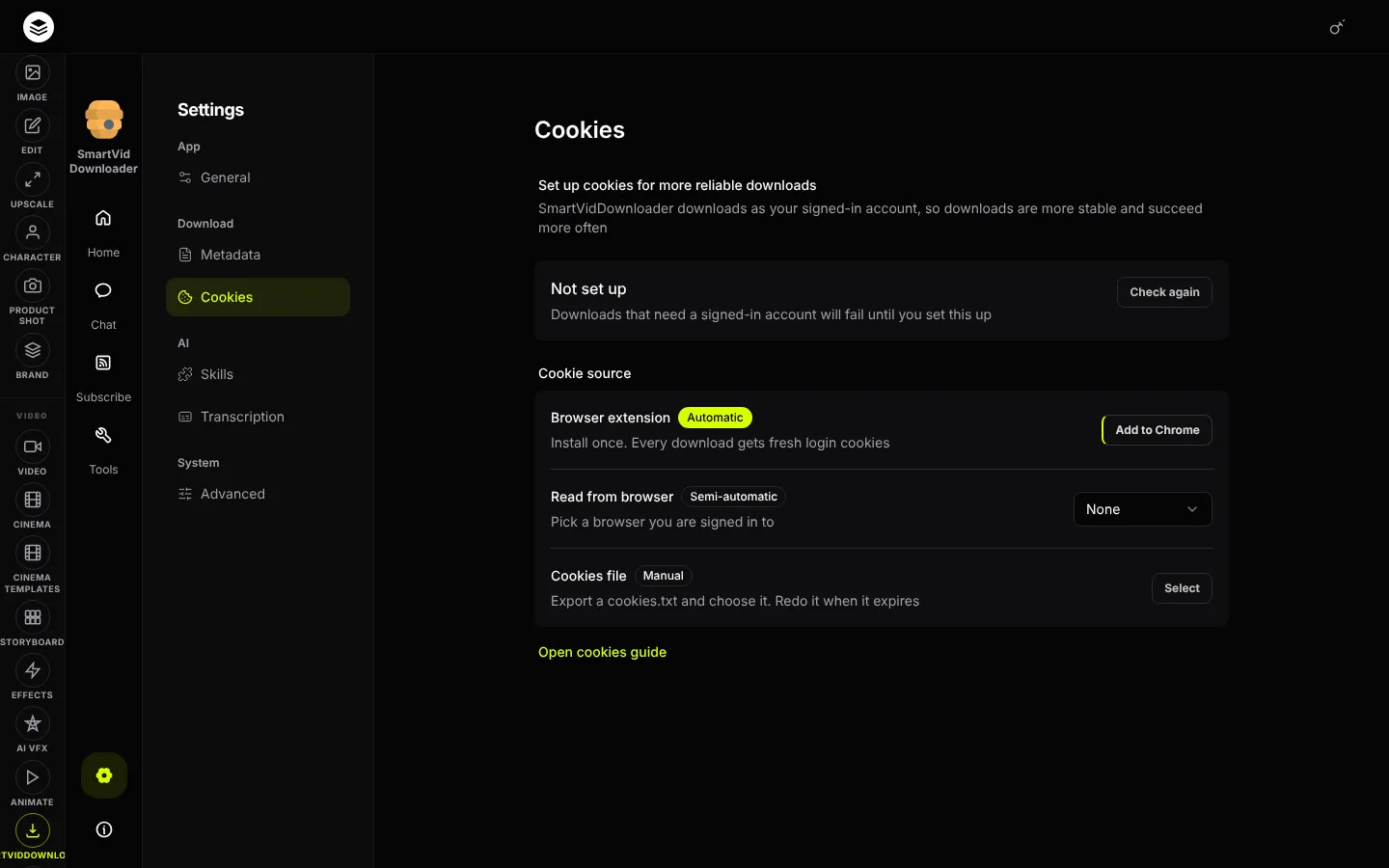
- Cookies file for videos that need a signed-in account
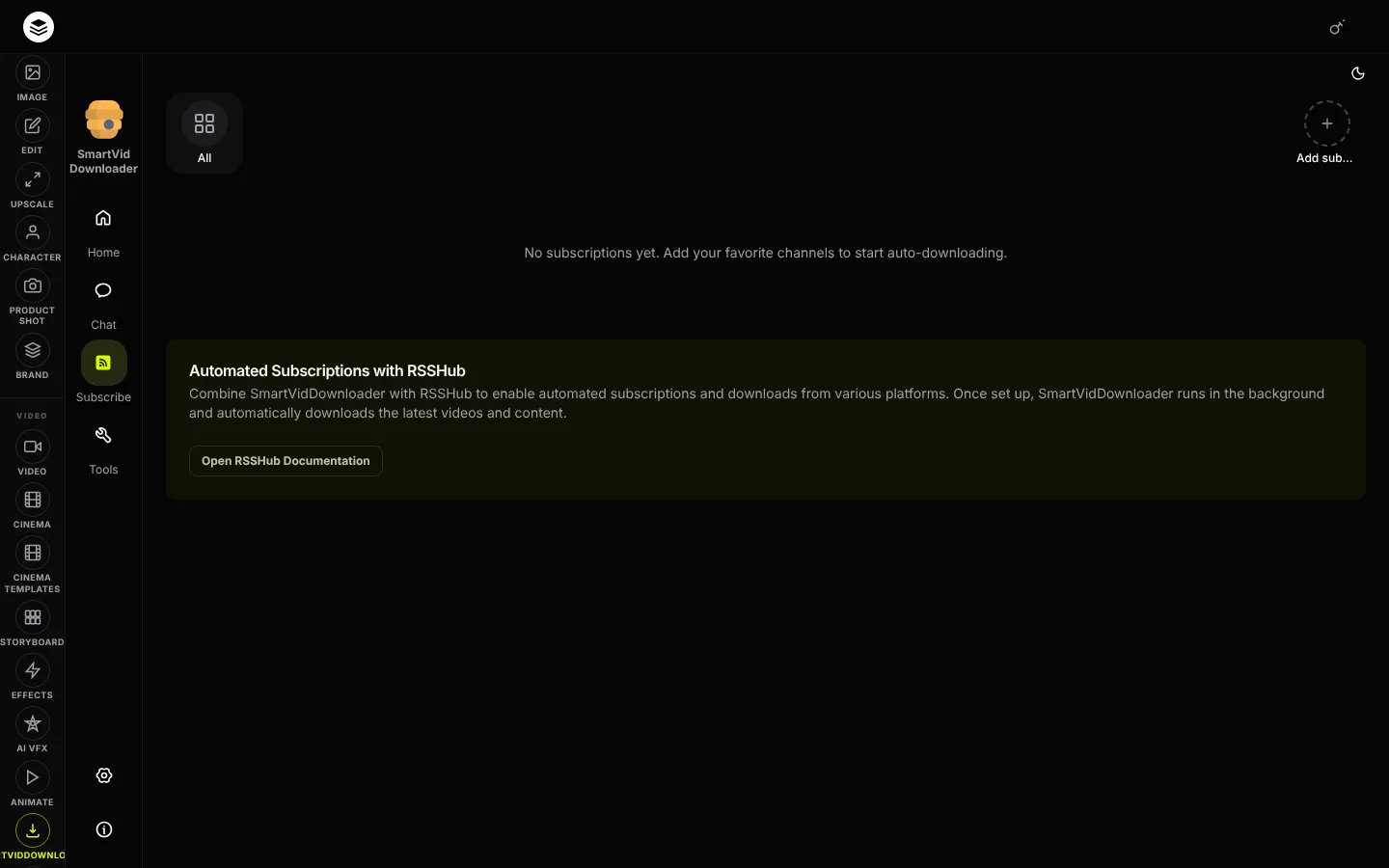
- Subscriptions to channels and RSS feeds with auto download and keyword filters
- Transcripts made by speech models on the server, also for uploaded audio or video files
- Speaker labels with Adjust speakers
- Search, edit and translate a transcript; bilingual view; built-in player
- Export as .txt, .md or .srt, or a video with soft or burned-in subtitles
- AI skills: Overview, Bullet Points, Generate FAQ, Create a mindmap, Translate, Rewrite as an article and more; custom skills
- Built-in AI powered by OpenAI, with no API key or setup
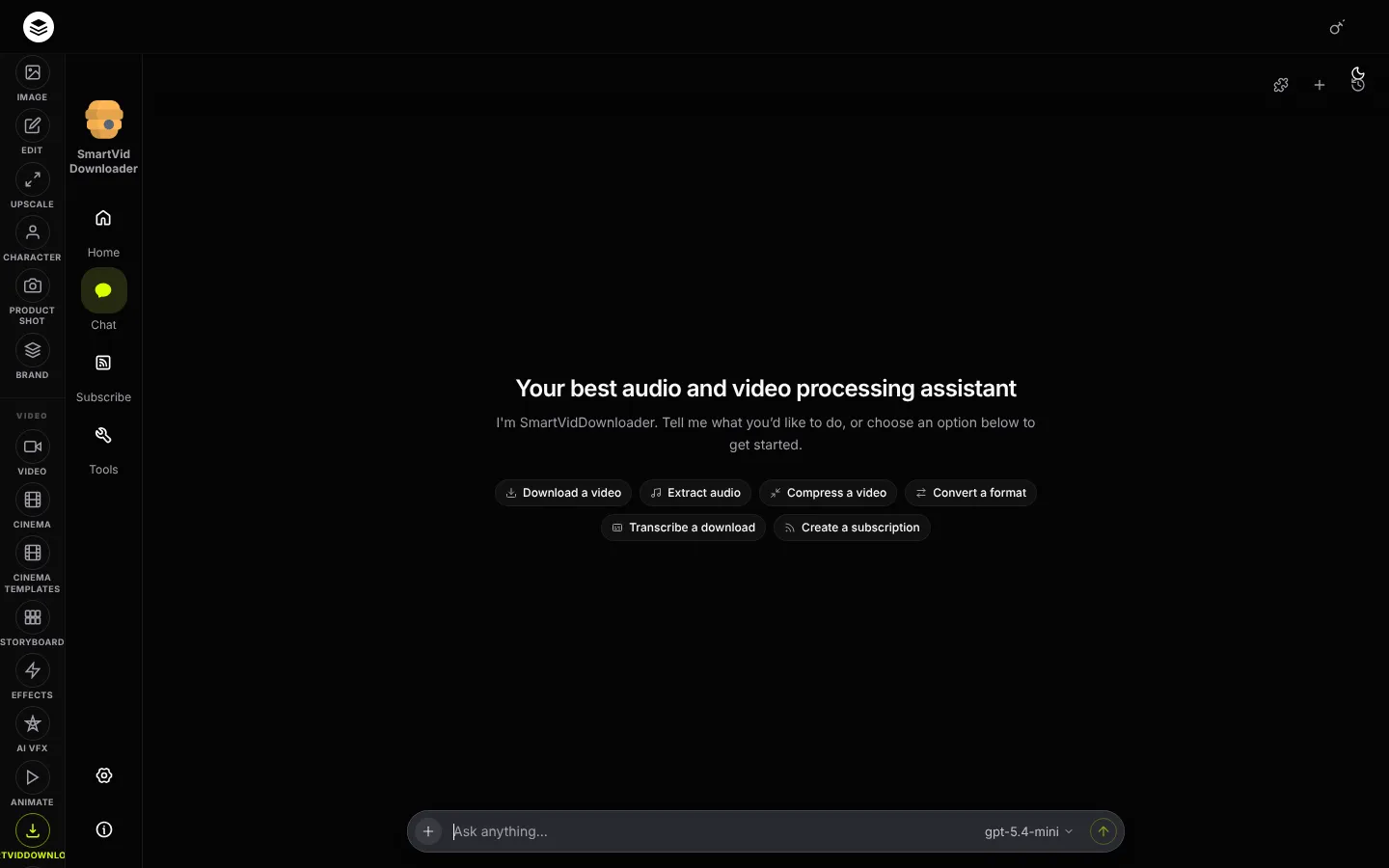
- Chat with an agent that can download, convert, clip and transcribe, with your approval
- Settings for theme, language, downloads, metadata, transcription models, proxy and MCP
- Supported Sites list