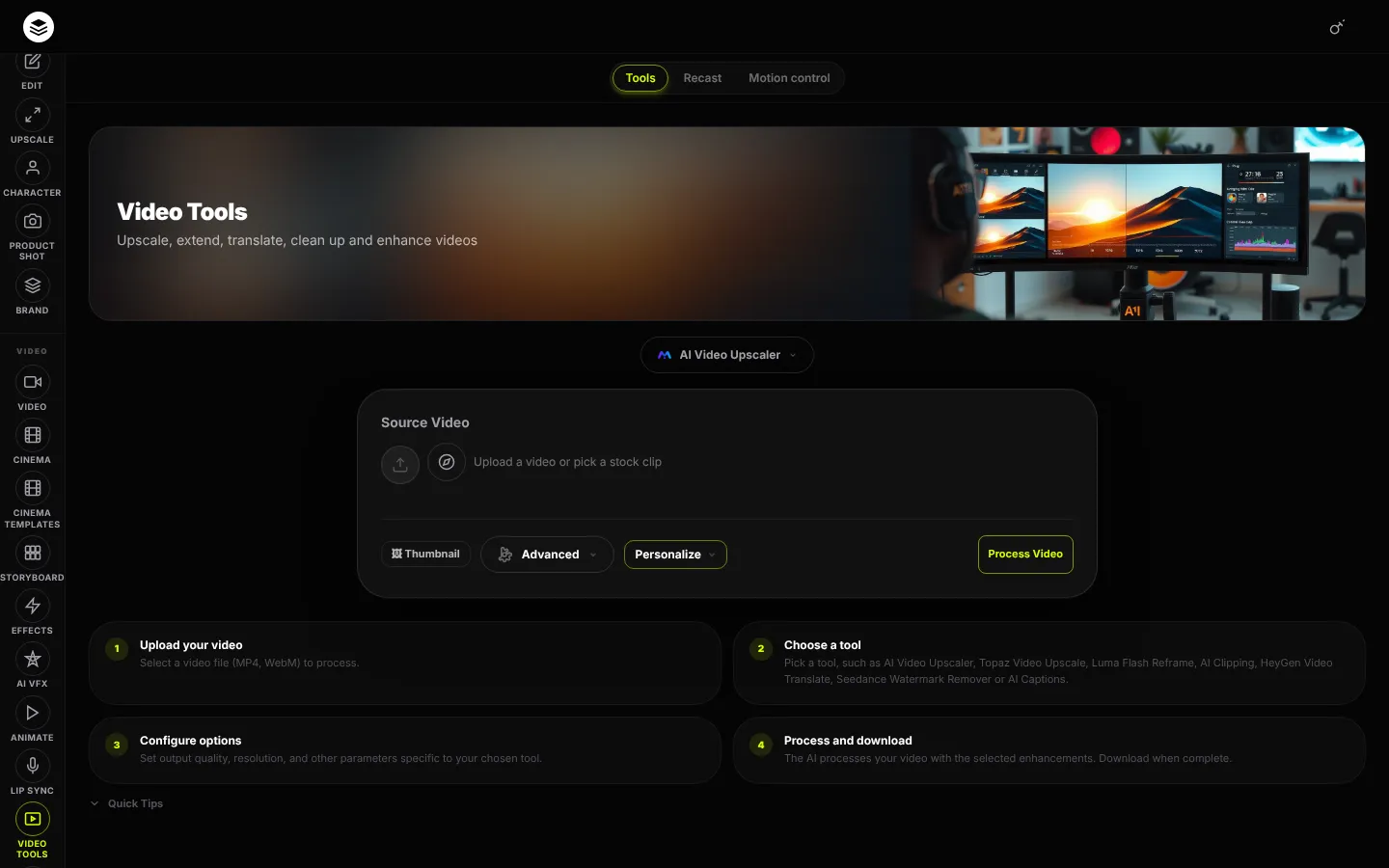
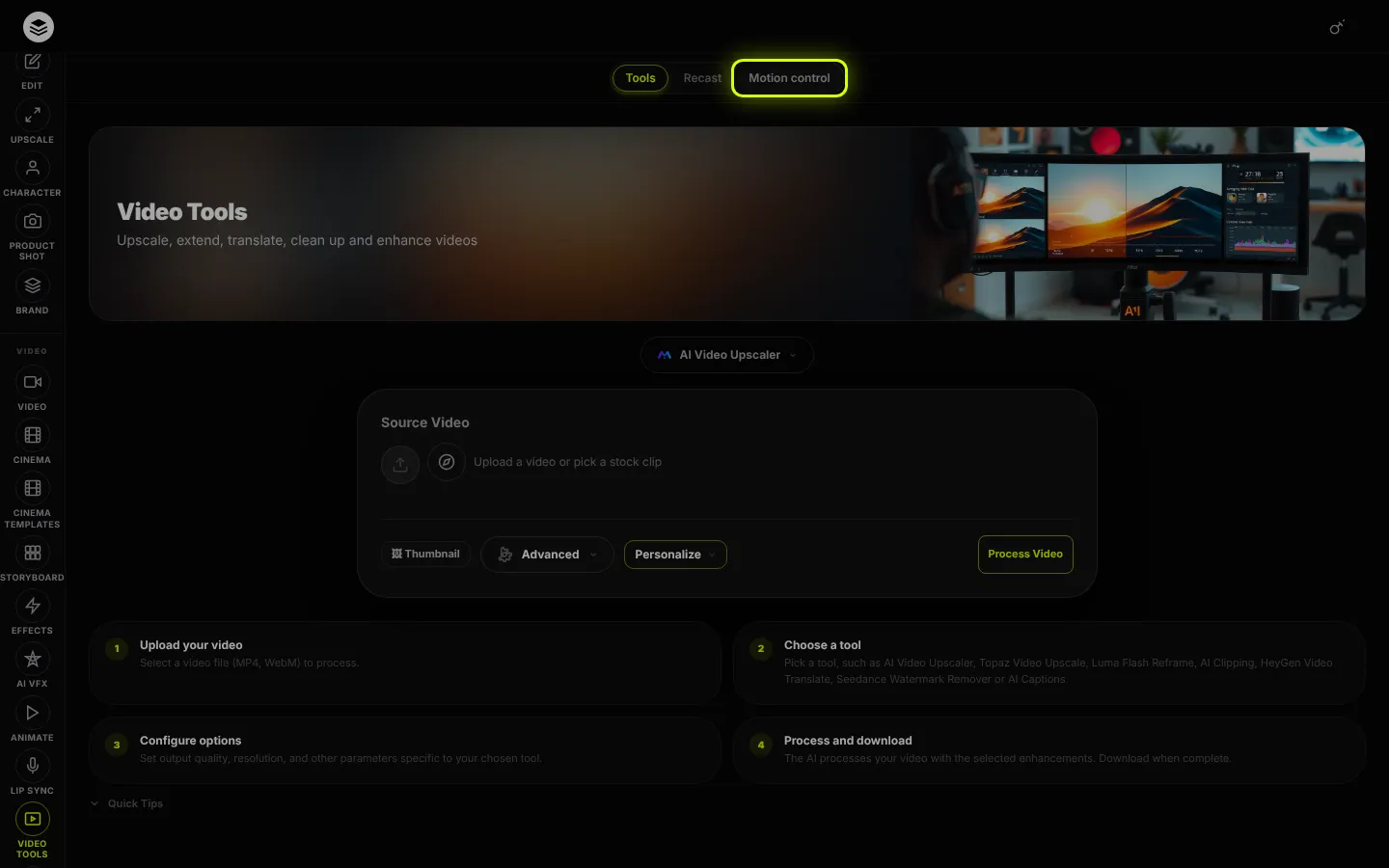
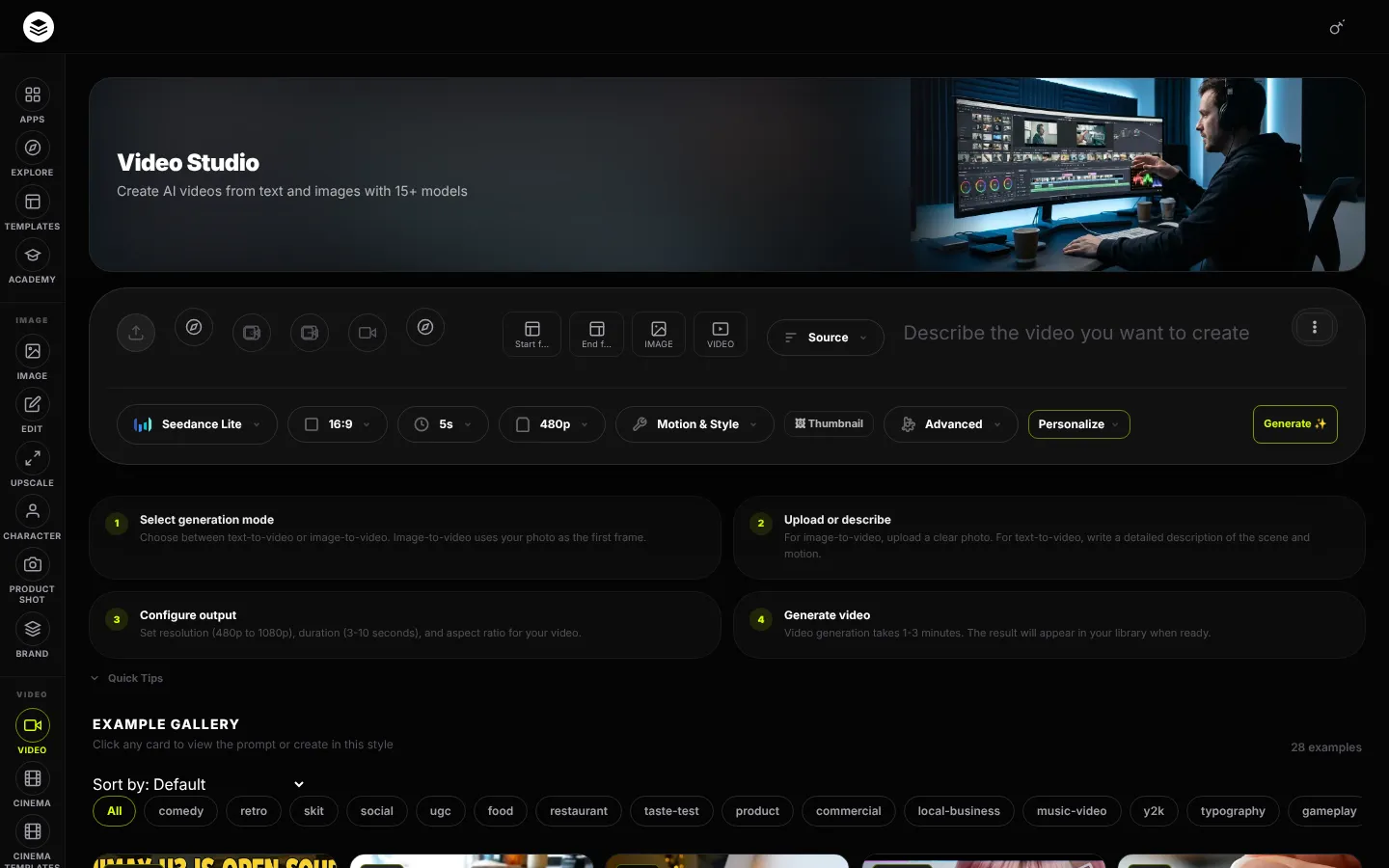
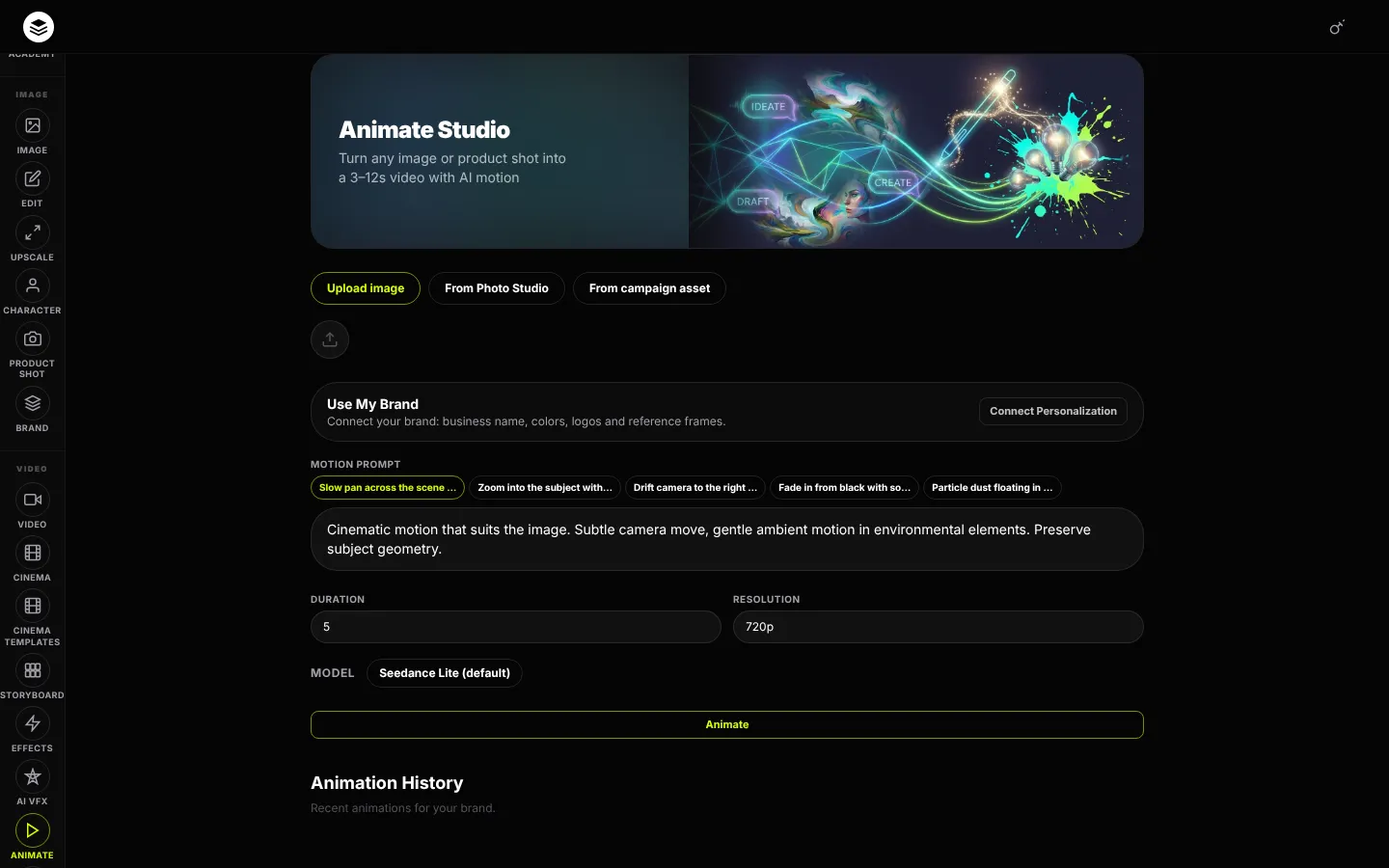
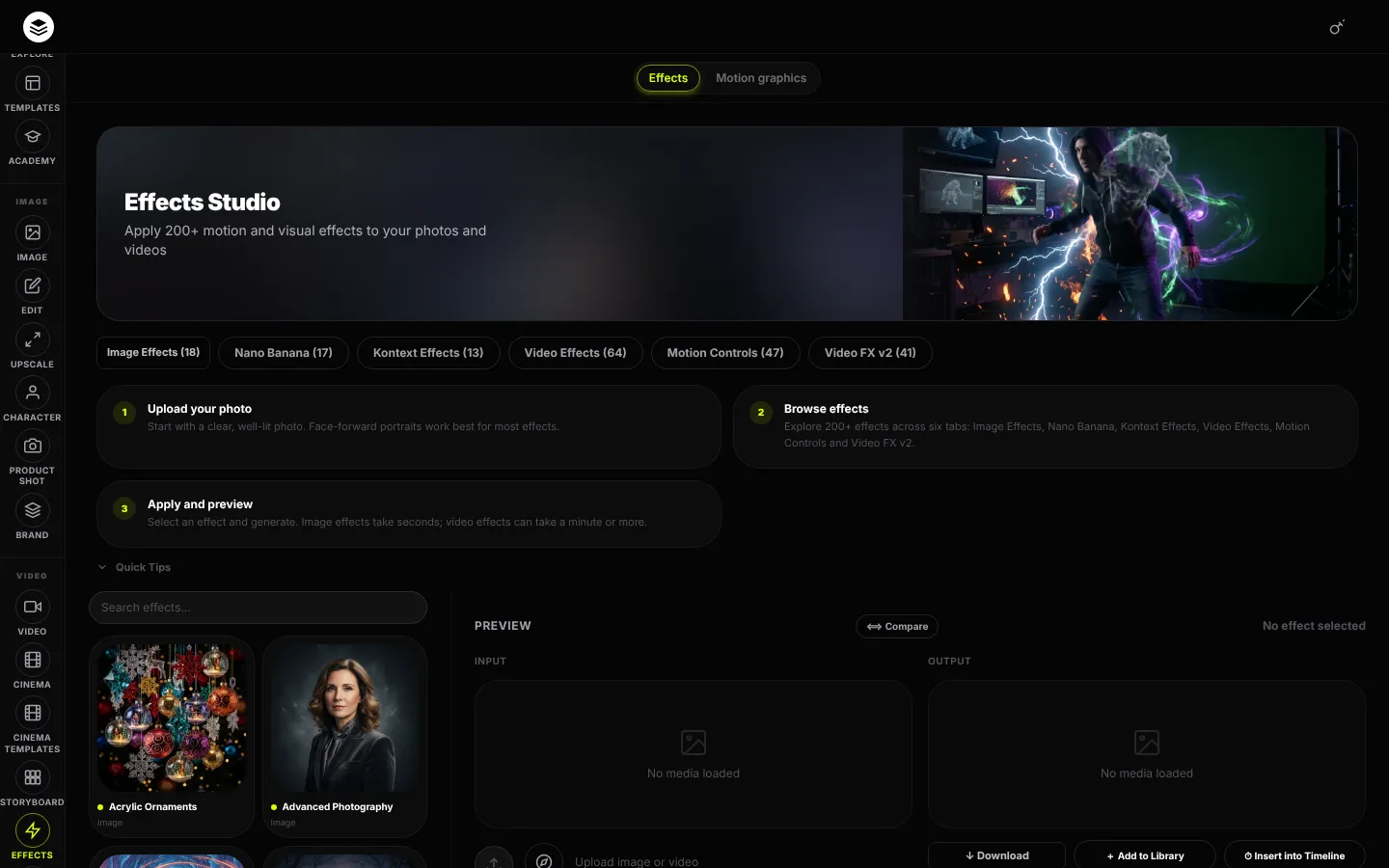
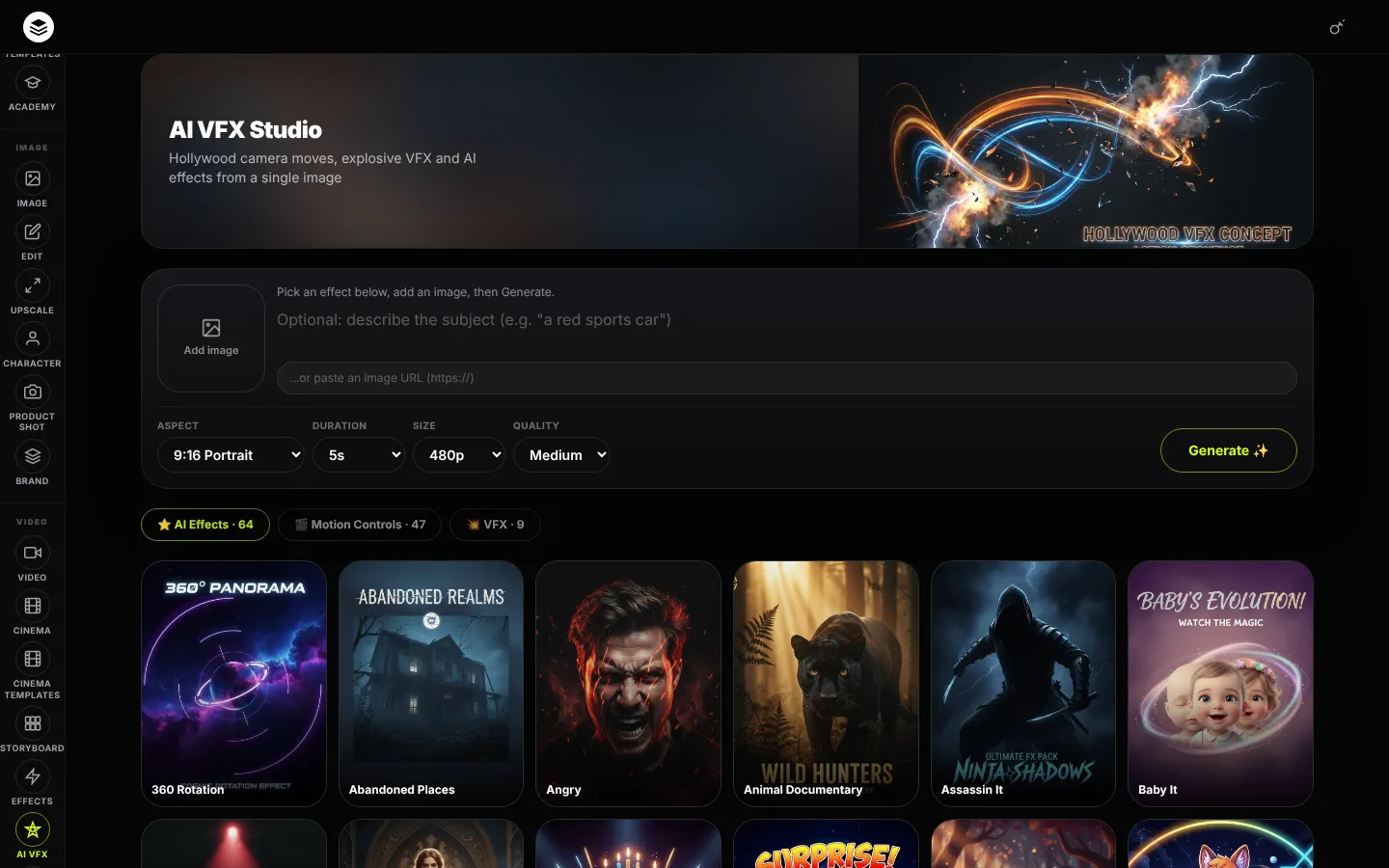
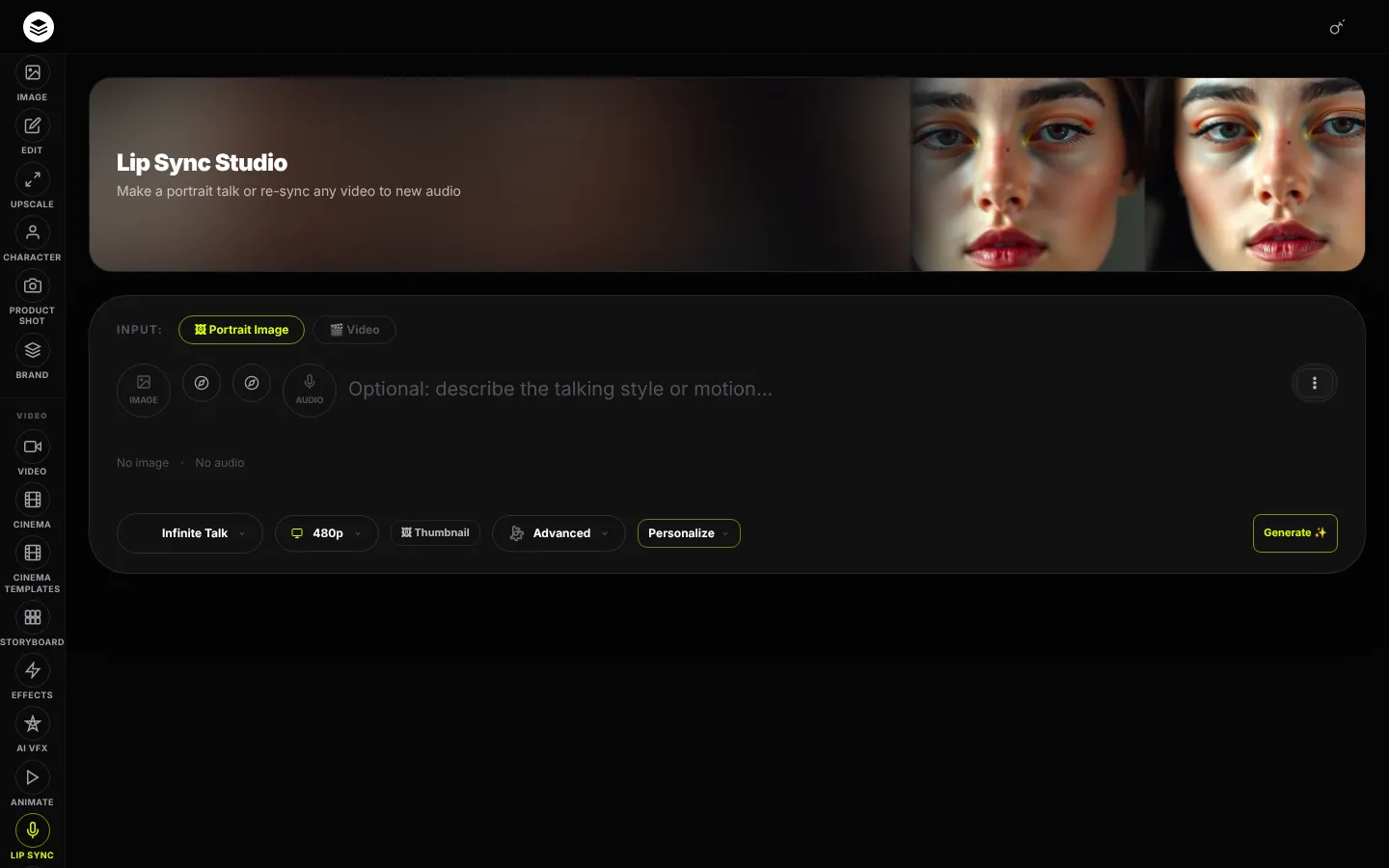
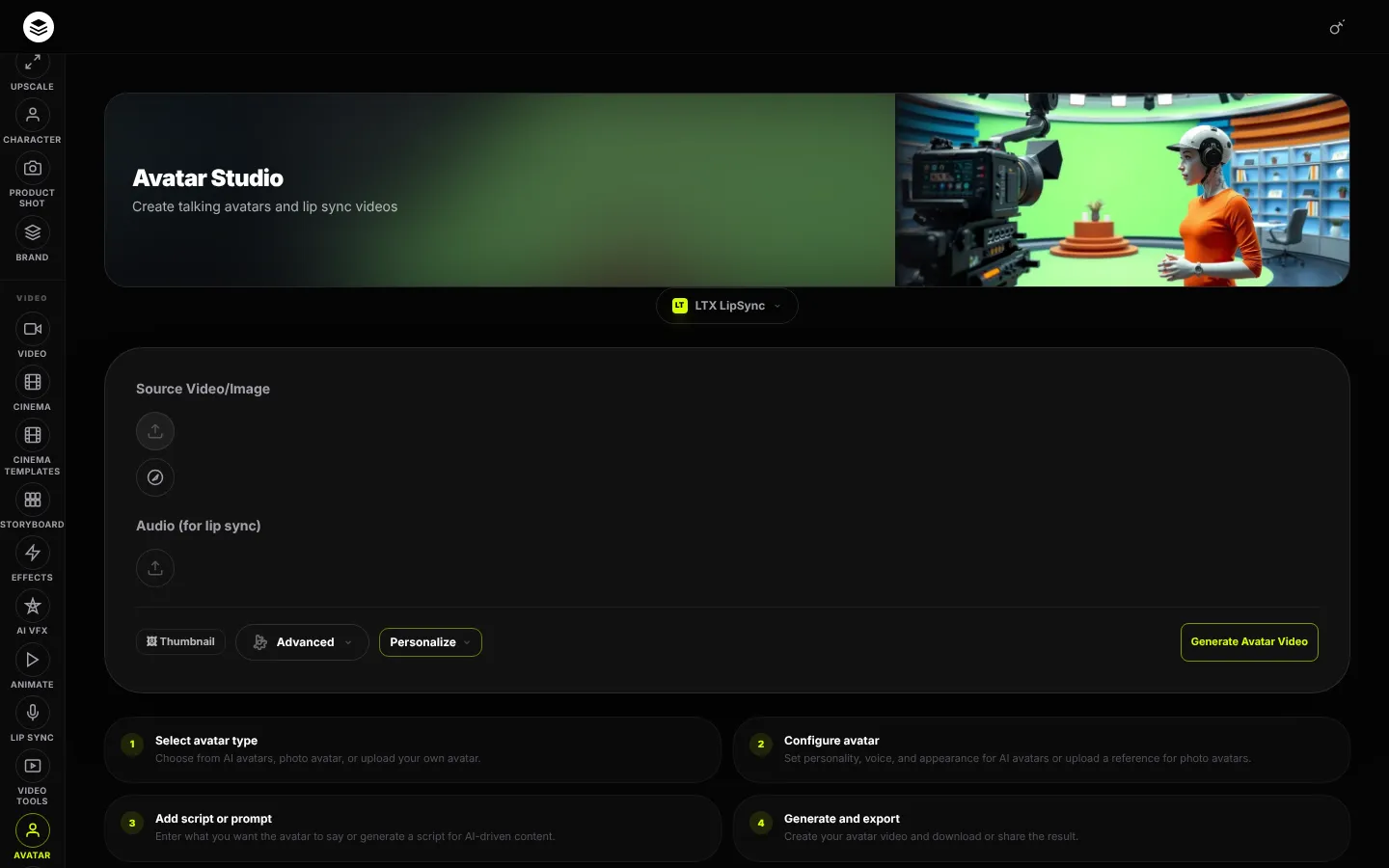
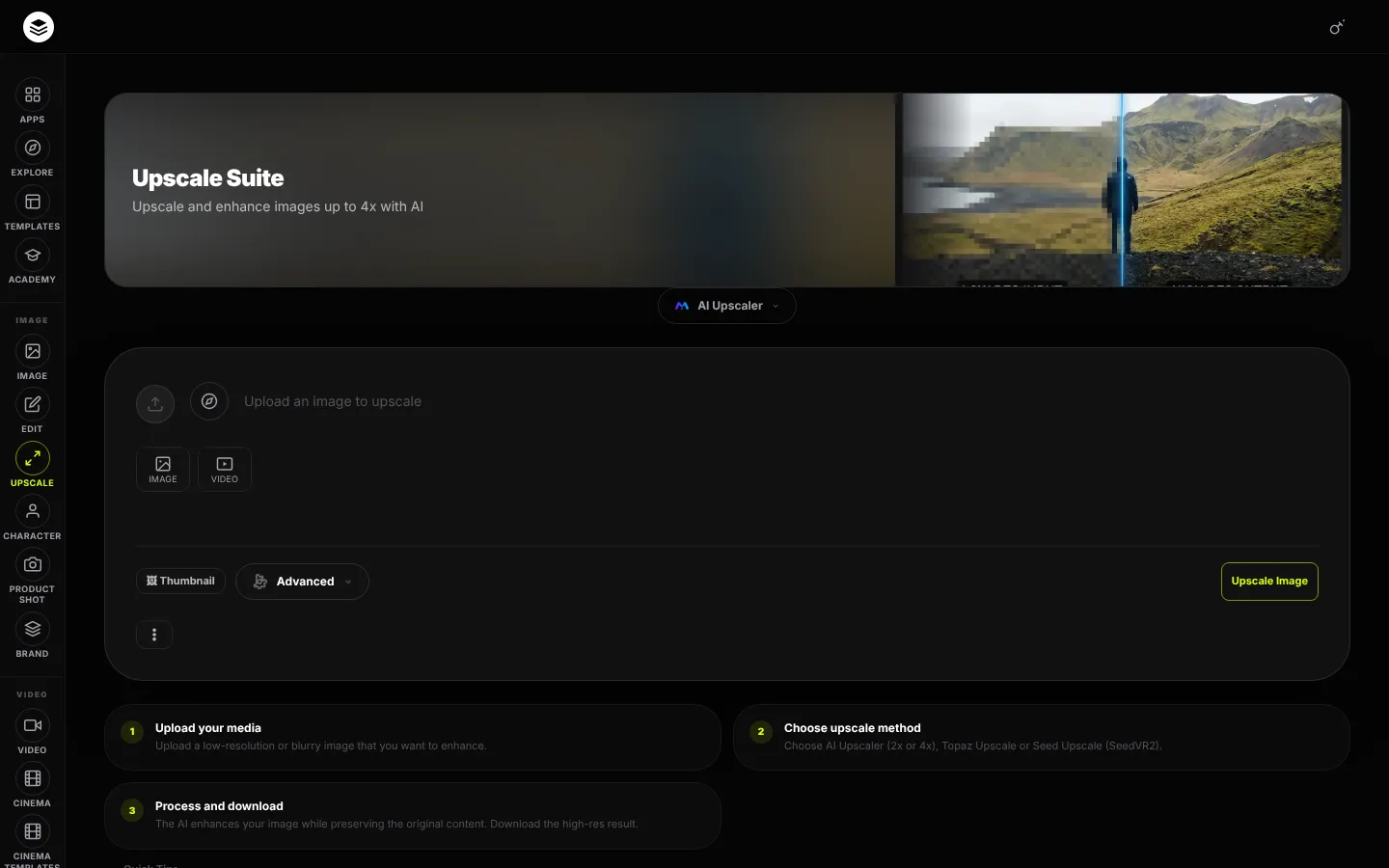
Source Video
Required | The video to process on the Tools tab. Without it you see an alert: Upload a source video first. | Always on the Tools tab. | MuAPI upload limit for videos is 50 MB (images 10 MB). The upload picker accepts MP4, WebM, MOV, MKV, AVI and M4V files. Stock videos from Pexels can be used instead. |
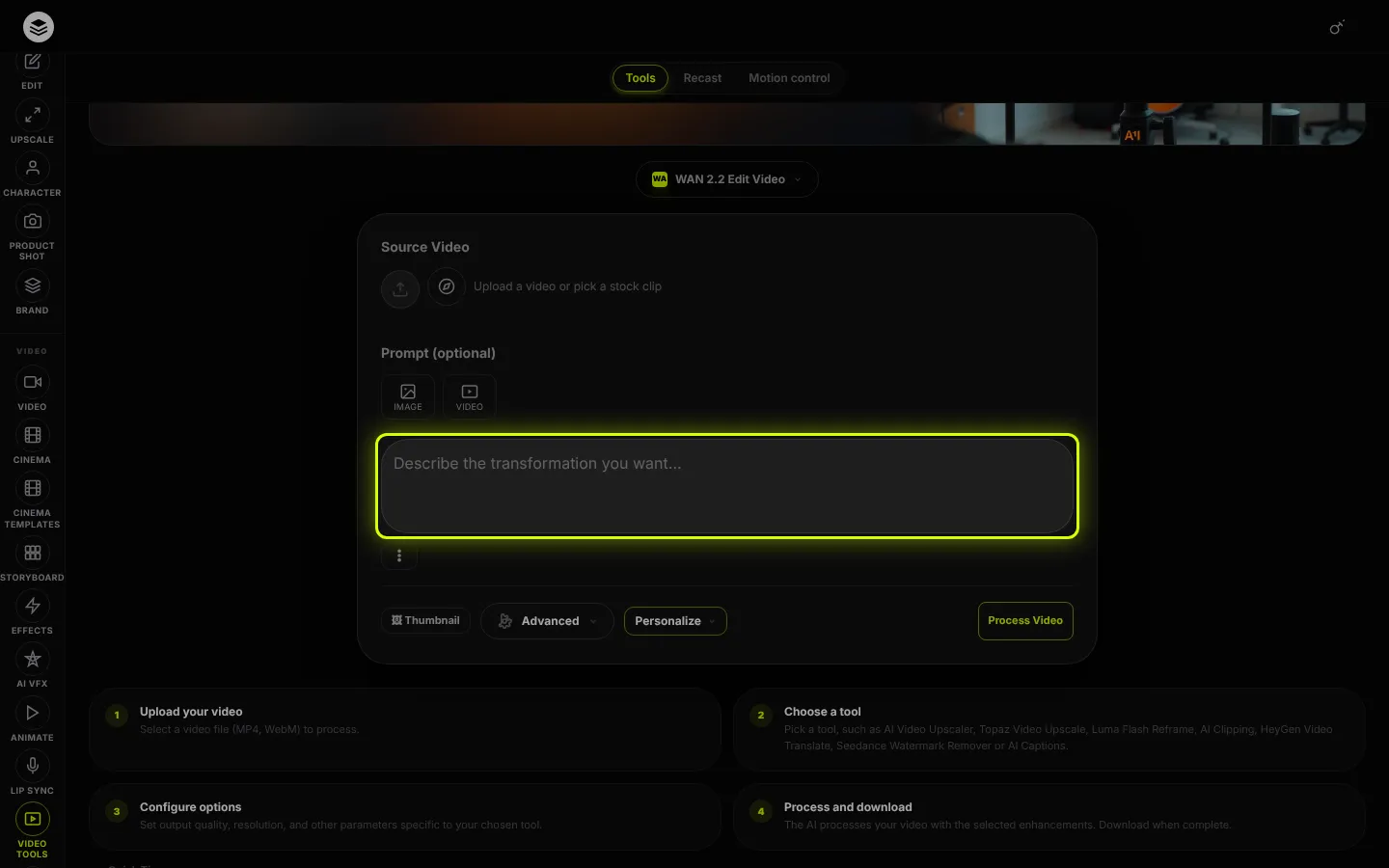
Prompt (optional)
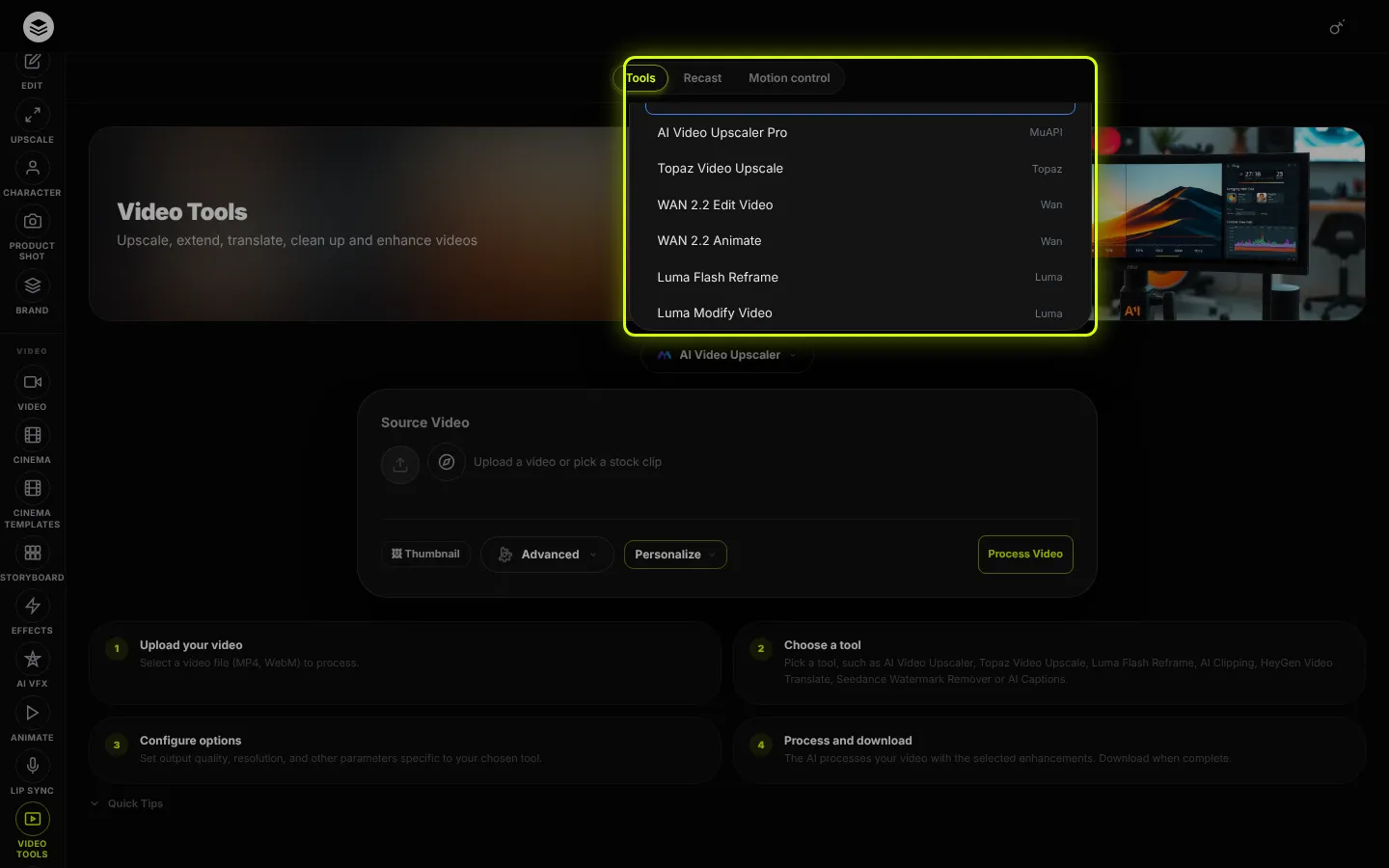
Optional | Text instruction for tools that support it (WAN 2.2 Edit Video, Luma Modify Video). | Edit or modify tools. | Hidden for tools that do not use a prompt. |
Native Audio
Optional | Switch shown only for tools that support it (Wan 3.0 Upscale in the current list). | When you want audio handled by the tool. | Off by default. |
Motion video
Required | Slot in Recast and Motion control. Without it: Please upload a motion video first. | Always on those tabs. | Upload failures show: Upload failed: followed by the reason. |
Character image(s)
Required | Slot named Character image (Recast, one image) or Character images (Motion control, several). | Always on those tabs. | Recast without an image shows: Please upload a character image first. Motion control without images shows: Please add at least one character image. Max images per model: 30 for Seedance 2.5 variants, 9 for Seedance 2.0. |
Model (Recast / Motion control)
Optional | Chosen from the model pill. Recast default: Kling 3.0 Pro Motion Control. Motion control default: Seedance 2.5 Motion Control. | Choose based on duration, image count and prompt support. | Options shown depend on the model (for example aspect ratio is hidden if a model has none). |
Duration (Motion control)
Optional | Pill showing seconds; choices step by 1 second up to 9 and then by 5 seconds up to the model maximum. | To control length. | Minimum 4 seconds; maximum 15 (Seedance 2.0) or 30 (Seedance 2.5). Default 5. |
Quality, Bitrate, Audio (Motion control)
Optional | Quality pill (High or Basic) for Seedance 2.0; Bitrate: normal or high for Seedance 2.5 variants; Audio: off or on for all four. | Final renders or when sound is needed. | Pills appear only when the selected model supports them. Defaults: High, normal bitrate, audio off. |