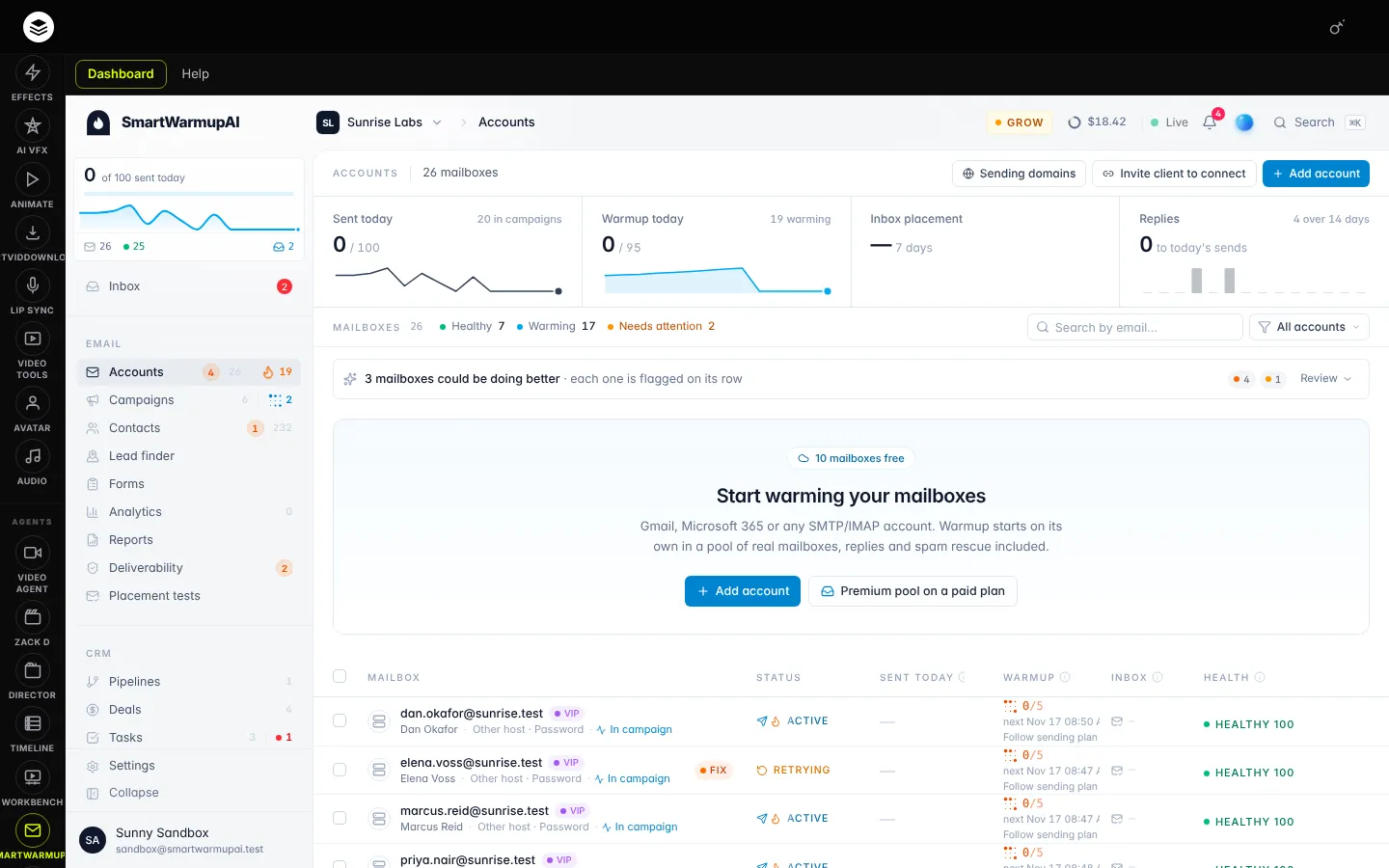
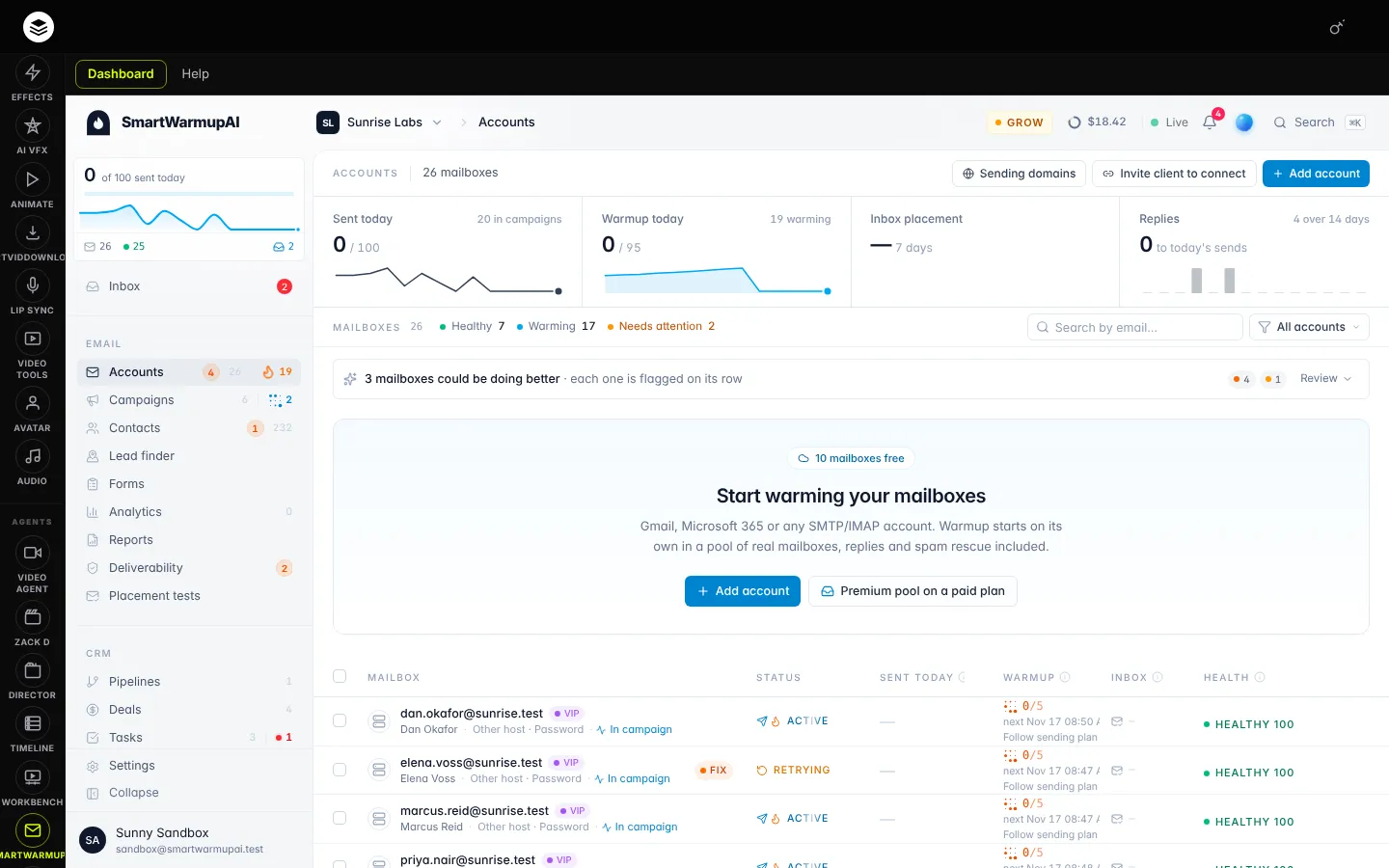
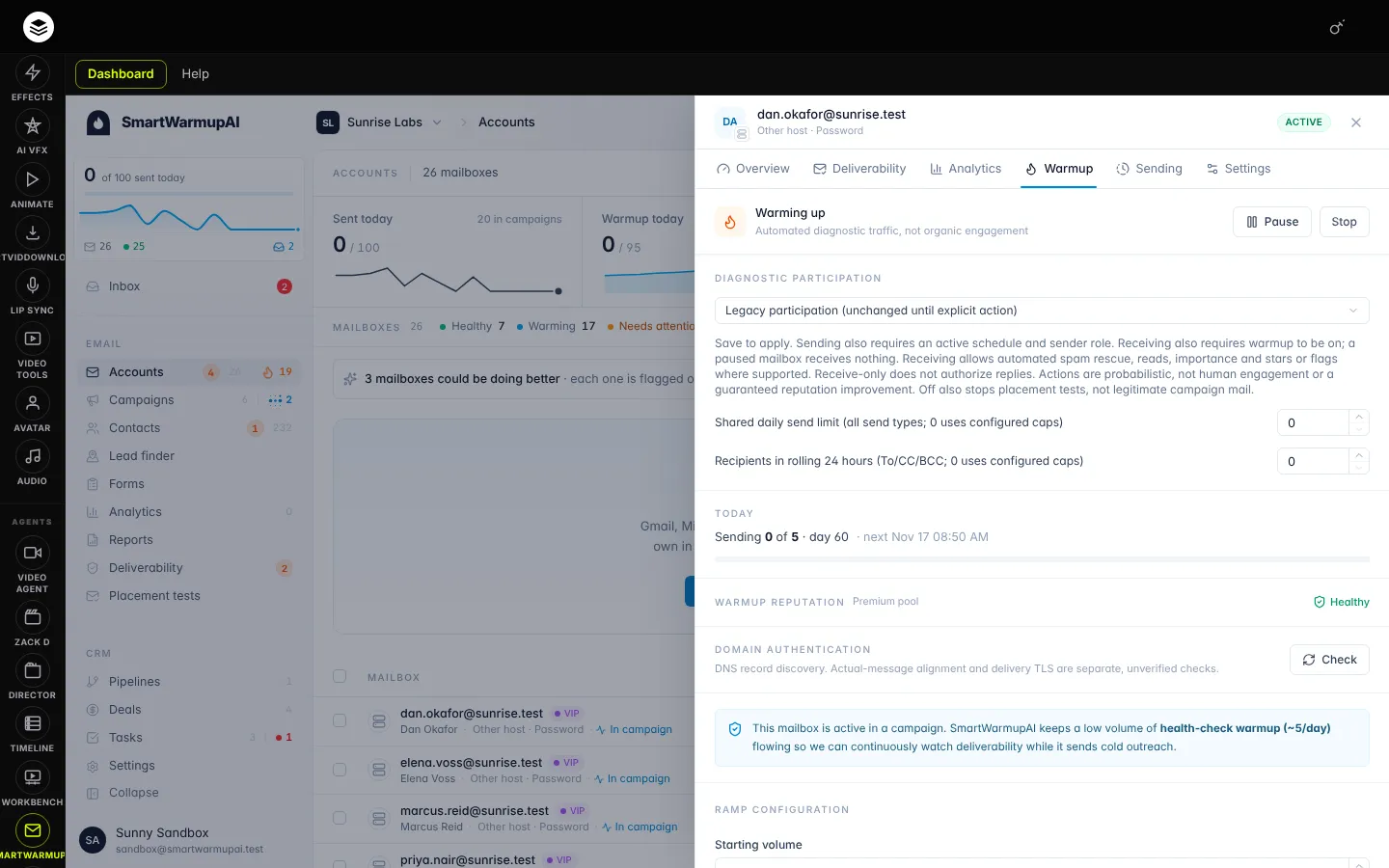
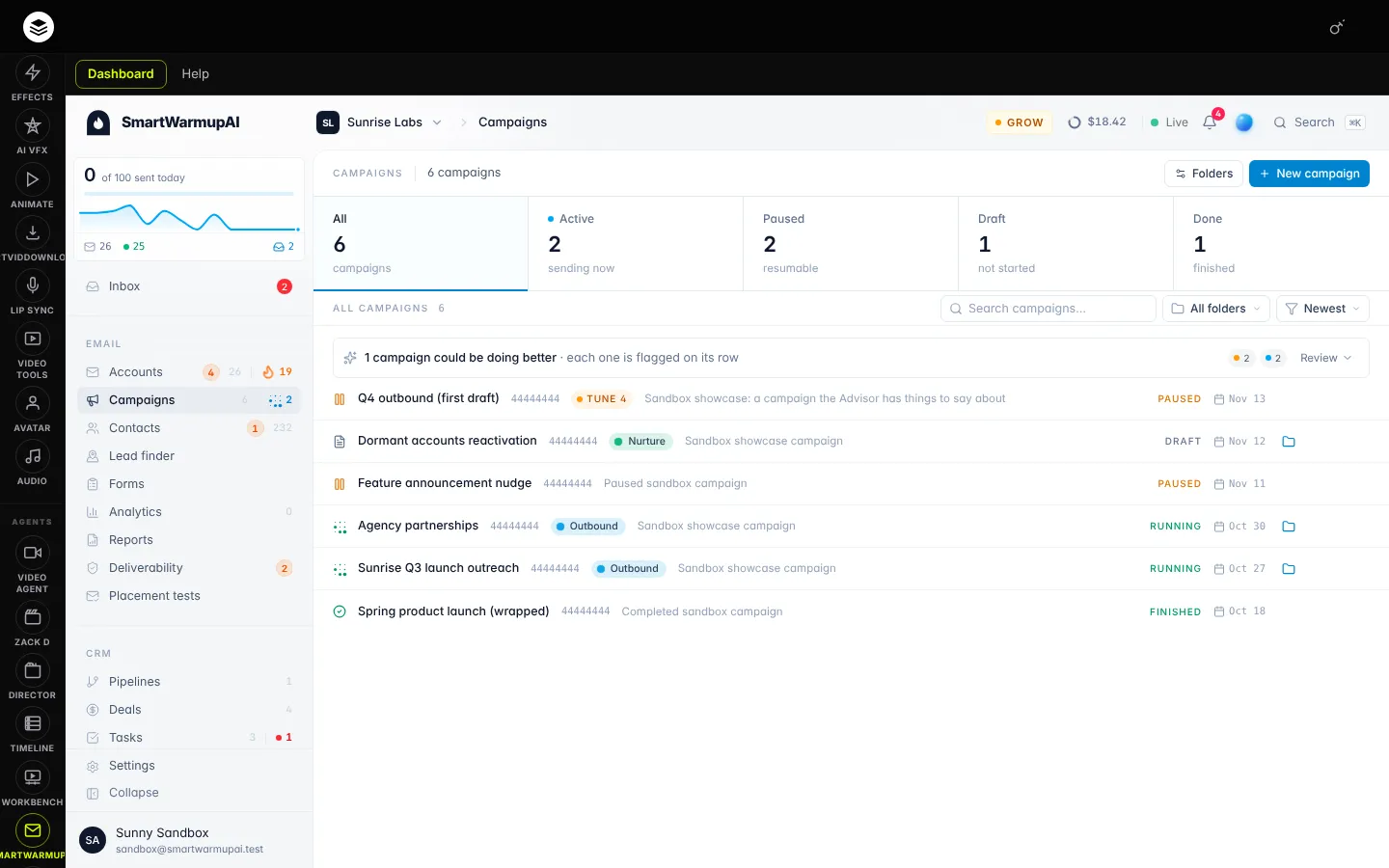
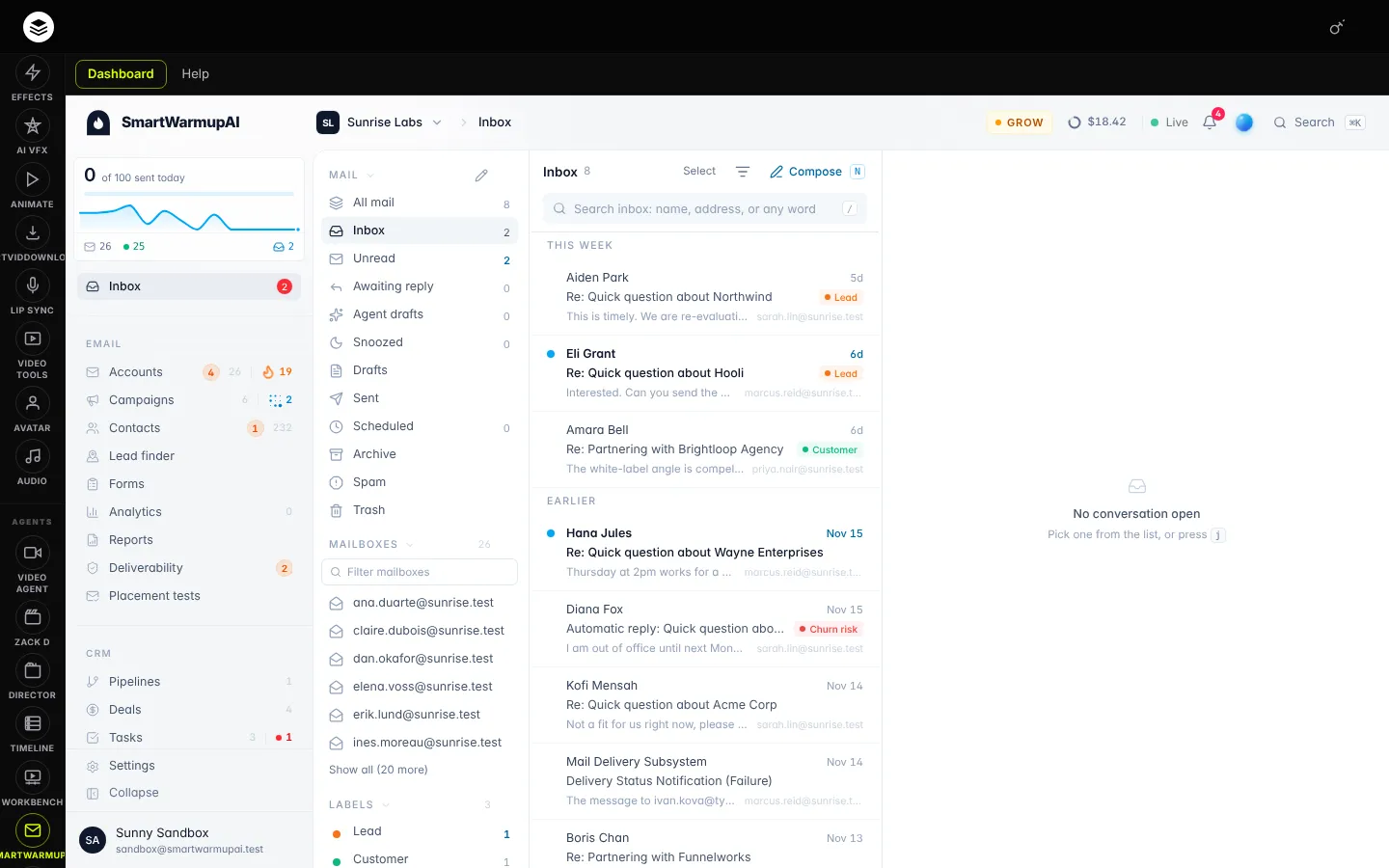
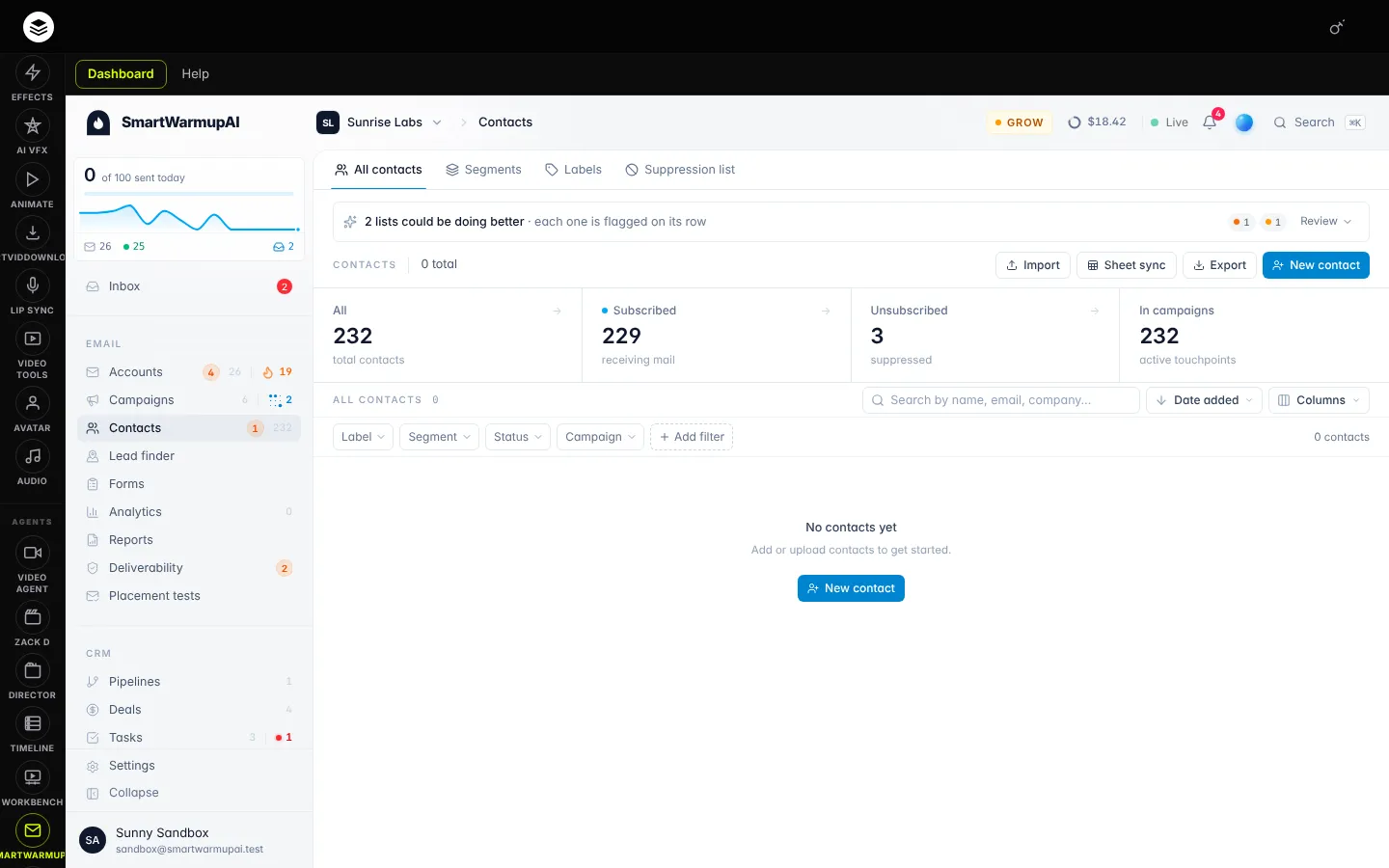
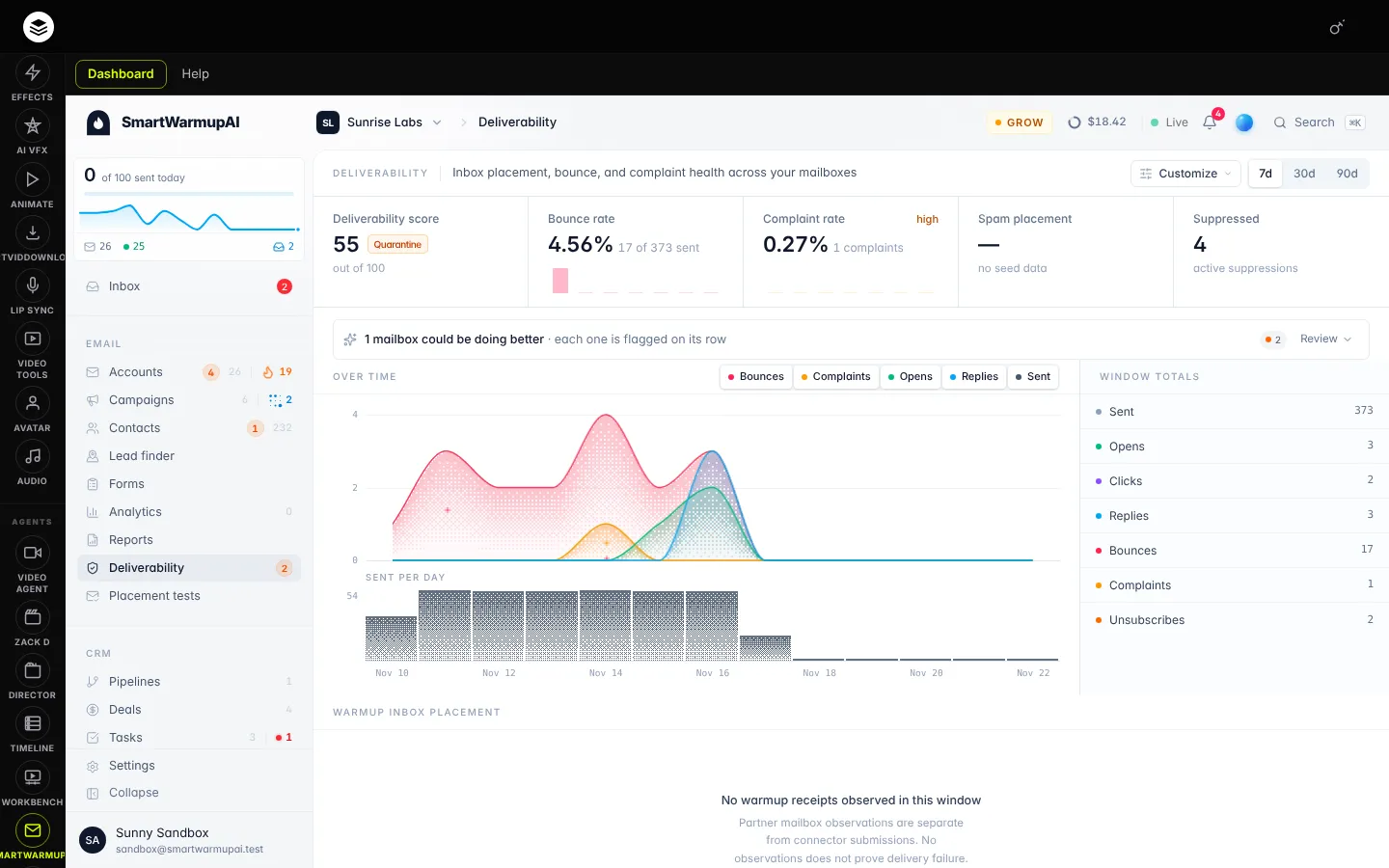
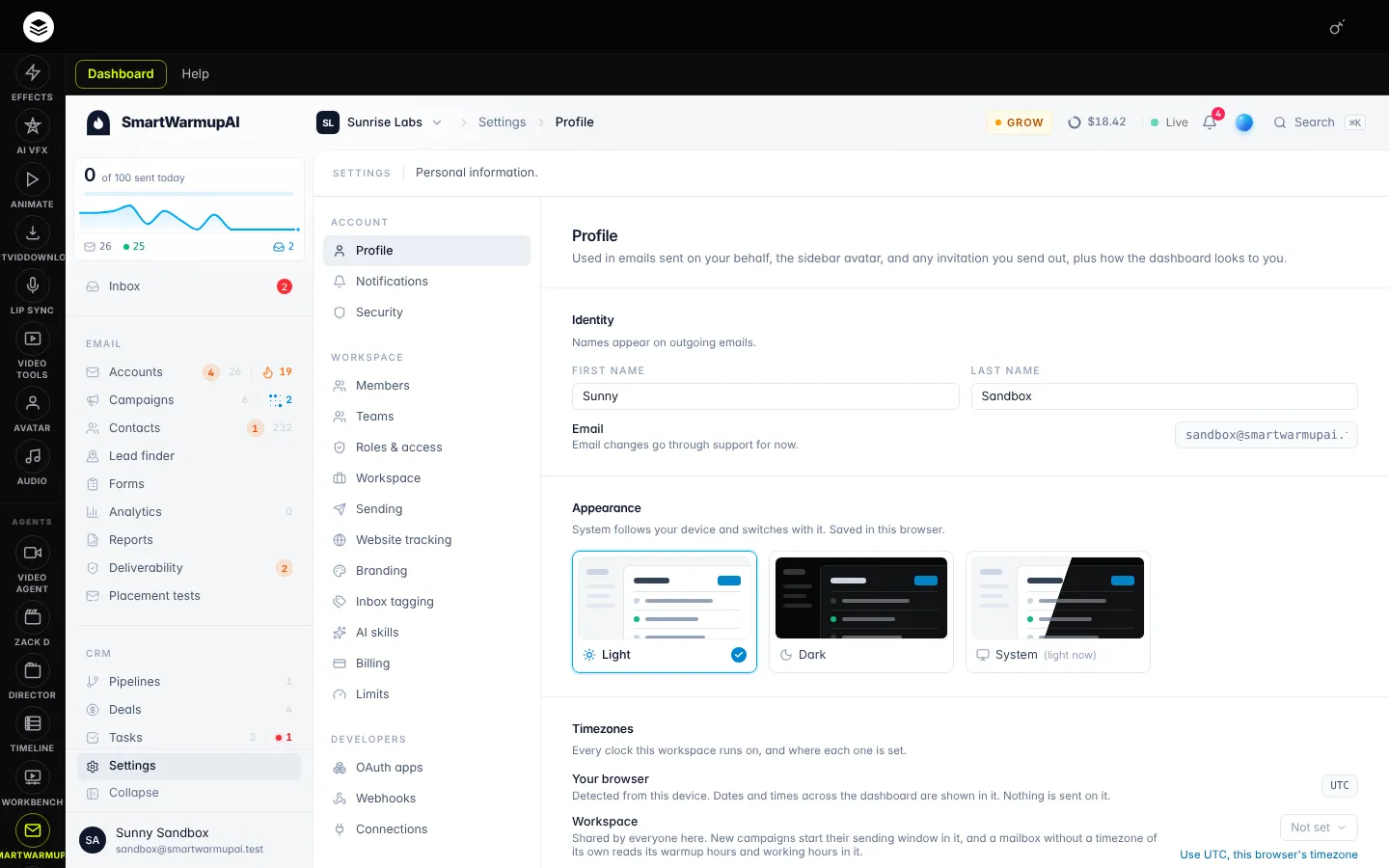
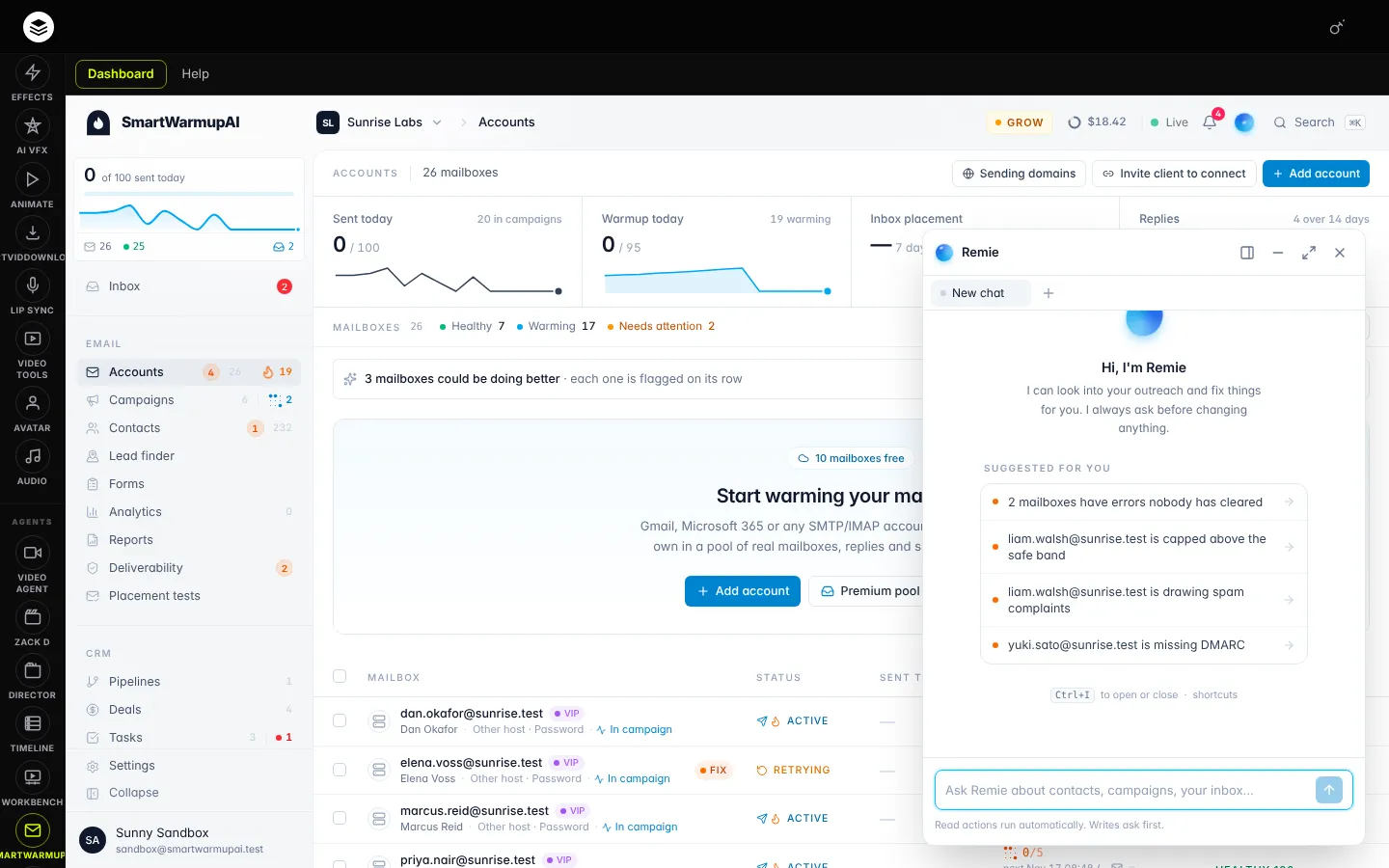
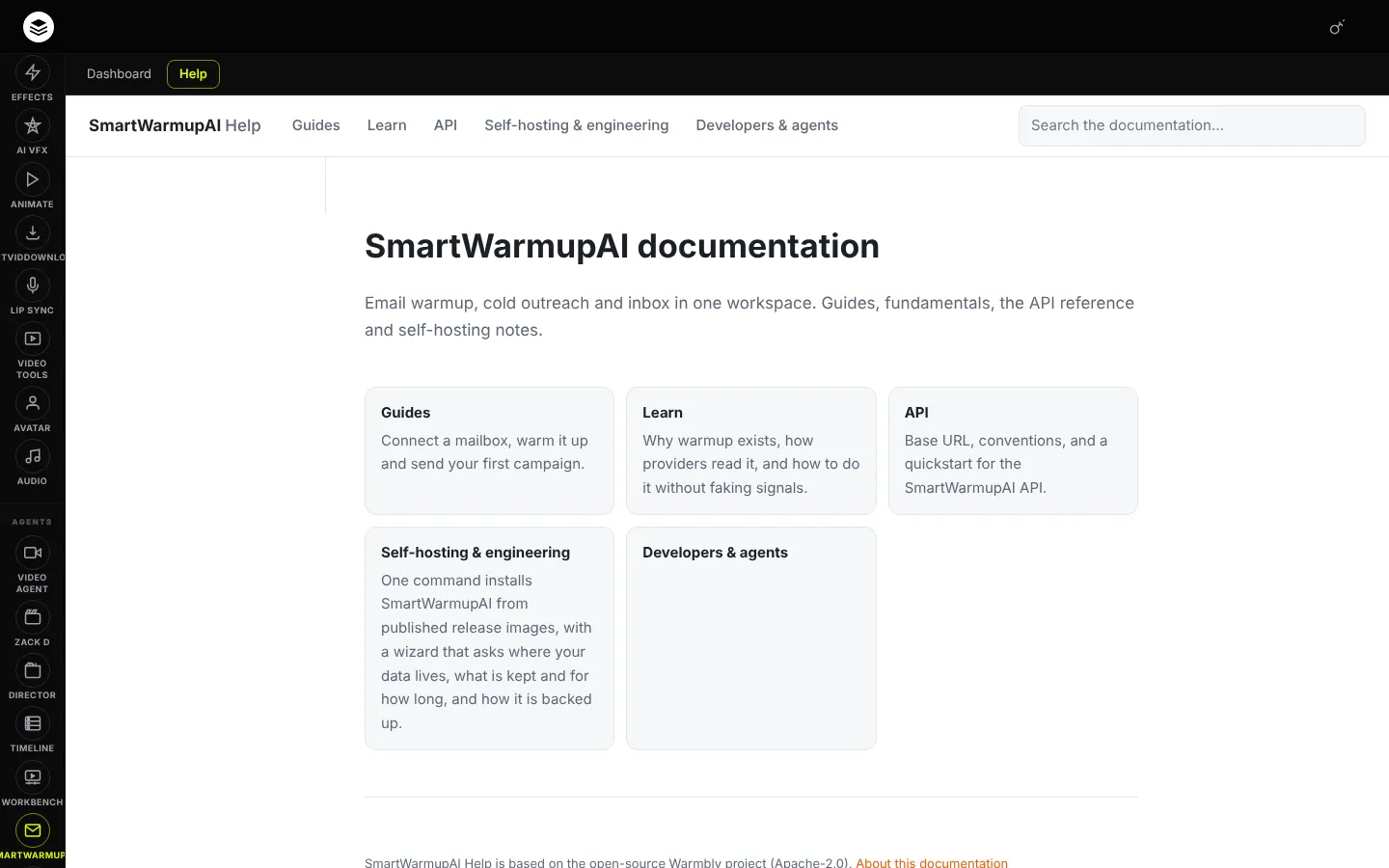
SmartWarmupAI (#/smartwarmupai, under Agents in the side menu) embeds a full email outreach dashboard with two tabs at the top: Dashboard and Help. It opens on Accounts (your mailboxes). The dashboard's own side menu has Inbox; an Email group (Accounts, Campaigns, Contacts, Lead finder, Forms, Analytics, Reports, Deliverability, Placement tests); a CRM group (Pipelines, Deals, Tasks, Meetings); a Resources group (Templates, Integrations, Automations, API Keys, Audit log); and Settings. Ask Remie in the header opens its AI assistant. Deep links open a view directly: #/smartwarmupai/mailboxes, /campaigns, /inbox, /contacts, /pipeline (Deals), /deliverability, /automations, /integrations, /dashboard (Analytics), /settings (Settings > Profile) and /help (the Help tab, optionally followed by a page path such as #/smartwarmupai/help/guides/warmup/). Important: the studio is built in demo mode, so it shows a recorded sample workspace (Sunrise Labs, with sample mailboxes, campaigns, contacts and replies). You can click around, create and edit things, but nothing is really sent or connected, changes are kept only in the browser and disappear when you reload, and views without recorded data say 'This view has no recorded demo data yet.' Connecting real mailboxes, real warmup, sending campaigns, integrations and the AI assistant need a real compatible backend configured by whoever runs this app. The dashboard and Help are based on an open-source project and renamed to SmartWarmupAI; pages and labels about plans, billing, 'SmartWarmupAI Cloud', pricing or support describe the original project's hosted service, not a SmartWarmupAI plan.
When to use it
- You want to warm up new mailboxes before cold outreach.
- You want to send a multi-step email sequence with follow-ups and stop on reply.
- You want all prospect replies from many mailboxes in one inbox.
- You want to check inbox placement, bounce and spam rates.
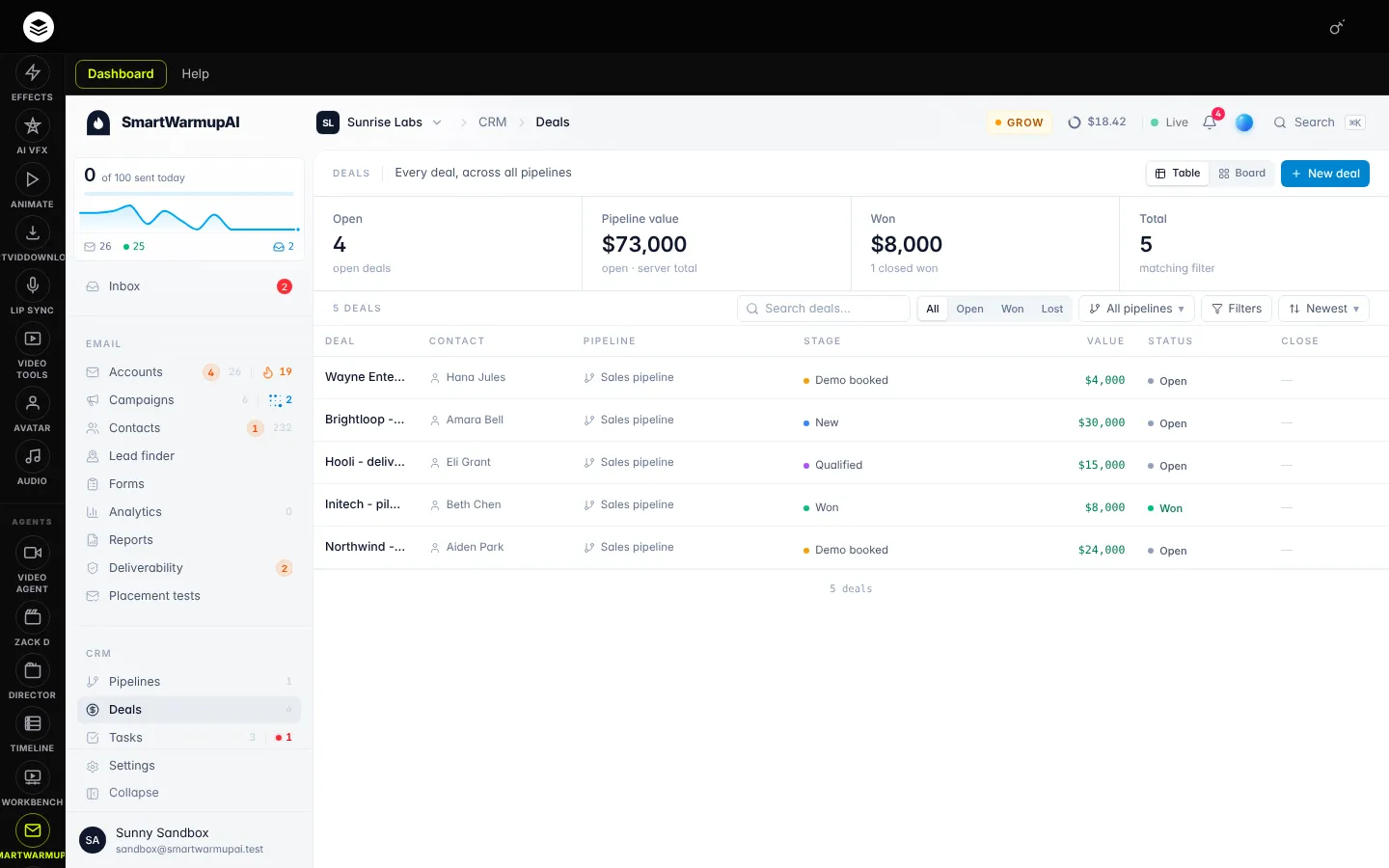
- You want to track deals, tasks and meetings from email replies.
- You want to explore how an email outreach tool works using demo data.
- Dashboard and Help tabs, with deep links to each main view
- Accounts: Add account for Google, Microsoft or any SMTP / IMAP mailbox
- Warmup per mailbox with a ramp, sending window and sending days
- Campaigns with a step-by-step New campaign wizard and a sequence of steps
- Inbox with views such as Action required, Hot leads and Needs a reply
- Contacts with segments, labels, suppression list, import and sheet sync
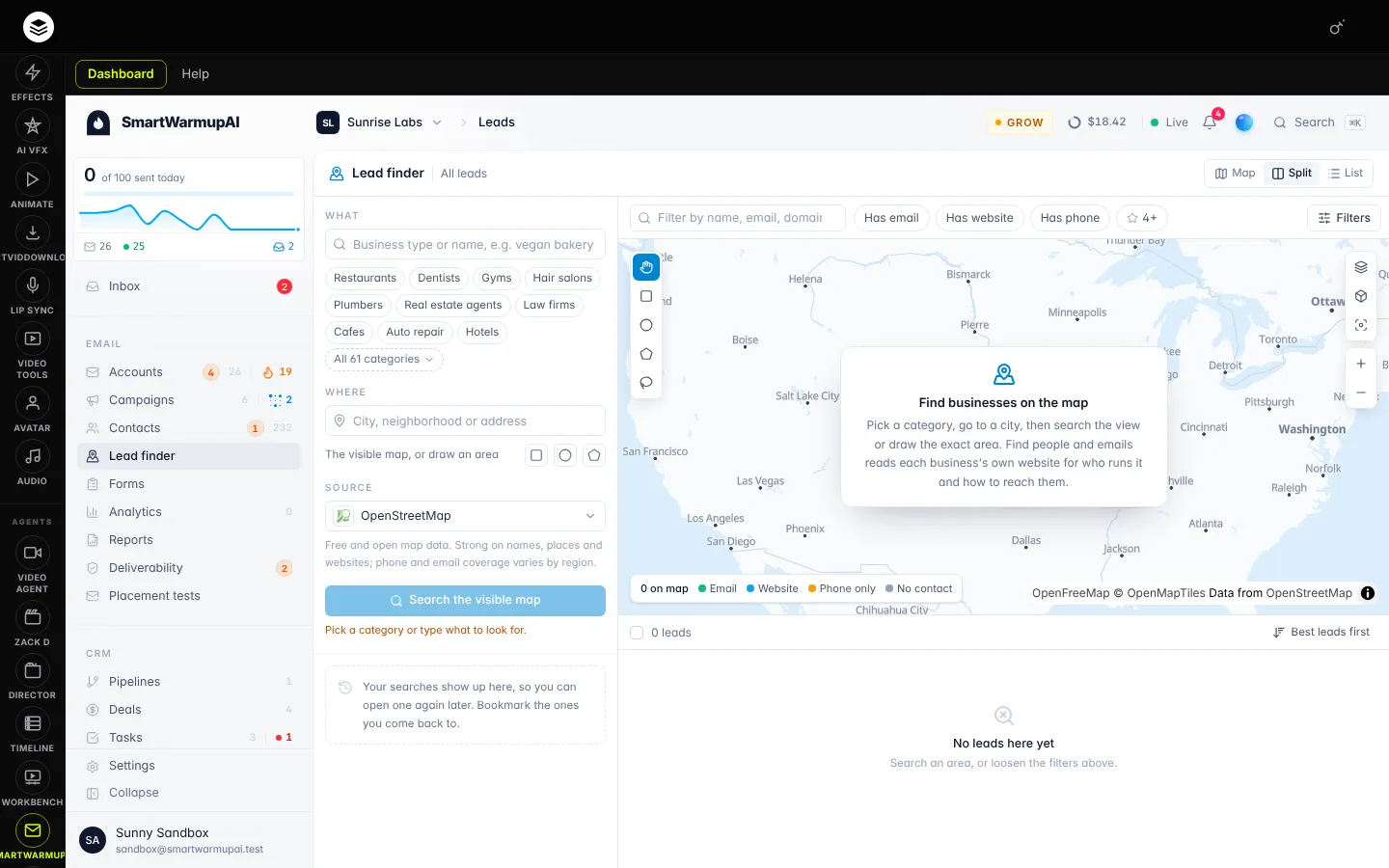
- Lead finder map search
- CRM: Pipelines, Deals, Tasks and Meetings
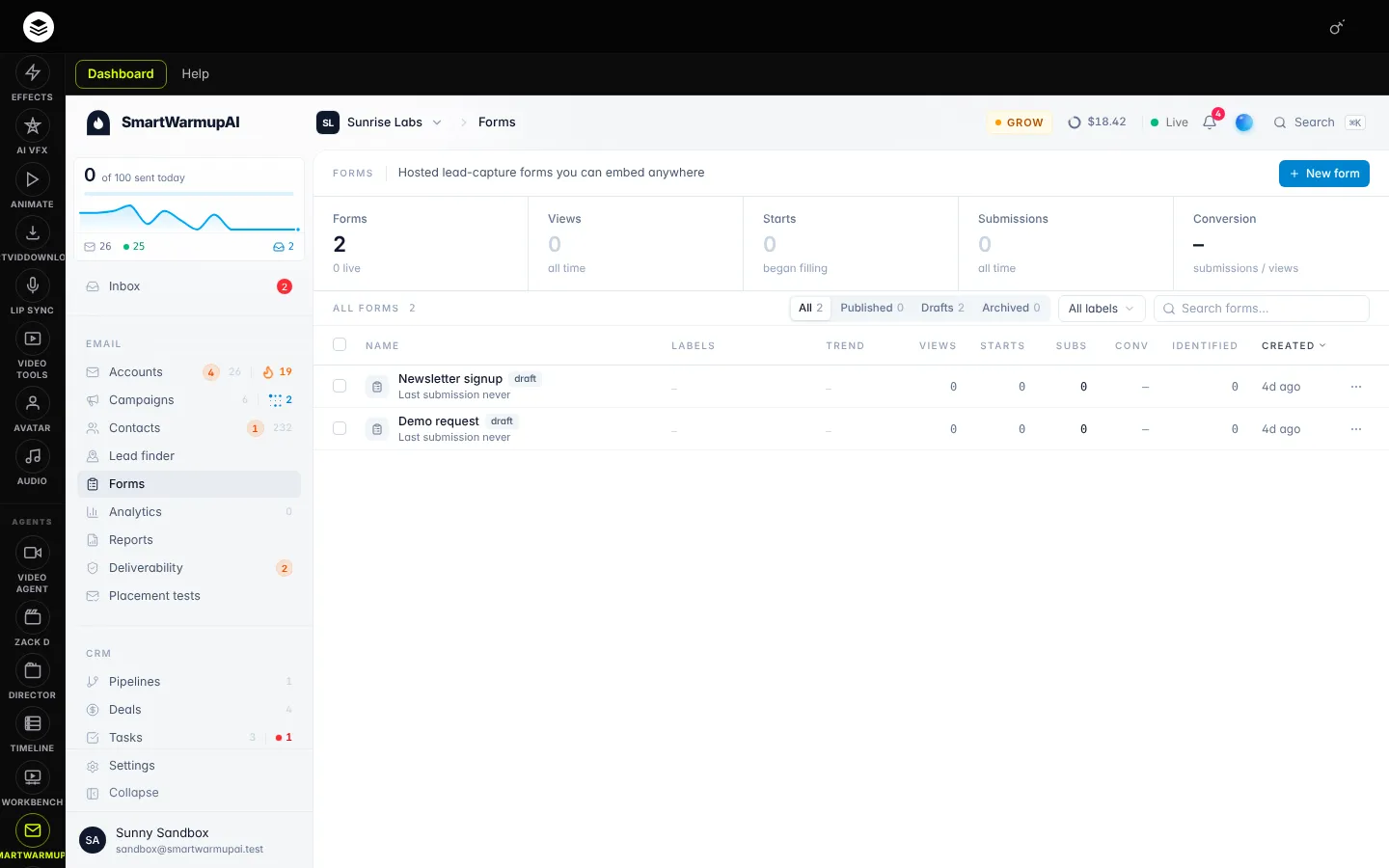
- Templates and hosted lead-capture Forms
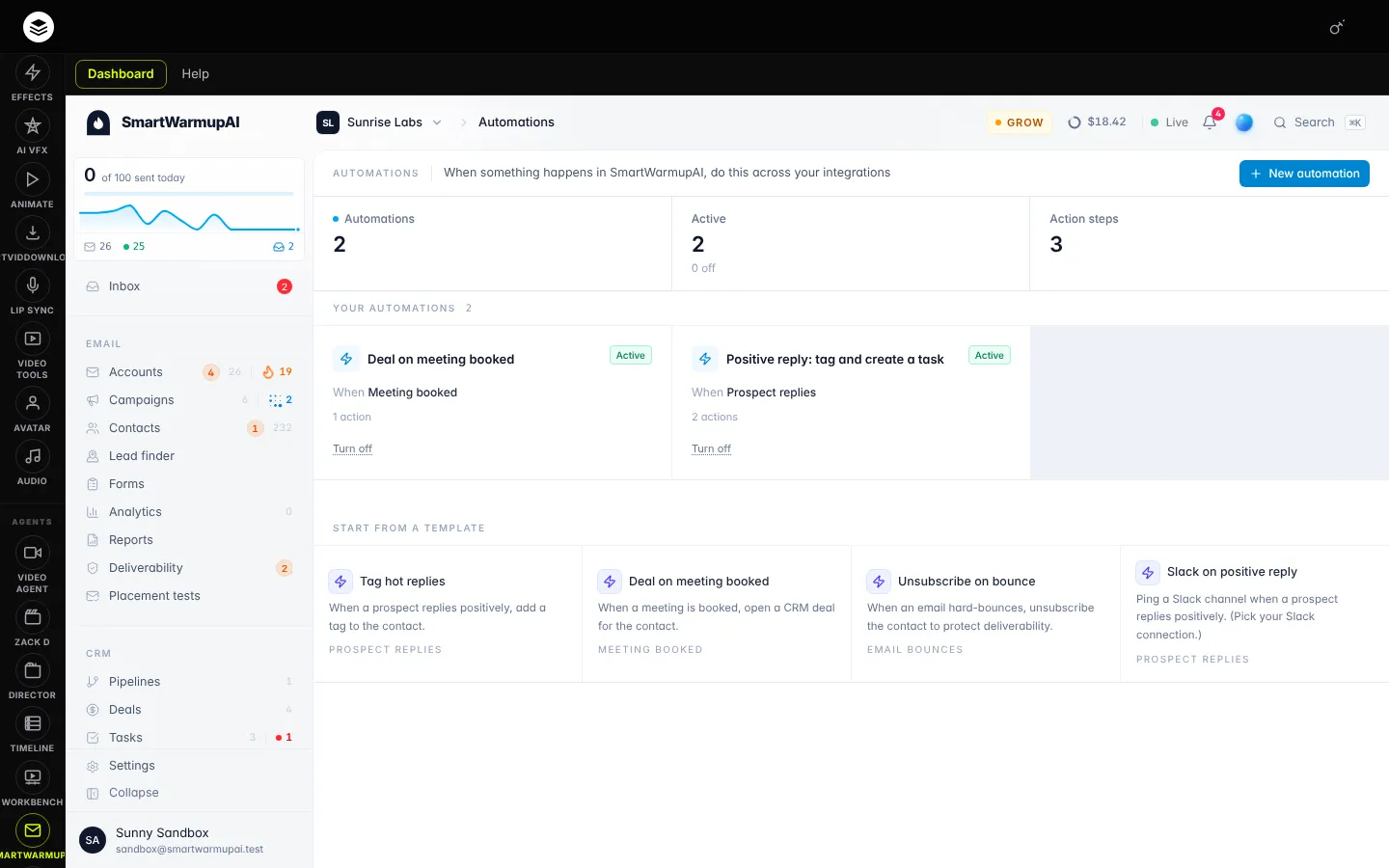
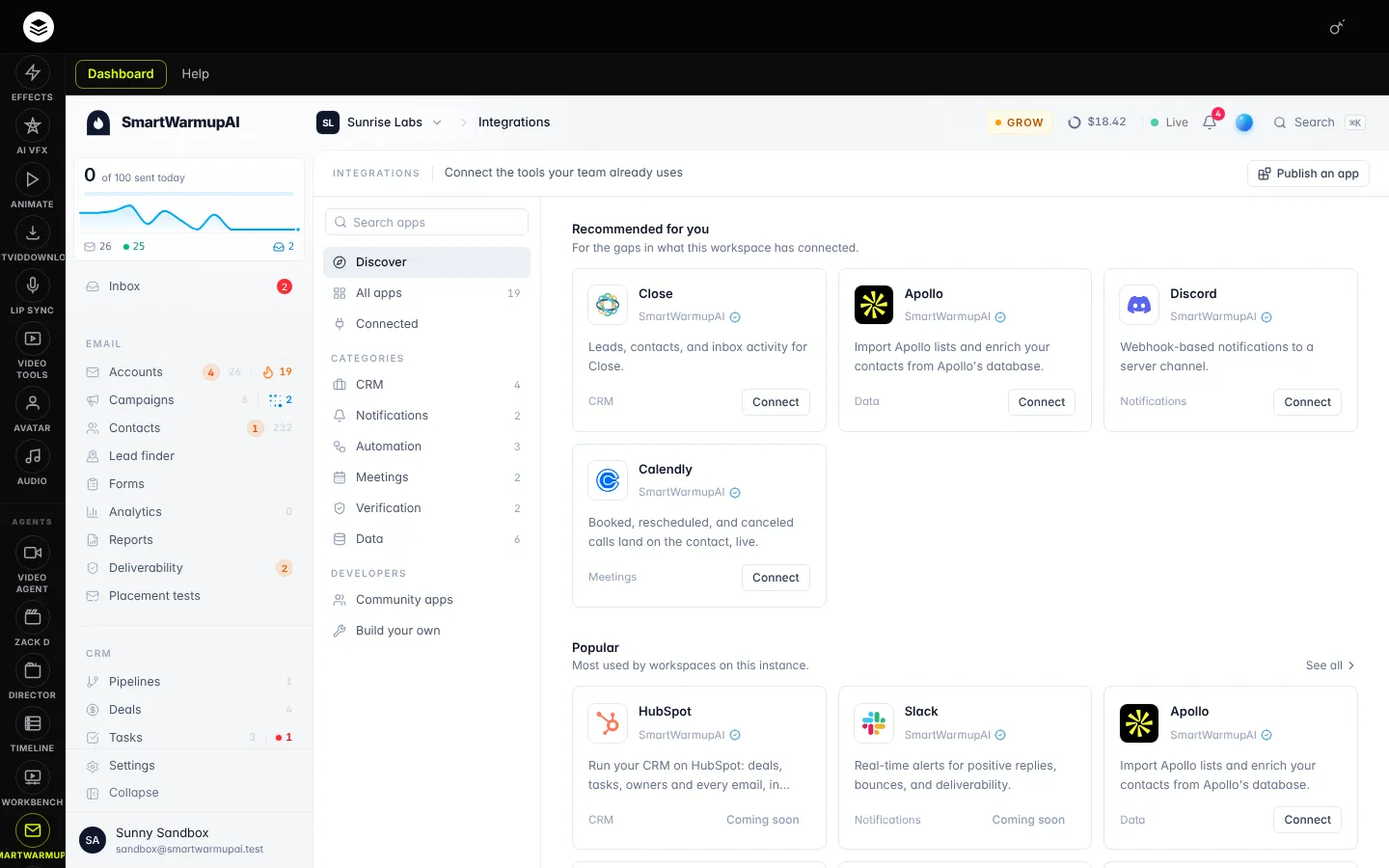
- Automations and Integrations (HubSpot, Salesforce, Pipedrive, Apollo, Clay)
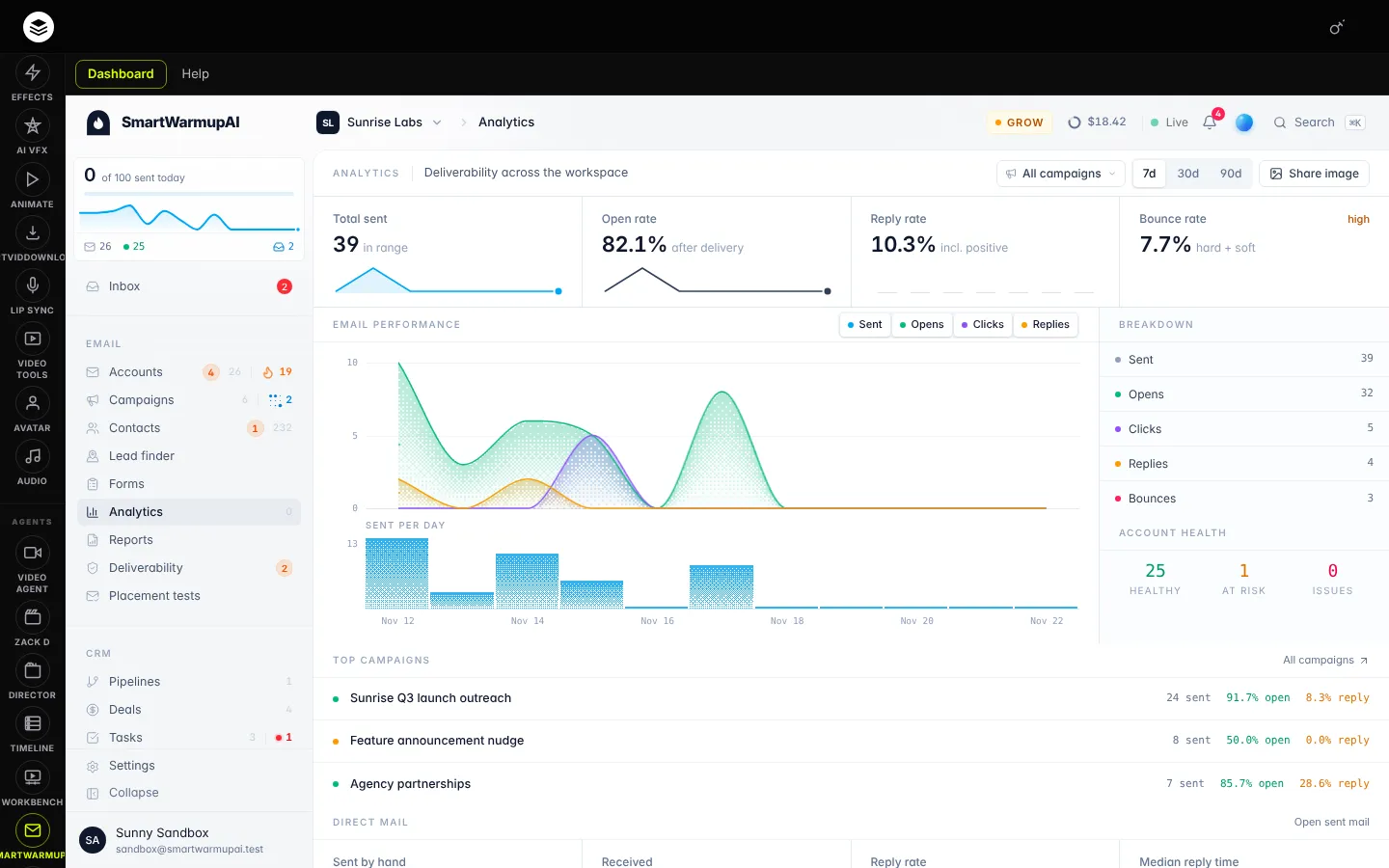
- Analytics, Reports, Deliverability and Placement tests
- Settings for account, workspace, developers and advanced options
- Ask Remie AI assistant
- Help site with guides